
7 Top Virtual Try-On Tools I Use to Explore Clothes Online with AI
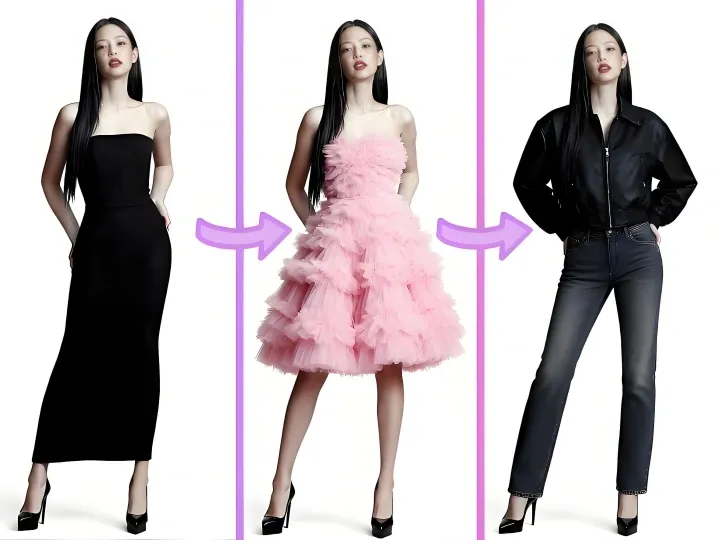
Whenever I shop online or help brands test new fashion tech, one challenge always comes up: it’s hard to know if a style will truly look good on me. That’s why Virtual Try On AI has completely changed the game. With these tools, I can instantly visualize outfits, swap garments, and experiment with different styles—all from my laptop or phone.
Here are the seven platforms I rely on, starting with the one I use most often. If you want to quickly understand the tool, and find a suitable one for yourself, you can directly draw the article at the end.
PixaryAI: Quick and Reliable Clothes Swap AI for Everyone
For me, PixaryAI is the first stop when I want a smooth virtual try-on clothes experience. The workflow is straightforward: upload a photo, choose an outfit, and the AI performs the clothes swap AI automatically.
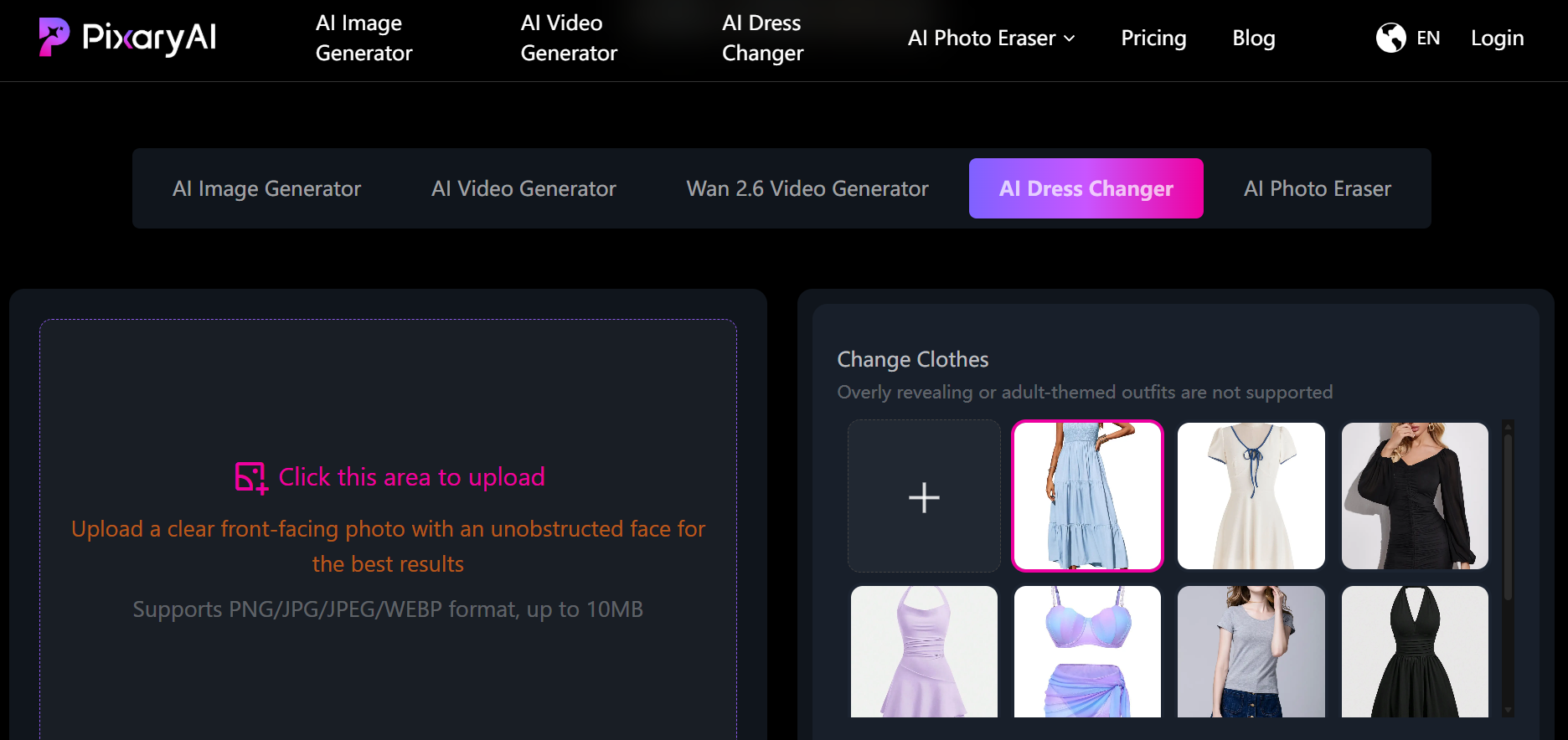
What I love is the naturalness of the results—shadows, folds, and color blends perfectly with the original image. I often use PixaryAI to preview different outfits while shopping online, helping me decide which pieces to add to my cart. It’s also ideal for e-commerce teams: they can create multiple product images showing clothing swaps on different models, which improves online merchandising and reduces return rates.
Additionally, PixaryAI offers a virtual try-on clothes online free option, making it easy for anyone to test multiple outfits without signing up or paying. I usually experiment with quick style changes or draft content for social media campaigns, and the speed is unbeatable. It’s truly a time-saver for both personal use and small business projects.
Fitroom: Retail-Grade Virtual Outfit Try On
When realism matters, I turn to Fitroom. This tool is designed for fashion retailers who want highly accurate AI clothes swap simulations. It recreates how fabrics like silk, cotton, or denim behave on different body types, ensuring that each clothing swap looks realistic and proportional.
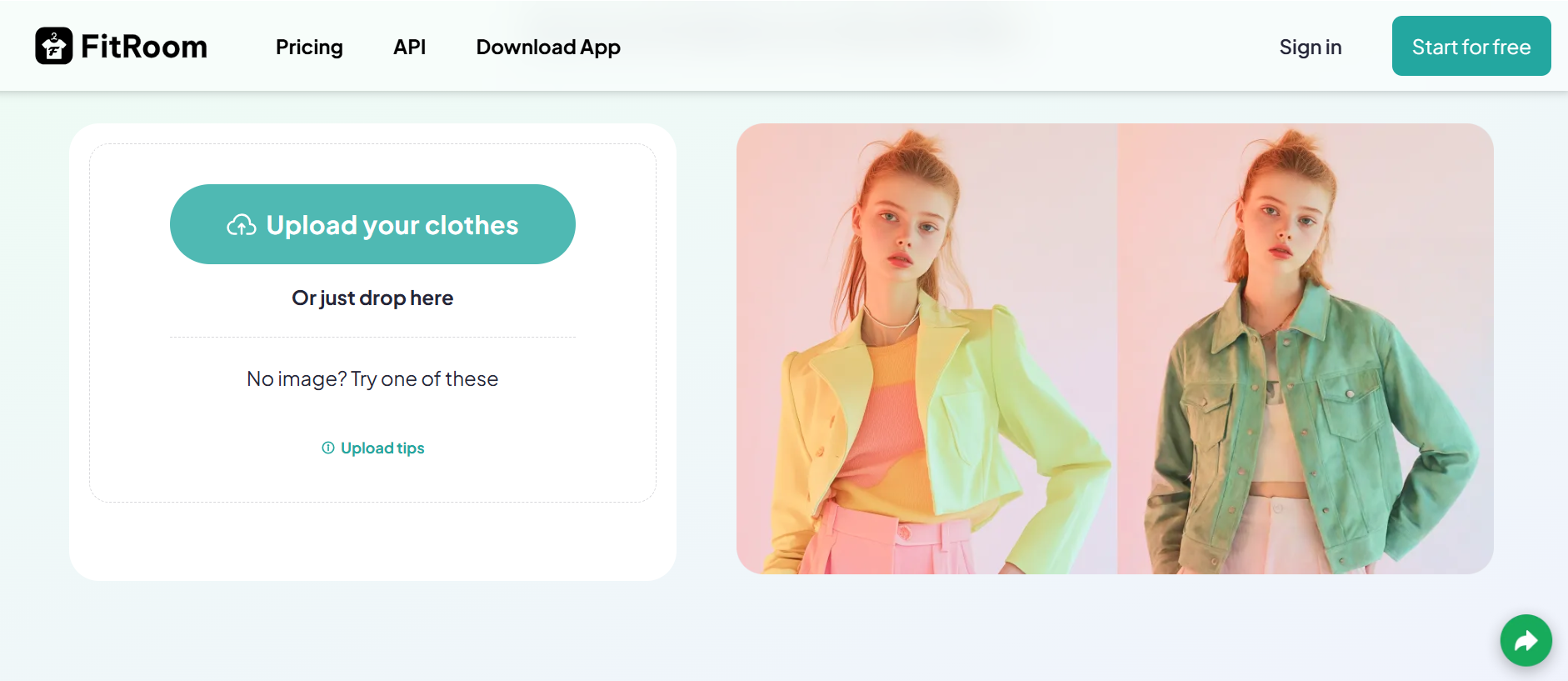
I’ve used Fitroom when preparing product pages for online stores—it allows customers to swap clothes virtually directly on models, reducing uncertainty before checkout. For brands, this means fewer returns and higher satisfaction. Personally, I also appreciate how Fitroom supports bulk image generation, making it easy to update multiple outfits at once for catalogs or lookbooks.
ImagineArt: Rebuilding the Image Around Outfits
ImagineArt takes a creative approach by reconstructing the entire image with the new outfit in mind. Instead of just overlaying clothes, each AI clothing swap is seamlessly integrated with lighting, shadows, and fabric texture.
I use ImagineArt when I want more polished visuals for social campaigns or editorial-style content. It’s perfect for experimenting with layered outfits, unique patterns, or color variations. The platform also connects clothes swap AI with video and image editing tools, so I can instantly turn my virtual try-on results into marketing materials or style reels. The ability to quickly iterate multiple looks in a single session makes it a favorite for creative testing.
Vidnoz: Motion-Focused Virtual Try-On AI
When I create video content, Vidnoz is my go-to. It links clothing swaps to animated avatars, short-form video templates, and interactive storytelling.
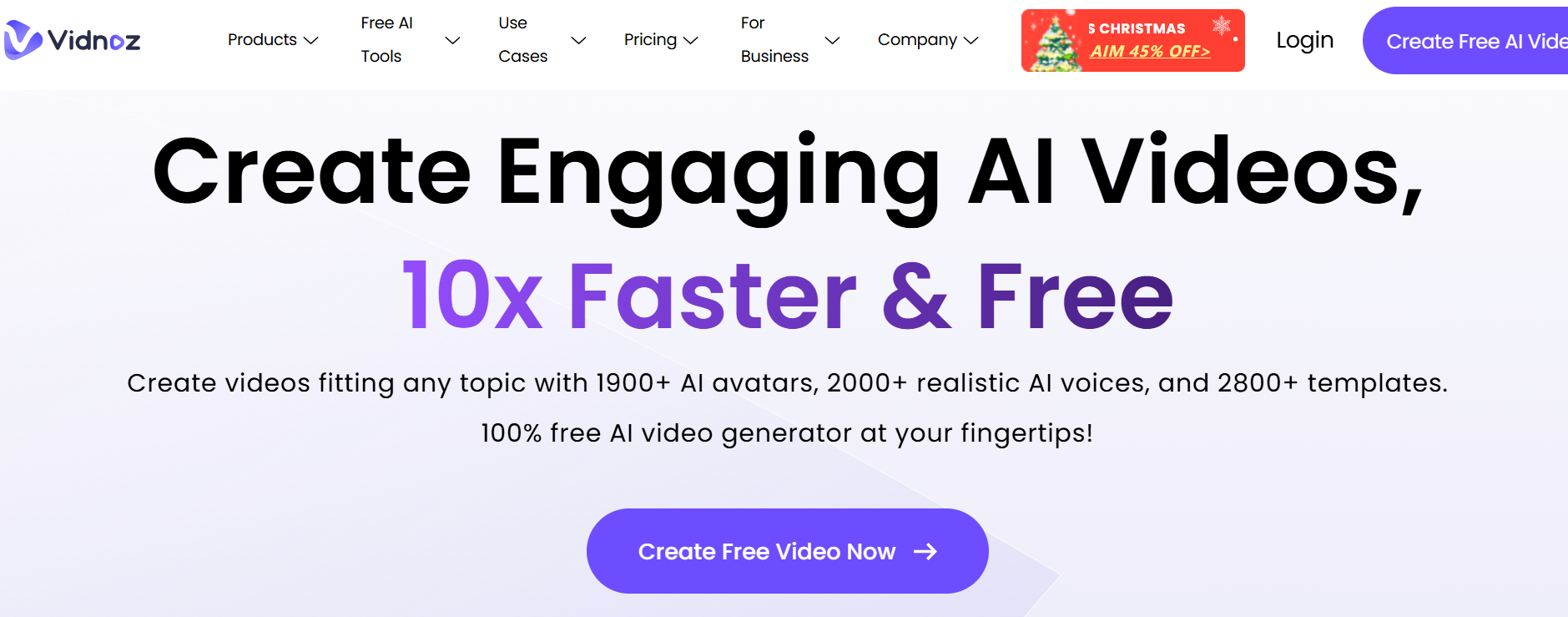
This is a game-changer for social media creators: I can test how outfits move, add expressions, lip-sync audio, and export fully polished clips. While garment realism may not be as precise as Fitroom, the dynamic swap clothes features make it perfect for lifestyle promos, TikTok clips, or fashion storytelling. Vidnoz bridges static virtual try-on clothes and motion-based content, giving a more immersive preview of outfits.
Fotor: Fast Virtual Outfit Try On for Quick Experiments
For casual experimentation, I often turn to Fotor. I can describe a garment, and the platform generates an updated image with the requested outfit applied.
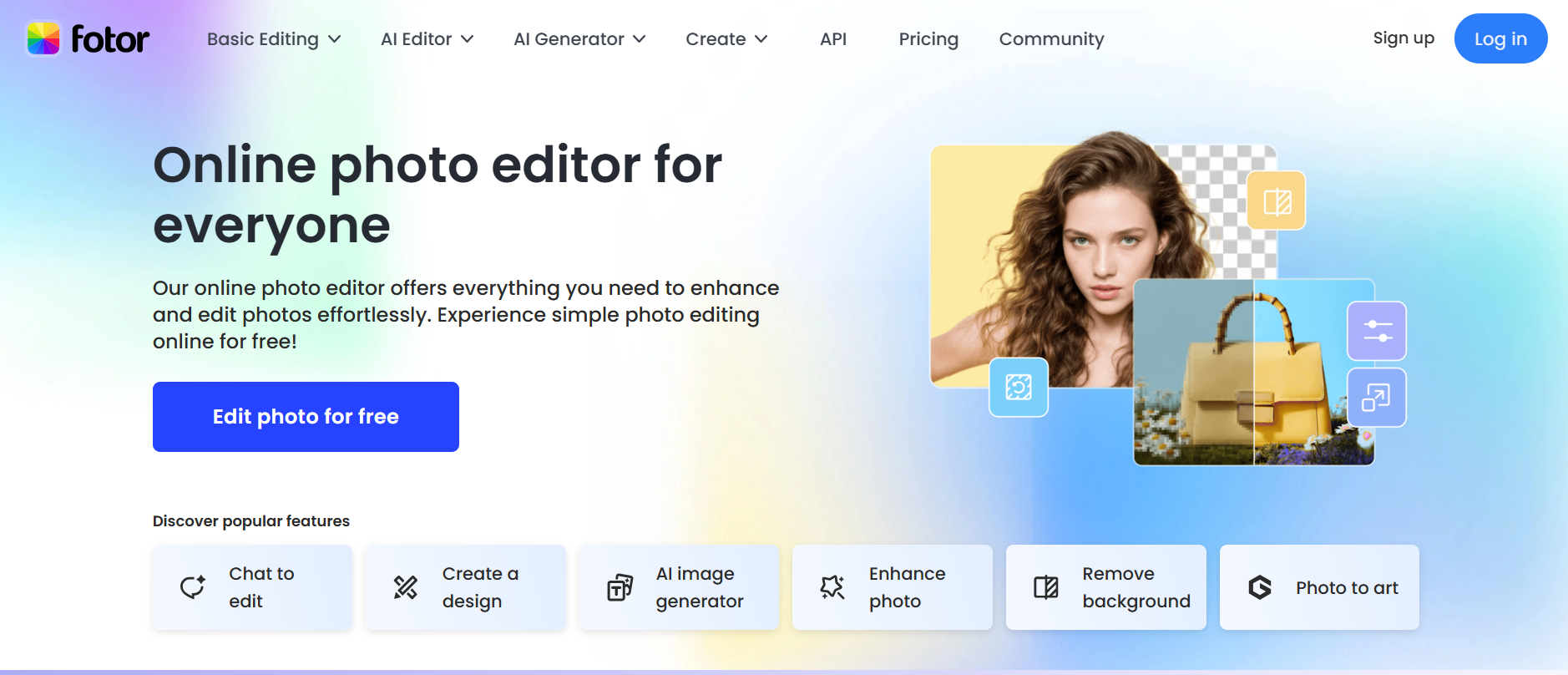
It’s ideal for testing colors, patterns, or wardrobe updates quickly. As a virtual try-on clothes online free solution, it works well for anyone exploring clothes swap AI without committing to complex tools. I’ve also used Fotor to create professional-style portraits from casual photos by swapping outfits with business attire—a great example of clothing swaps beyond fashion shopping.
YouCam: Mobile-First Virtual Try On for Full Look Previews
YouCam shines on mobile devices. It combines AI clothing swap with hair, makeup, and accessory adjustments, letting me preview an entire look at once.
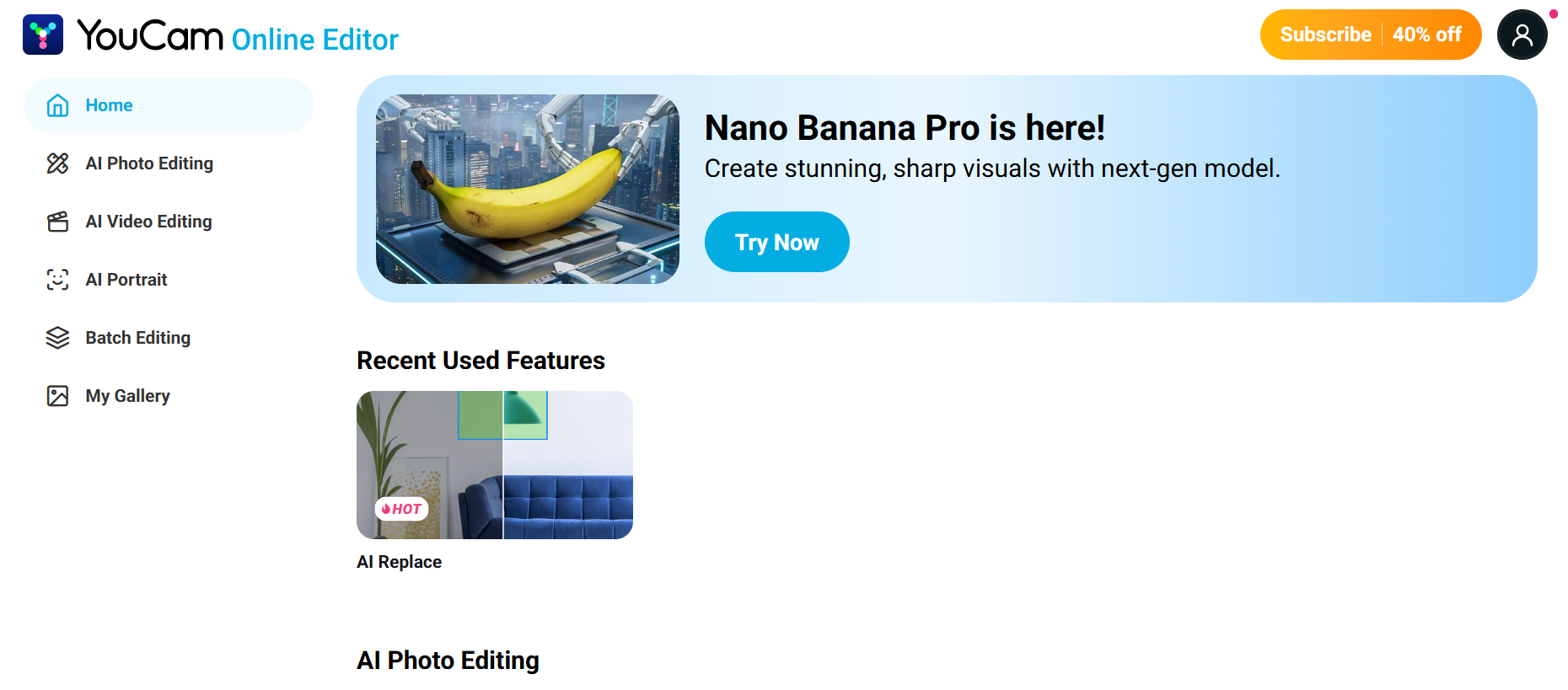
For social media posts or daily outfit inspiration, this is invaluable. Instead of focusing solely on garments, YouCam provides a holistic styling experience. I can quickly test new outfits while on the go, combining swap clothes features with beauty edits to see how an ensemble truly works together. Its speed and accessibility make it my favorite for spontaneous outfit testing.
BeautyPlus: Casual Virtual Try-On for Social Sharing
Finally, BeautyPlus is perfect for quick and casual clothing swaps. It integrates clothes swap AI into a familiar selfie-editing interface, making outfit changes simple for lifestyle posts.
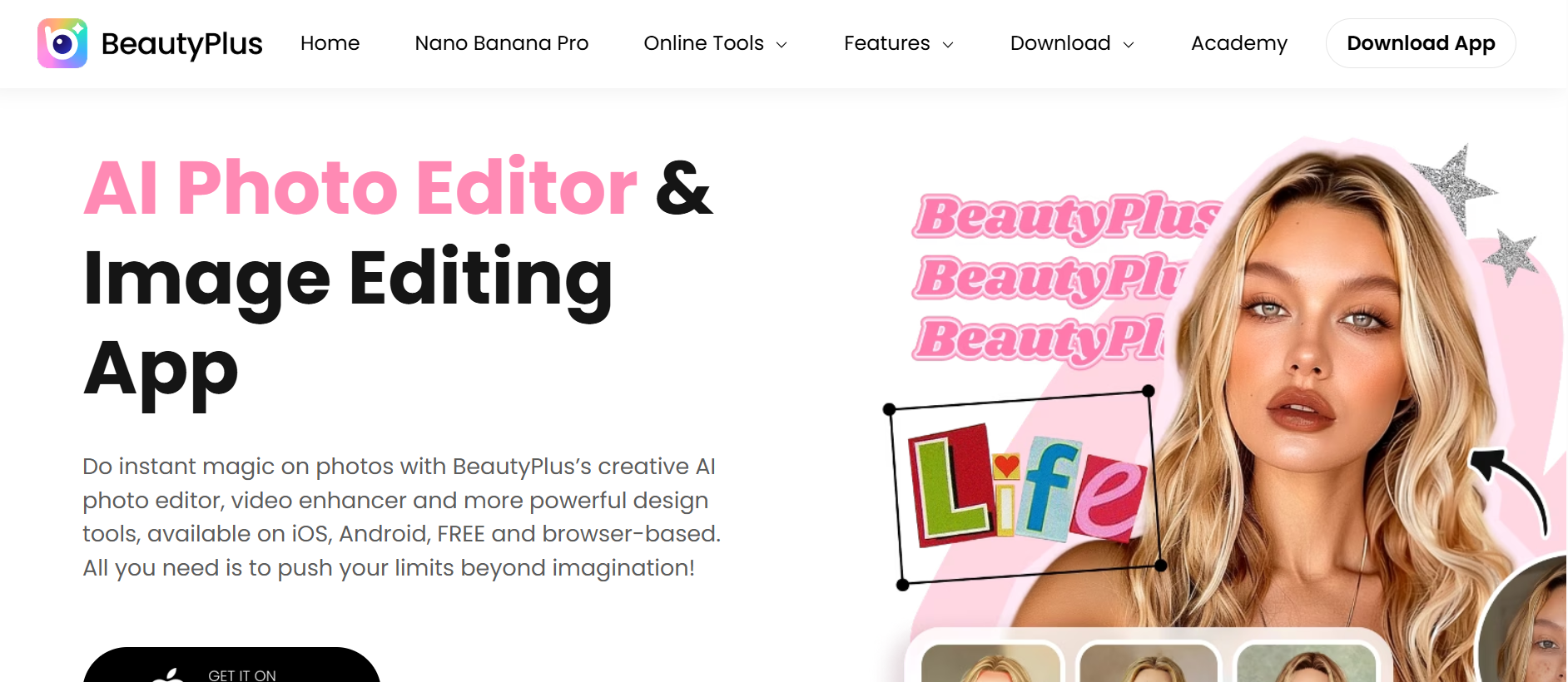
I often use it to swap casual outfits into trendier pieces or match seasonal looks. BeautyPlus also automatically balances lighting and skin tone, so each AI clothes swap looks cohesive and polished. For social sharing, selfies, or lightweight content creation, it’s fast, easy, and fun—perfect for personal styling experiments without overthinking.
Top 7 Clothes Swap AI Tools Comparison Table
Compare the leading AI-powered virtual try-on platforms to find the fastest, most realistic ways to swap clothes, experiment with styles, and preview outfits online. Whether you’re looking for personal styling, e-commerce solutions, or social media content creation, this table highlights the core features, best use cases, and advantages of each tool.
| Tool | Core Feature | Best For | Key Advantages | Free / Paid |
| PixaryAI | Quick and intuitive AI clothes swap | Personal styling, e-commerce previews | Fast clothes swap AI, natural outfit integration, simple workflow, virtual try-on clothes online free | Free tier available |
| Fitroom | Retail-accurate virtual outfit try on | Fashion brands, e-commerce product pages | High realism, fabric behavior simulation, supports bulk clothing swaps, reduces returns | Paid plans |
| ImagineArt | Full image reconstruction around outfits | Creators, social media content, editorial visuals | Seamless AI clothes swap, integrates shadows & textures, links with video & image editing | Paid |
| Vidnoz | Motion-focused outfit swaps | Video creators, social media marketing | Animate avatars, integrate outfit swaps in clips, lip-sync & expressions, dynamic clothes swap | Freemium |
| Fotor | Quick AI garment changes | Casual experimentation, content drafts | Fast clothing swaps, explore colors/patterns, supports portraits, virtual try-on clothes online free | Free / Paid |
| YouCam | Mobile-first holistic styling | On-the-go outfit testing, social media | Combine outfit swap with makeup/hair, full look previews, intuitive AI clothes swap | Freemium |
| BeautyPlus | Casual & social-ready outfit swaps | Lifestyle posts, selfies, quick edits | Simple clothes swap AI, balances lighting/skin tone, fast social-ready results | Free / Paid |
Why I Love Using AdpexAI: My Personal Experience
As someone who loves experimenting with various clothes swap AI tools, I have to say, AdpexAI has quickly become my favorite. Why? Because it’s incredibly simple and efficient.
Whenever I want to try on new outfits, I just upload a photo, select the look I want, and AdpexAI completes the AI clothes swap in seconds. Sometimes, while shopping, I even snap a quick picture on my phone and instantly do a Virtual Outfit Try On, seeing how the clothes fit me without the hassle of lining up in a dressing room.
What I really appreciate is the natural feel: the folds, shadows, and colors of the clothes blend seamlessly with the original photo. It never looks like a pasted-on effect. Every time I share the results with friends or post them on social media, people are amazed by the realism. This is also what makes it so appealing—you can confidently do virtual try-on clothes online free, testing multiple looks without paying, making it easy to explore different styles.
Here’s a small tip: if I want to quickly compare several outfits, I upload the same photo multiple times and generate results with different looks. This makes deciding on a style almost instantaneous. It’s also perfect for content creators or small e-commerce teams who need to produce clothes swap visuals quickly for promotions or styling showcases.
In short, if you’re looking for a virtual try-on tool that’s fast, reliable, and realistic, AdpexAI is my top recommendation. Whether it’s for everyday personal styling or creating social media content, it helps me experiment with different outfits effortlessly while keeping the results highly realistic.
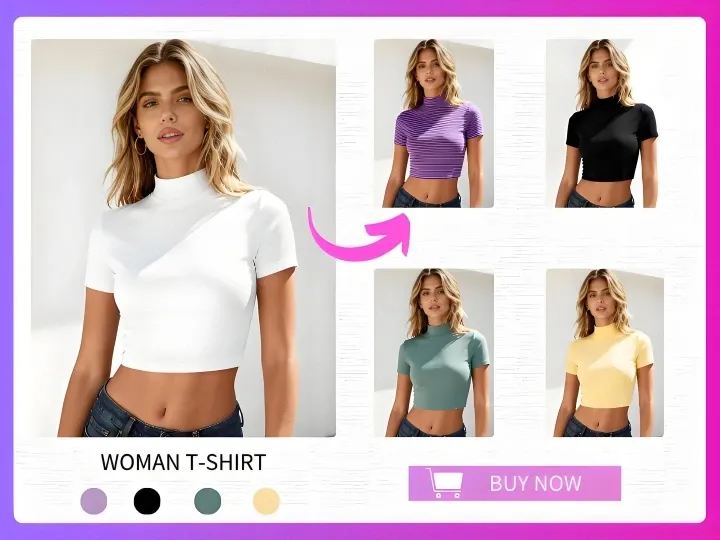
How to Use Clothes Swap AI on PixaryAI
Whenever I want to quickly try on new outfits, PixaryAI is my go-to tool for clothes swap AI. Here’s how I usually use it:
Upload a Photo – I start by uploading a clear picture of myself or the model I want to style. PixaryAI also allows you to take a new photo directly on your device. This is the first step to a seamless AI clothing swap experience.
Select or Upload an Outfit – Next, I either choose a garment from PixaryAI’s library or upload a custom outfit. This is where the clothes swap magic happens, letting me see exactly how different styles look on me or a model.
Automatic AI Clothes Swap – Once I confirm the outfit, the AI instantly processes the image. The platform intelligently blends the new clothing with the photo, preserving folds, shadows, colors, and natural body alignment. It feels like a real clothing swap, not just a pasted overlay.
Download or Share – After the result is ready, I save the image or share it directly to social media. For content creators and personal styling enthusiasts, this step is perfect for generating quick virtual outfit try on content.
Free Trial Option – One of the best parts is that PixaryAI offers virtual try-on clothes online free, so I can experiment with several outfits without signing up or paying. It’s perfect for testing fashion ideas on the fly.
Sull'autore

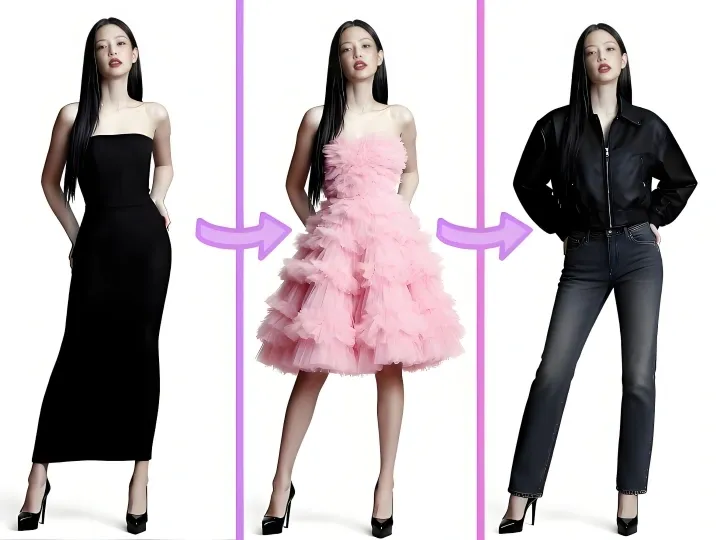
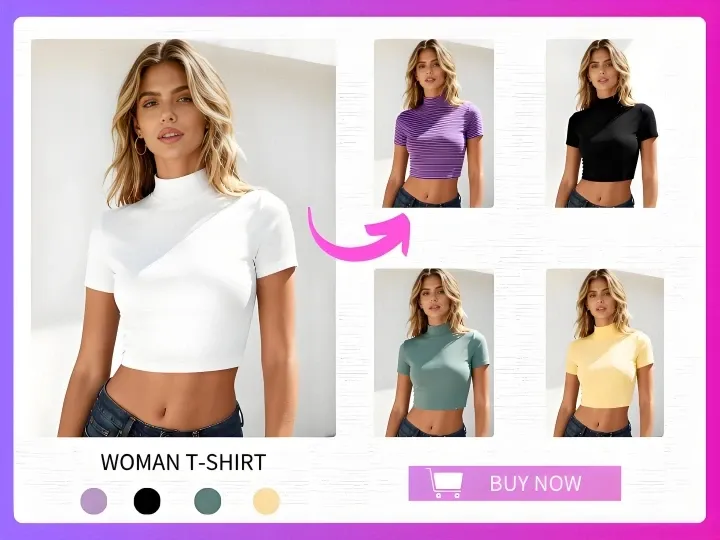

PixaryAI offre creazione illimitata di contenuti IA per soddisfare tutte le tue esigenze, che si tratti di foto, GIF o video.
 Prova gratis ora