
Uncensored AI Video Generator – Text to Video & Image to Video Online
PixaryAI’s uncensored AI video generator lets you create high-quality videos from text prompts or reference images with open source grade controllability. This free AI video generator uncensored delivers fast, studio-level results online—ideal for creators exploring uncensored visual content. Whether you need unlimited AI text to video, uncensored image to video or a simple way to generate AI videos without setup, PixaryAI offers a seamless free trial workflow.
No celebrity faces, violence, sexual, or political content
Supports PNG/JPG/JPEG/WEBP format, up to 10MB
The generated video will follow the aspect ratio of the uploaded image.
What You Can Do with AI Video Generator Free?
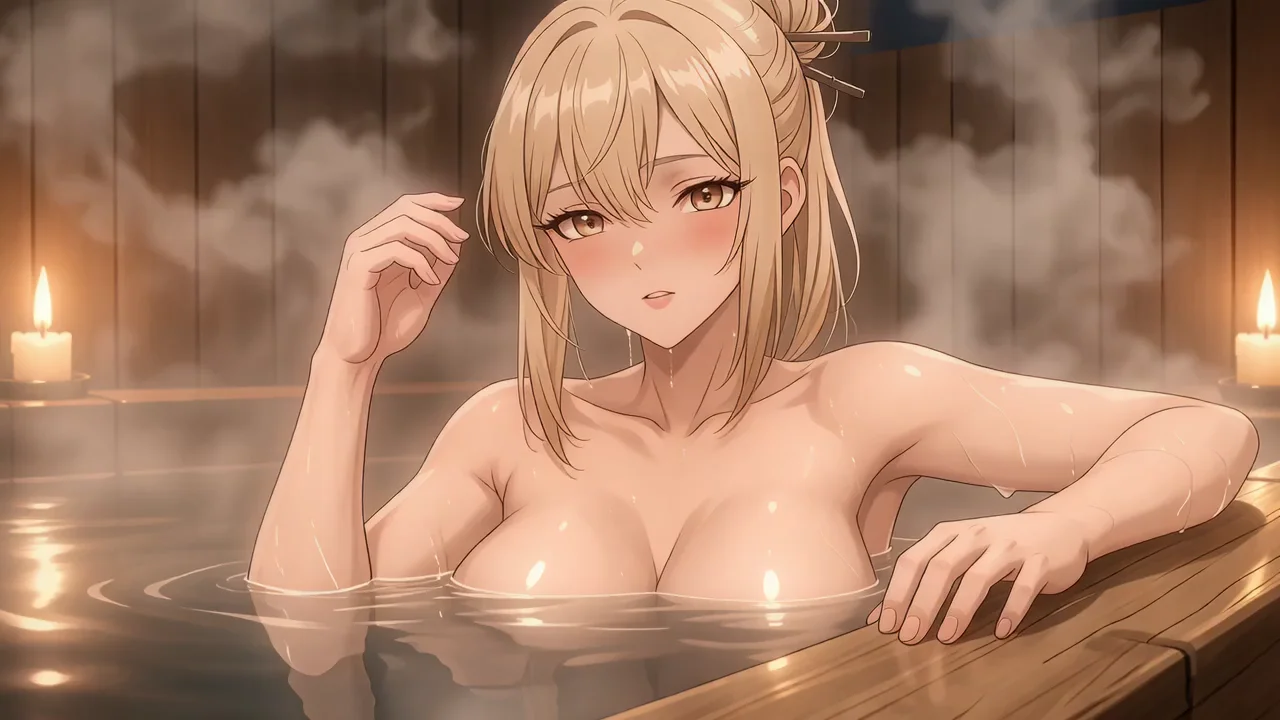
Cinematic Uncensored Text to Video Creation Online
With PixaryAI’s uncensored AI video generator free online, creators can turn rich text prompts into cinematic-quality sequences using the model’s advanced motion reasoning and scene composition. This makes it ideal for short-form storytelling, concept visualization, marketing teasers and rapid prototyping. PixaryAI's AI video generator uncensored excels at generating expressive camera movements, smooth animation curves and realistic physics—without requiring local GPU setups. You can create video scenes instantly with free online AI video maker uncensored workflow, making high-end generative video accessible to everyone.
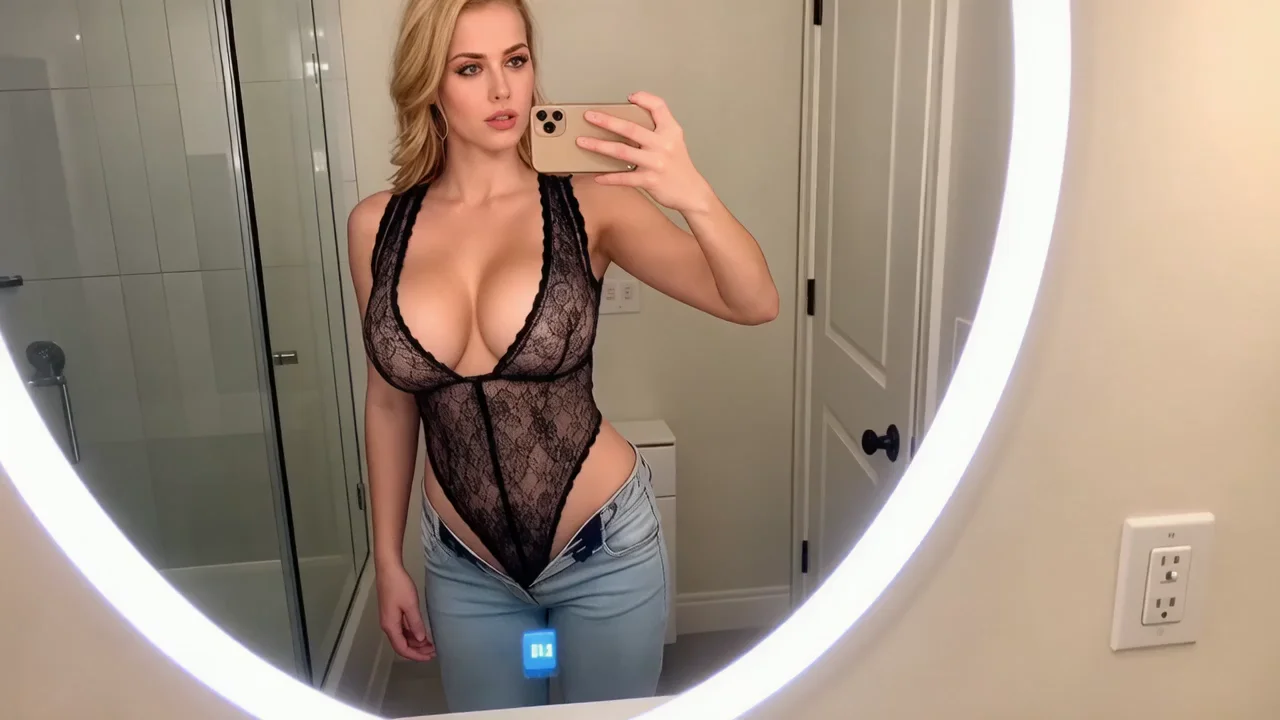
High-Fidelity uncensored Image to Video Animation
Uncensored AI image to video model produces fluid character motion, dynamic environments and precise style continuity from a single input image. For designers, animators and content creators, this allows rapid production of motion tests, character reveals, product demo shots and stylized transitions. Compared with typical AI tools, PixaryAI harnesses AI open-source video model to deliver frame-consistent details, lighting accuracy and emotion-preserving expressions. Whether you need portrait motion, character walking cycles or stylized loops, the free video AI generator produces professional-grade results in seconds.
Rapid Prototyping for Creative Teams
Creative teams can use uncensored AI video generator free tools to validate ideas across storyboarding, advertising concepts and social content creation. Instead of manually animating draft scenes, the AI video generator produces quick visual prototypes based on simple descriptions or sketches, speeding up approvals and reducing production overhead. The free AI video generator uncensored is especially powerful for agencies and indie creators who need fast iteration cycles. Combined with a built-in uncensored AI video generator free trial and browser-based interface, PixaryAI becomes a frictionless workspace for generating multiple versions, testing visual directions and refining concepts at scale.
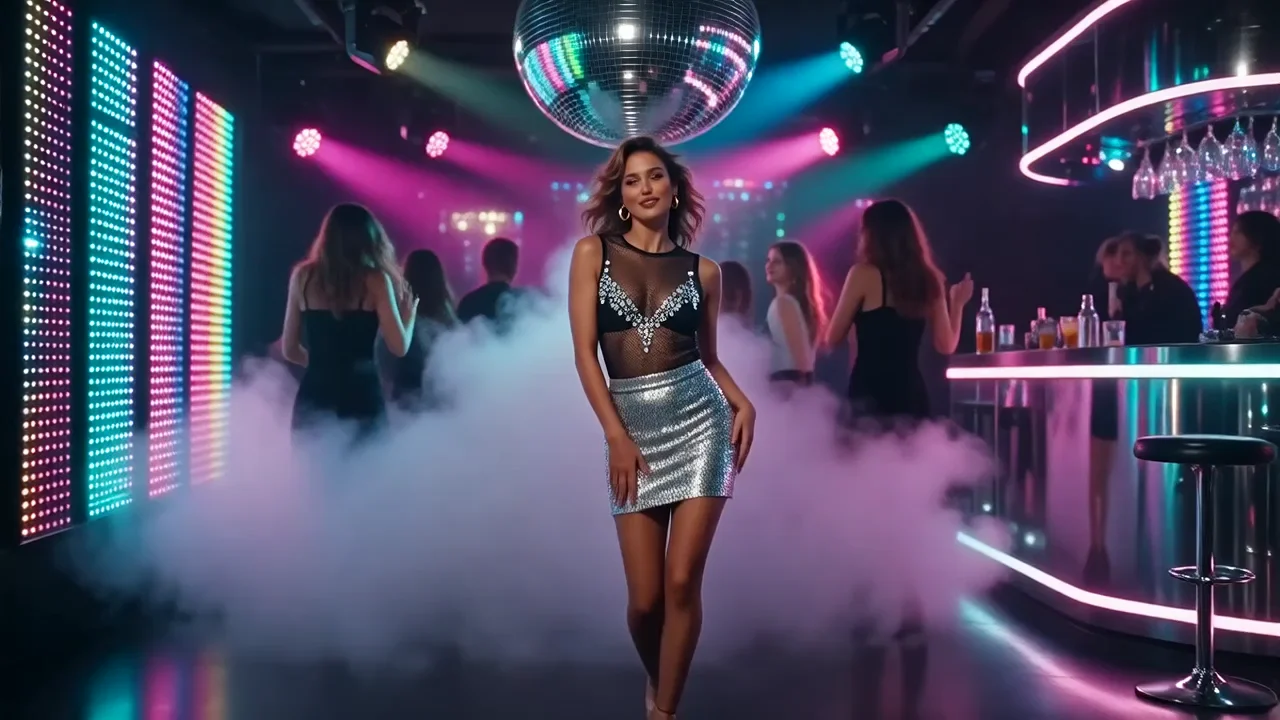
Open-Source Friendly Workflow for Developers
For technical users and AI researchers, open-source architecture provides a transparent and extensible foundation for building custom video applications. Developers can benchmark motion quality, evaluate cross-model consistency, and prototype domain-specific generators—while using PixaryAI’s uncensored AI video generator free as a fast validation environment. The platform supports uncensored generate video tasks directly in-browser, enabling devs to compare outputs against other open-source or commercial models. Whether testing new prompts, exploring model behavior or validating prompt engineering techniques, PixaryAI offers a reliable uncensored AI video generator workflow without setup complexity.
Why Do You Need PixaryAI’s Uncensored AI Video Generator Free?
Proven Model Reliability Backed by Open-Source Foundations
PixaryAI builds on most open source video model, giving creators a level of transparency and predictability that closed competitors. Instead of relying on black-box generation, PixaryAI ensures reproducible output behavior, documented controls and consistent quality across text-to-video and image-to-video tasks. This makes the platform particularly valuable for professionals who need trustworthy tools for production workflows. By combining open-source reliability with a polished uncensored AI video generator free interface, users get research-grade stability paired with creator-friendly usability.
No-Limit Workflow Designed for Speed, Access and Experimentation
Many competing uncensored AI video tools place strict caps on generation time, file resolution, trial usage or daily limits. In contrast, PixaryAI’s uncensored free video generator is engineered for frictionless iteration—fast rendering, instant previews, and a generous free trial that helps users experiment without artificial barriers. This is especially useful for creators testing stylistic variations, developers validating pipelines, and marketers generating rapid concept drafts. With online free access, you can create uncensored AI video sequences repeatedly, perfecting motion, color and scene direction without the cost pressure typical of paid alternatives.
Cross-Domain Accuracy That Outperforms Mainstream Competitors
PixaryAI optimizes uncensored AI video free capabilities to deliver superior accuracy across diverse domains—human motion, product shots, anime styles, landscapes, and VFX-inspired scenes. This balanced performance makes it an effective Google Veo 3 alternative and Sora 2 alternative for users needing consistent results across multiple content categories. Unlike narrower tools that excel only at portraits or stylized shots, PixaryAI’s uncensored AI video generator adapts to different artistic and cinematic demands with remarkable fidelity. Whether generating uncensored AI image to video or narrative-driven text sequences, users receive stable realism and coherent visual logic unmatched by typical free AI video generators.
How to Use PixaryAI’s Uncensored AI Video Generator Free?
Step 1. Select Your Creation Mode
Choose text to video or image to video depending on your project needs. Upload a reference image or enter your prompt — PixaryAI’s uncensored AI video generator free online supports both modes for fast, high-quality generation.
Step 2. Adjust Your Video Settings
PixaryAI automatically loads the AI video model, so you only need to pick your resolution, aspect ratio and video length. The free Uncensored AI video generator is optimized for simple setup and precise output control without technical complexity.
Step 3. Generate and Download Instantly
Hit Generate, and the AI will produce your video within seconds. Review the preview, refine if needed, and download your final result — a seamless way to create uncensored AI videos using the AI video editor anytime, completely online.
What Users Are Saying About PixaryAI's AI Video Generator?

PixaryAI’s uncensored AI video generator completely changed my workflow. The text-to-video quality feels on par with expensive paid tools, yet the platform stays fast, stable, and intuitive. I can visualize concepts for clients within minutes, without any hardware limits or confusing settings.
I used the uncensored AI image to video mode to animate product stills for launch campaigns. The motion quality, lighting consistency, and realism surprised my entire team. It’s the first free AI tool that delivers results polished enough for commercial use.
As someone who prototypes a lot of short-form content, PixaryAI has become my daily tool. Open-source video model feels trustworthy, and the output looks far better than most free generators. It’s my go-to Google Veo 3 alternative for fast creative testing.
Speed matters when producing client drafts. With the uncensored AI video generator free online, even long clips generate quickly, letting me refine multiple versions in the same session. The workflow feels smooth, predictable, and genuinely creator-friendly.
What I like most is the confidence the open-source video model gives me. I know how it behaves, what styles it handles best, and how to fine-tune prompts for consistent output. It’s a rare blend of transparency, power, and accessibility.
I create daily TikTok and Reels content, and this tool helps me generate fresh visuals without needing complex editing software. The free AI video generator gives me unlimited room to experiment with styles, transitions, and storytelling ideas.
FAQs for PixaryAI’s Uncensored AI Video Generator Online

PixaryAI offers unlimited AI content creation to meet all your needs, whether for photos, GIFs or videos.
 Try for Free Now