
Grok AI Image Generator Online Free - Text & Image-to-Image Creation
PixaryAI integrates Grok AI to deliver fast, flexible image generation from text or reference images. Generate high-quality AI visuals content with precise prompt control, rapid rendering and scalable output for modern creative workflows.
Supports PNG/JPG/JPEG/WEBP format, up to 10MB
The generated video will follow the aspect ratio of the uploaded image.
What You Can Do with PixaryAI's Grok AI Image Generator?
Unlimited Text to Image Creation for Visual Ideas
Turn simple text prompts into detailed AI visuals content using free Grok AI image creator capabilities. This is ideal for concept art, blog illustrations and quick idea validation without manual design work.
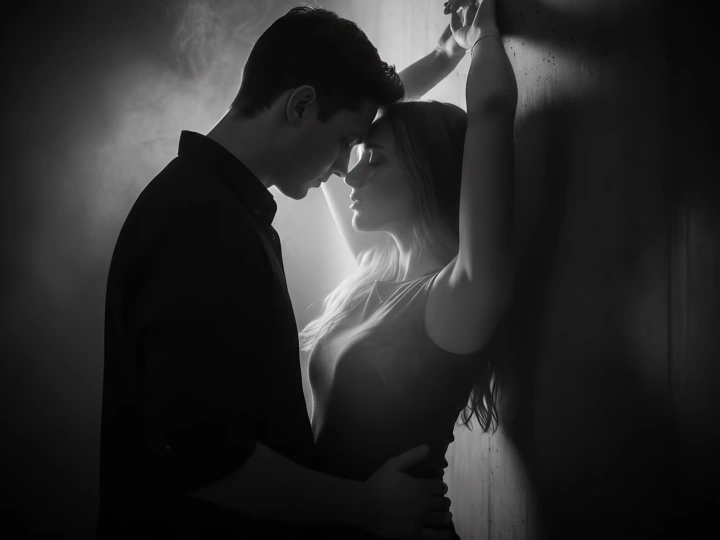
Unfiltered Image to Image Editing and Enhancement
Transform existing image visuals with Grok AI image editor online workflows. Adjust style, refine composition or generate variations—perfect for improving product photos, marketing assets or creative drafts.
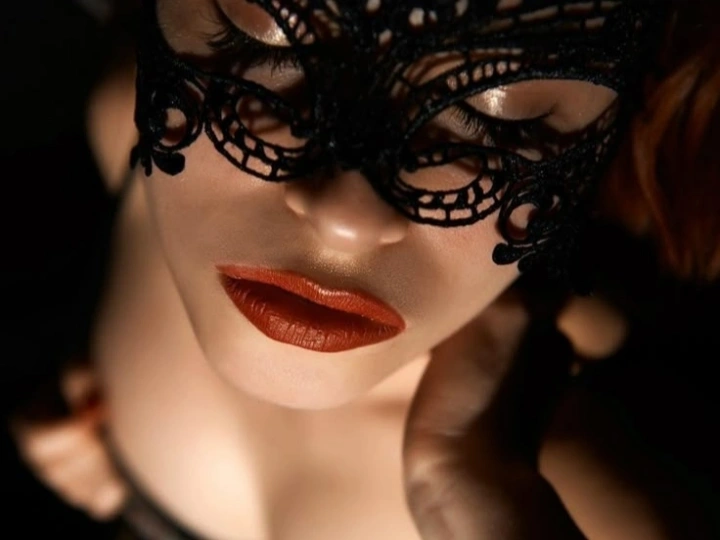
Fast Image Generation for Social Content
Create high-frequency spicy AI image visuals for social media platforms like Instagram, TikTok, Pinterest or Ads. The speed of Grok image generator online free makes it easy to keep up with content demands and trends.
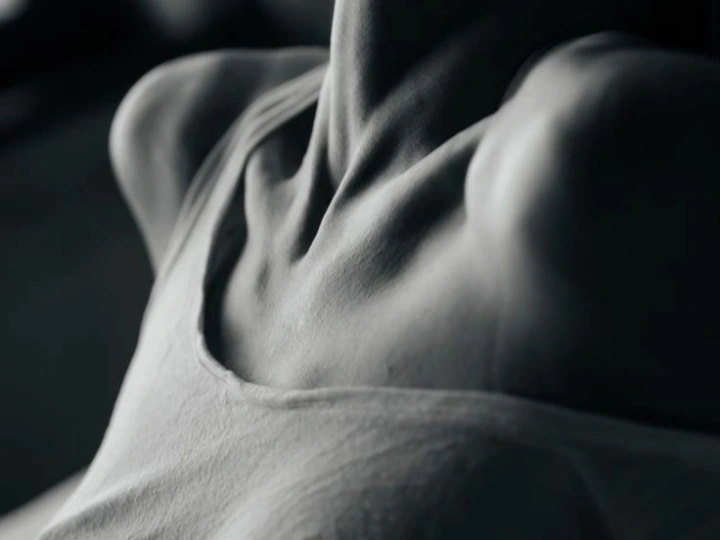
Scalable Visual Creation for Creative Workflows
Generate multiple variations quickly using a free Grok image generator online workflow. Ideal for designers and marketers who need consistent output across campaigns, branding or testing creative directions.
Why Do You Need PixaryAI's Grok AI Image Generator?
High-Speed Image Creation Without Workflow Friction
PixaryAI’s Grok AI image generator online is designed for instant output, reducing the time between idea and execution. Compared to slower tools, it enables rapid iteration using a Grok uncensored AI image creator workflow that fits modern content production needs.
Advanced Prompt Control with Flexible Editing
With optimized Grok imagine prompts, users can precisely guide style, lighting, and composition. Combined with Grok AI image to image capabilities, it allows seamless refinement and variation—offering more control than basic uncensored AI image maker tools.
Scalable Visual Production for Real Use Cases
PixaryAI supports continuous generation through a free Grok image generator workflow, making it ideal for batch creation. Whether for campaigns or daily content, this Grok AI image generator free trial approach enables efficient scaling without creative bottlenecks.
How to Use PixaryAI's Grok AI Image Generator?
Step 1: Enter a Prompt or Upload an Image
Start with a text description or image input using the Grok AI image generator. Define your concept clearly for better visual results.
Step 2: Adjust Style and Prompt Details
Refine your Grok imagine prompts by adding style, lighting or composition details. You can also enhance or transform visuals using Grok AI image to image.
Step 3: Generate and Download the Image
Click generate to create your image instantly. PixaryAI’s Grok AI image generator online delivers fast, ready-to-use visuals for design, content or social media.
What Users Are Saying About PixaryAI's Grok AI Image Generator?

I use this Grok AI image generator online every day to create unlimited visuals quickly. It saves me hours compared to manual design.
The Grok AI image creator online helps me turn rough ideas into visuals instantly. It’s perfect for brainstorming and drafts.
I was surprised how accurate the Grok imagine video prompts are. Even short descriptions produce high-quality images.
I use the Grok AI unfiltered image to image feature to create multiple versions of product photos. It’s fast and efficient.
This free Grok image generator online makes it easy to produce ad creatives at scale. Great for testing campaigns.
When I need quick results, this Grok AI image generator free trial is my go-to. It’s simple, fast, and consistent.
FAQs for PixaryAI's Grok AI Image Generator

PixaryAI offers unlimited AI content creation to meet all your needs, whether for photos, GIFs or videos.
 Try for Free Now