
PixaryAI : génération de vidéos IA sans effort pour les créateurs

Dans le monde numérique en évolution rapide d'aujourd'hui, la création de vidéos de haute qualité peut être chronophage et techniquement exigeante. IA Pixary résout ce problème avec un générateur vidéo IA convivial à la fois puissant et intuitif. Que vous soyez un créateur débutant ou expérimenté, l'interface épurée et le flux de travail simple de la plateforme permettent de produire facilement de superbes vidéos en quelques minutes.
PixaryAI intègre deux modèles avancés : Réseau Wan 2,5 et Réseau Wan 2.6. Wan 2.5 met l'accent sur la stabilité et la cohérence, garantissant une continuité visuelle fluide, tandis que Wan 2.6 apporte une flexibilité cinématographique, permettant des mouvements de caméra dynamiques, des transitions de scène riches et une narration expressive. Ensemble, ils font de PixaryAI non seulement un outil, mais un outil complet Générateur vidéo AI gratuit solution pour les professionnels de la création comme pour les amateurs.
Certaines des fonctionnalités les plus remarquables de PixaryAI
Principaux atouts de PixaryAI
Génération narrative multi-plans
IA Pixary, propulsé par Réseau Wan 2,5 et Réseau Wan 2.6, permet aux créateurs de générer plusieurs scènes connectées qui se déroulent de manière fluide. Ce Générateur vidéo AI gratuit Cette fonctionnalité garantit que chaque plan fait partie d'une histoire cohérente, idéale pour les courts métrages, les publicités ou la narration visuelle.
Storyboard intelligent avec des instructions simples
À l'aide de simples instructions textuelles, vous pouvez aider PixaryAI à planifier automatiquement les scènes, les mouvements de caméra et les transitions. Cette fonctionnalité en fait un outil très intuitif IA générateur vidéo pour les débutants comme pour les professionnels, permettant de gagner du temps tout en produisant des récits structurés.
Durée vidéo plus longue (15 s)
Contrairement aux outils vidéo d'IA classiques, PixaryAI prend en charge des séquences étendues, vous permettant de créer des vidéos d'une durée maximale de 15 secondes ou plus. Avec des sorties stables de Réseau Wan 2.6, ce Générateur vidéo AI gratuit la fonctionnalité assure la continuité visuelle et audio tout au long de la séquence.
Synchronisation audio et vidéo fluide
Grâce à Réseau Wan 2,5de génération audio intelligente, PixaryAI associe parfaitement les dialogues, les sons ambiants et la musique aux visuels. Cela garantit que votre projet semble aussi professionnel qu'il en a l'air, ce qui en fait une solution fiable Générateur vidéo AI gratuit solution pour une création multimédia complète.
Après avoir découvert ce que PixaryAI est capable de faire, j'ai décidé de tester quatre instructions différentes pour explorer ses principaux atouts en action.
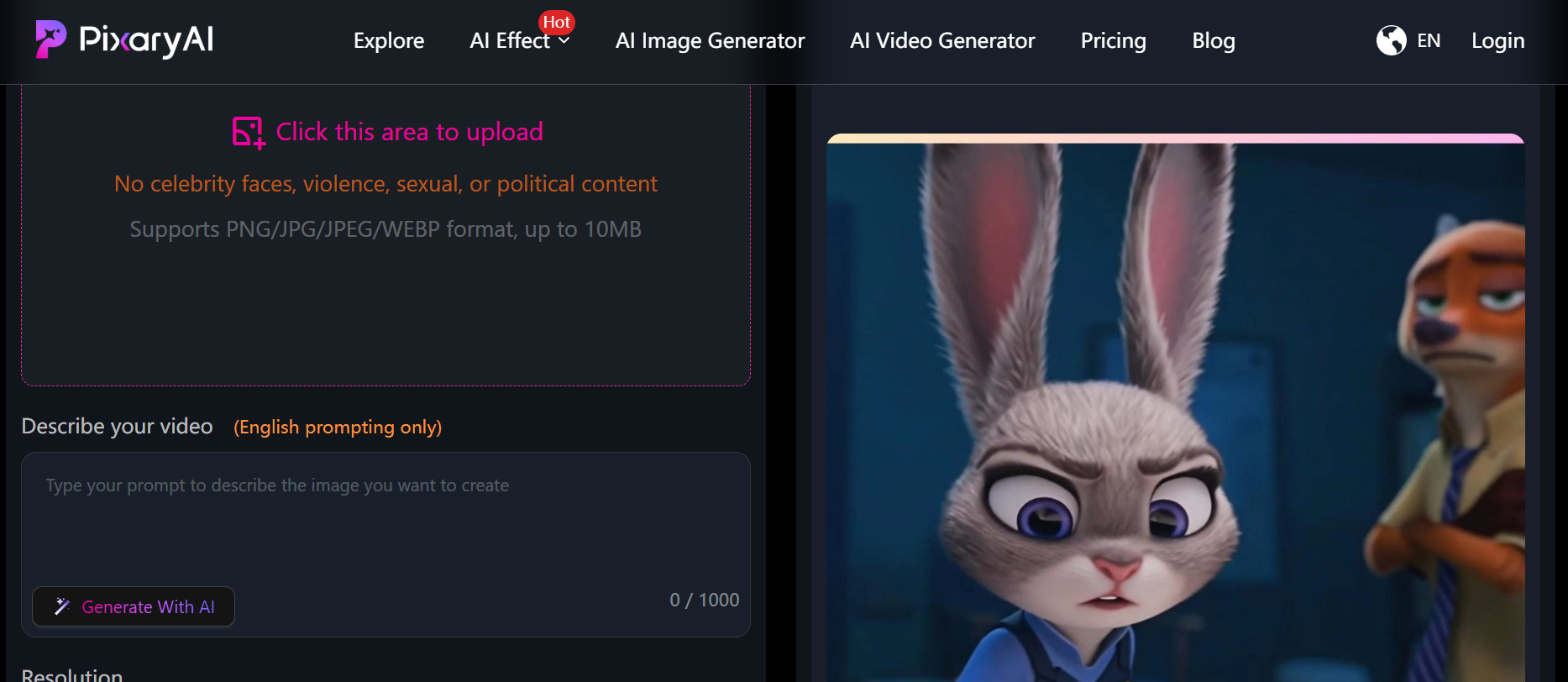
Regardez PixaryAI opérer sa magie : quatre instructions pratiques
Voici ce que j'ai saisi et généré : chaque invite met l'accent sur l'une des fonctionnalités les plus remarquables de PixaryAI, de la synchronisation audio/vidéo à la création audio intelligente.
Génération narrative multi-plans
Rapide :
« Un agent secret se faufile dans une ville futuriste la nuit, passant des toits aux ruelles éclairées au néon. Plusieurs angles de caméra suivent la poursuite : prises de vues aériennes panoramiques, gros plans de gadgets et perspectives au-dessus de l'épaule. Incluez des changements d'éclairage dynamiques et des transitions fluides entre chaque prise de vue. »
Mon point de vue : La séquence s'est révélée cinématographique et palpitante : chaque plan se dirigeait naturellement vers le suivant, et le mouvement semblait intentionnel, comme une scène d'action montée par des professionnels. Wan 2.6 met vraiment en valeur le récit en plusieurs plans sans aucune modification supplémentaire.
Storyboard intelligent avec des instructions simples
Rapide :
« Une bibliothèque magique prend vie lorsque les livres flottent et se réorganisent d'eux-mêmes. Un enfant curieux passe et la caméra se déplace pour suivre son regard. Incluez des zooms avant lents, des panoramiques rapides et de subtils effets de profondeur de champ. Laissez l'éclairage mettre naturellement en valeur l'atmosphère enchantée. »
Mon point de vue : J'ai été étonné de voir comment PixaryAI a capturé cette ambiance magique. Les mouvements de caméra et la composition de la scène semblaient planifiés et délibérés, presque comme si l'IA avait compris les rythmes de l'histoire de manière intuitive.
Durée vidéo plus longue (15 s)
Rapide :
« Un train futuriste traverse un vaste désert au lever du soleil. La caméra passe d'une prise de vue panoramique à des vues intérieures des passagers, montrant des reflets sur la vitre, des ombres changeantes et de subtiles animations environnementales comme la poussière et le vent. Assurez un rythme fluide pendant 15 secondes. »
Mon point de vue : La vidéo étendue a conservé une cohérence parfaite. Le mouvement, l'éclairage et les couleurs sont restés cohérents tout au long, ce qui m'a impressionné car les séquences plus longues nécessitent généralement des ajustements manuels lors du montage traditionnel.
Synchronisation audio et vidéo fluide
Rapide :
« Une scène sous-marine sereine avec un banc de poissons rougeoyants nageant autour des récifs coralliens. Incluez des bulles ambiantes, de doux courants d'eau et une bande sonore douce et mélodique qui monte et descend au rythme des mouvements des poissons. Synchronisez naturellement le son avec le mouvement visuel. »
Mon point de vue : La synchronisation entre le son et les images était parfaite. Chaque mouvement du poisson correspondait parfaitement à la douce bande son, rendant la scène vraiment immersive. La combinaison de Wan 2.5 et Wan 2.6 de PixaryAI semblait magique.
Générateur vidéo NSFW AI Aucune limite : PixaryAI Réseau Wan 2,5
De plus, PixaryAI Générateur vidéo Wan 2.5 AI gratuit prend désormais en charge un contenu illimité, y compris du contenu destiné aux adultes. Si vous recherchez un Générateur vidéo NSFW AI sans limite, cette plateforme est fortement recommandée, car elle offre une flexibilité que la plupart Générateur vidéo AI les outils ne le font pas.
J'ai essayé Unlimited Réseau Wan 2,5 sur PixaryAI, et l'expérience a été extrêmement fluide. L'interface est claire, intuitive et adaptée aux débutants : pas de menus compliqués ni de paramètres confus. Même si vous êtes nouveau Générateur vidéo AI gratuit flux de travail, c'est facile de démarrer.
Si vous souhaitez débloquer plus de fonctionnalités, la mise à niveau de PixaryAI ne coûte que 5$, donnant accès à une résolution plus élevée, à une génération vidéo plus longue et à d'autres avantages premium. Pour les créateurs occasionnels ou les professionnels qui testent Wan 2.5 en ligne gratuitement, c'est un moyen rentable d'explorer toutes ses fonctionnalités.
Essayez le générateur vidéo AI non censuré dès maintenant
Dans l'ensemble, PixaryAI Générateur vidéo AI change la donne pour tous ceux qui explorent Générateur vidéo AI gratuit ou Générateur vidéo AI création. Que vous souhaitiez une vidéo cinématographique, un contrôle de scène complexe, une narration multimodale ou une génération audio intelligente, PixaryAI répond à vos attentes.
Pour ceux qui recherchent une alternative à Google Veo 3 ou à Sora 2, l'accès à PixaryAI est simple, intuitif et rentable, parfait pour les créateurs occasionnels comme pour les professionnels.
À propos de l'auteur

Vous pourriez aimer

Comparaison entre PixaryAI et Zencreator 2026 : meilleur générateur d'images et de vidéos IA non censuré
PixaryAI contre LeonardoAI : comparaison entre une image et une vidéo IA illimitées (2026)

Comparaison du générateur vidéo AI Smut : PixaryAI contre Leonardo, Zencreator, Miricanvas et BasedLabs (testé en 2026)

PixaryAI propose une création de contenu IA illimitée pour répondre à tous vos besoins, que ce soit pour des photos, des GIFs ou des vidéos.
 Essayez gratuitement maintenant