
Cinematic AI Videos with Kling V3.0 Motion Control Model
Kling V3.0 motion control is a major upgrade to the AI video platform, offering superior facial consistency, improved full-body motion and precise character orientation. It allows creators to merge a reference image with a motion video to generate high-fidelity, 30-second videos with consistent identities, even in rapid movements.
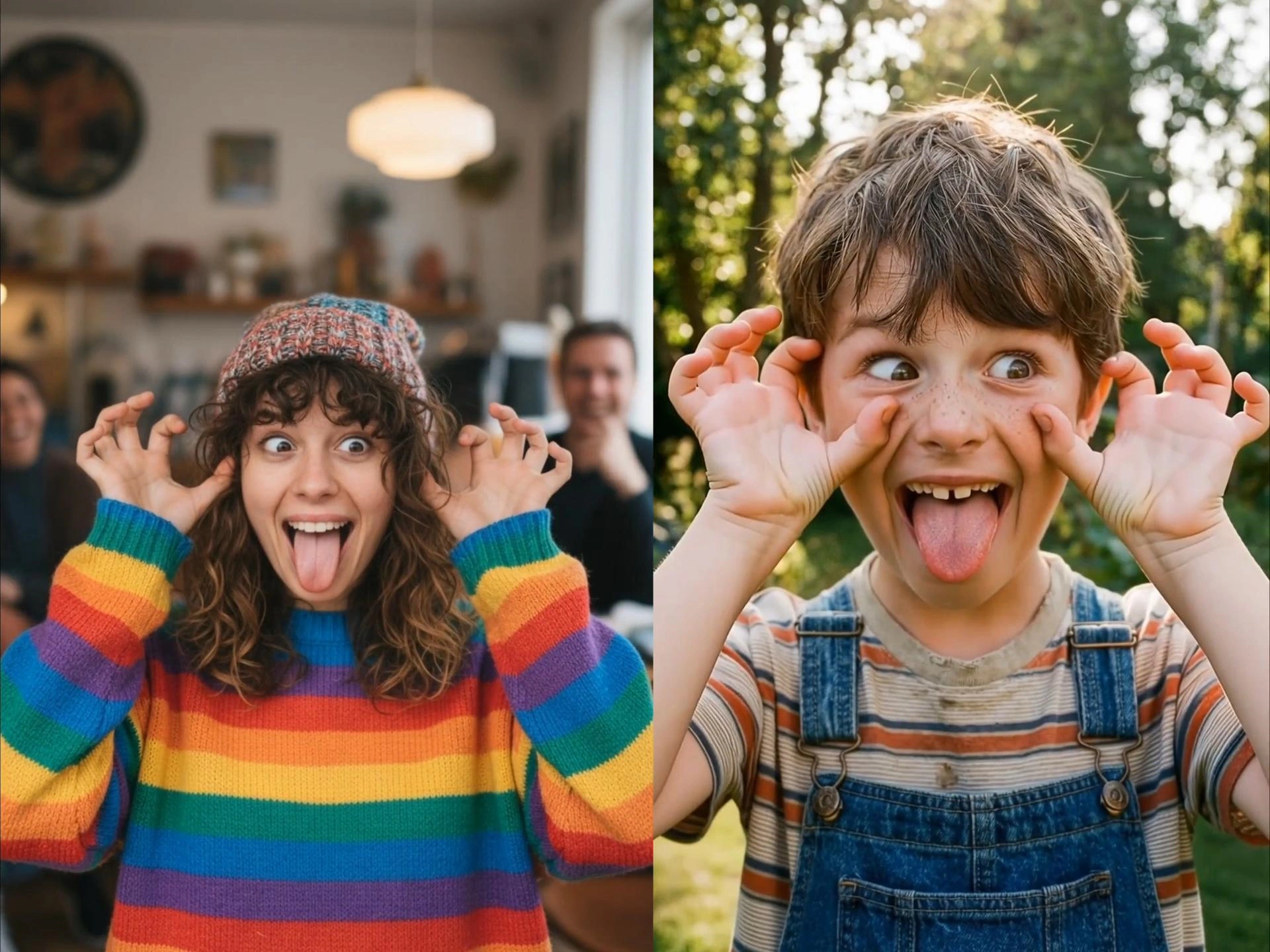
What You Can Do with PixaryAI's Kling V3 Motion Control?
Viral Dance Motion Conversion for Social Media
Turn any dance reference into a shareable video using AI motion control dance capabilities. With Kling V3 motion control, creators can replicate trending choreography and generate engaging clips optimized for TikTok, Reels, and short-form platforms—perfect for high-impact social content.
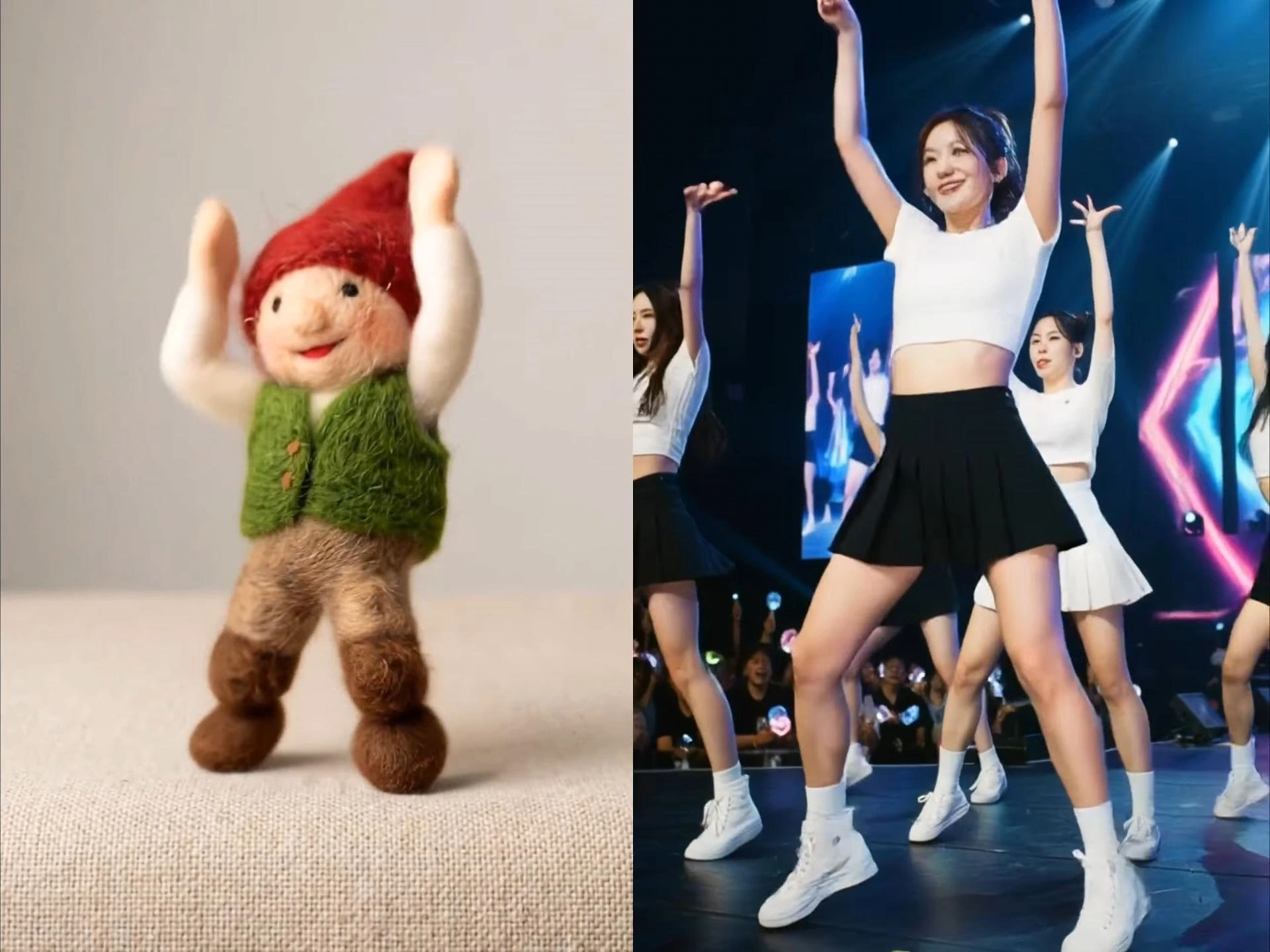
Full-Body Motion Transfer with Precision Control
PixaryAI enables accurate full-body animation using precision motion transfer, mapping complex movements onto characters or subjects. This makes it ideal for realistic motion replication, fitness demos or professional-grade motion control AI video production.
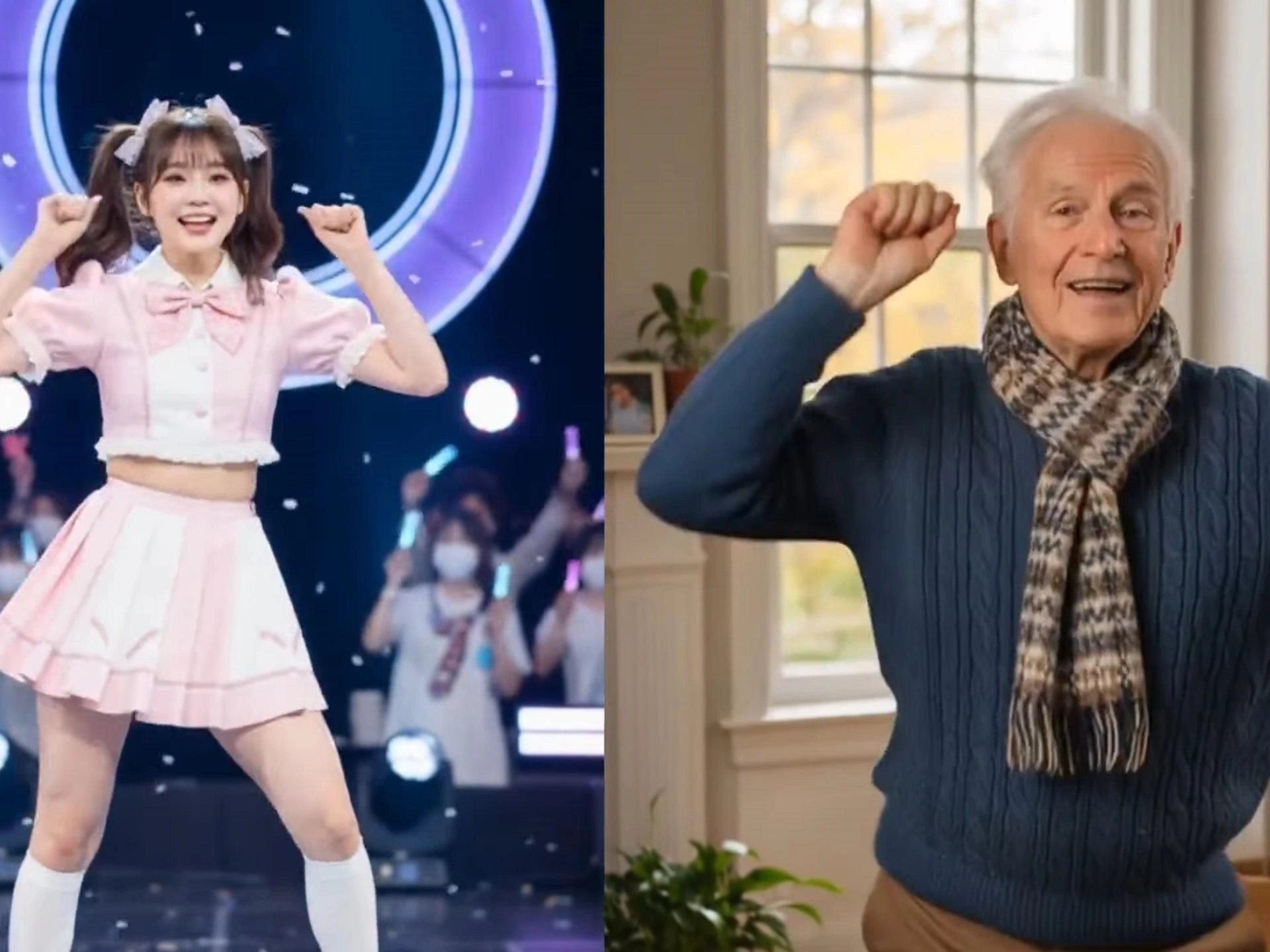
Character Animation with Real Motion Data
Animate digital characters using real-world motion references through motion transfer AI. Whether for virtual influencers, branded mascots, or storytelling, Kling V3 motion control helps maintain natural movement and consistency across scenes.
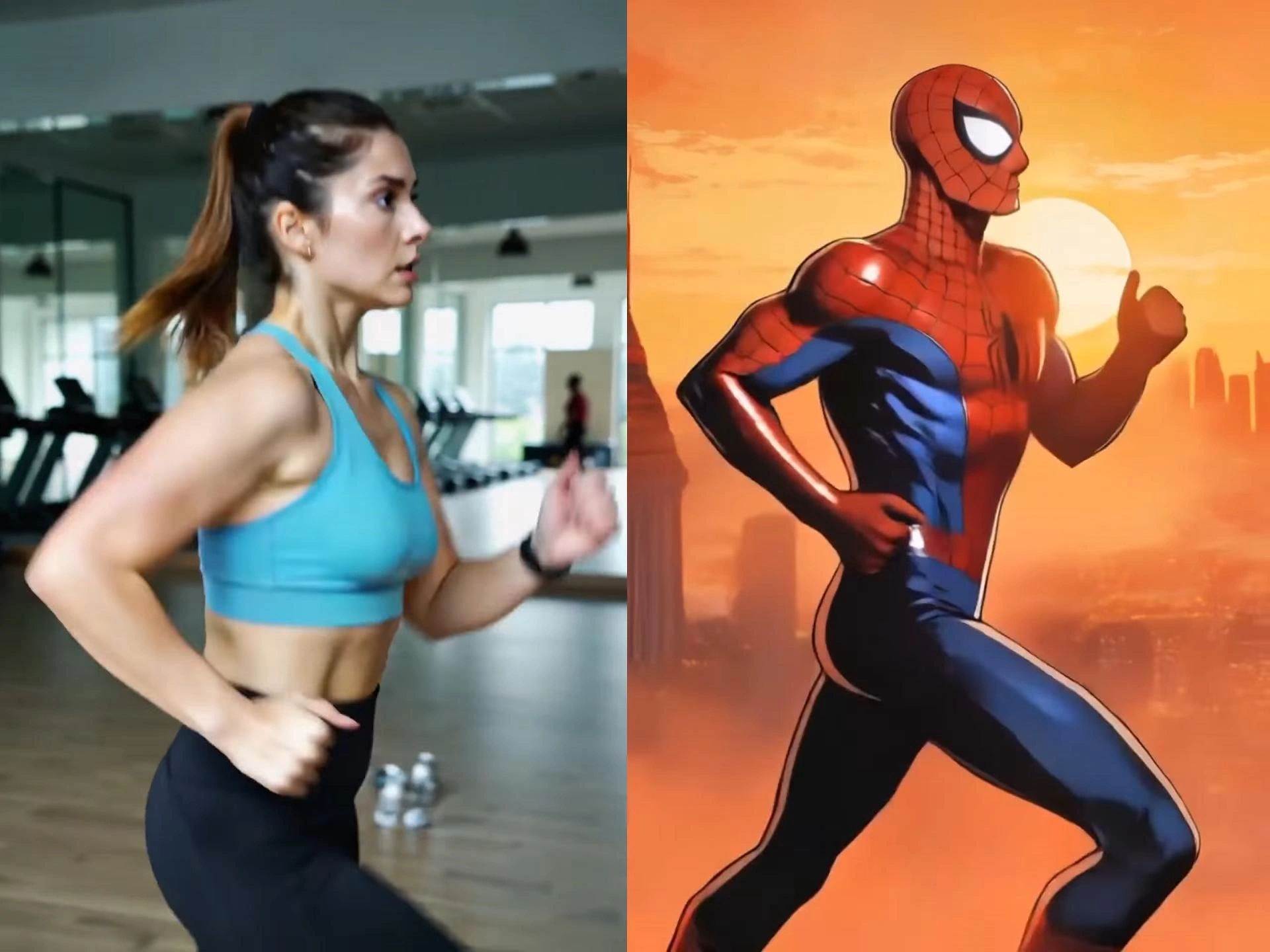
Action & Performance Motion Recreation
Recreate dynamic sequences like martial arts, yoga, or cinematic action using AI video motion control. Powered by the Kling v3.0 engine, this feature supports expressive movement generation—ideal for creative production, previsualization, and storytelling workflows.
Why Do You Need PixaryAI's Kling V3 Motion Control Model?
Advanced Kling V3.0 Engine Accuracy
Powered by the Kling v3.0 engine, VidpexAI delivers high-fidelity motion control AI with precise body tracking and smooth transitions. Compared to standard tools, it ensures more realistic motion replication across complex sequences.
Seamless Motion Transfer Across Formats
With support for diverse use cases, this AI motion control video generator enables flexible motion transfer AI from real footage to characters, avatars, or stylized scenes—ideal for creators working across social, animation, and branded video production.
Efficient, Scalable Video Creation
VidpexAI simplifies production with a free motion control AI video generator online workflow that reduces manual editing. Generate high-quality motion-driven videos faster, making it one of the best solutions for scalable and efficient AI video creation.
How to Use PixaryAI's Kling V3 Motion Control Online?
Step 1: Upload Video or Character Reference
Start by uploading your source video or character image into PixaryAI’s Kling V3 motion control system. This allows the motion control AI to analyze body structure and prepare for precise motion transfer.
Step 2: Apply Motion Control or Select Movement Template
Choose a motion style or upload a reference motion clip. The AI motion control video generator uses precision motion transfer to map movements accurately, enabling smooth and realistic animation.
Step 3: Generate and Export Motion-Controlled Video
Click generate to produce your final motion control AI video. The system renders a clean, ready-to-use output—perfect for social media, creative projects or short-form content creation.
What Users Are Saying About PixaryAI's Kling V3 Motion Control?

I used Kling V3 motion control to recreate trending dances, and the results looked incredibly smooth. Great for short-form content.
The precision motion transfer is impressive. It captures full-body movement better than any motion control AI tool I’ve tried.
I used motion transfer AI to animate a character for a campaign. The motion felt natural and saved a lot of production time.
This AI motion control video generator helps me produce engaging videos quickly. Perfect for TikTok and Reels content.
I had no animation experience, but the motion control AI video generator online made everything simple and fast to use.
Compared to other tools, Kling AI motion control delivers cleaner and more stable results. It’s my go-to for motion-based videos now.
FAQs for PixaryAI's Kling V3 Motion Control Model

PixaryAI offers unlimited AI content creation to meet all your needs, whether for photos, GIFs or videos.
 Try for Free Now