
2026 için En İyi 5 AI Video Jeneratörü (Uygulamalı Test Edildi)
Hiç video oluşturmanın metin yazmak kadar kolay olmasını diledin mi? İle AI video jeneratörleri, temelde öyle. Sosyal medya kliplerinden eğitimlere kadar, bu araçlar fikirlerinizi hareketli görsellere dönüştürür. Ve evet, ücretsiz denemelere sahip seçenekler var, böylece taahhütte bulunmadan önce deneyebilirsiniz.
Kollarımı kıvırdım ve birkaç üst düzey aleti denedim. Hangi araçların gerçekten işe yaradığını görmek için, birden fazla platformda aynı komutu kullanarak uygulamalı testler yaptım. Bu şekilde, her birinin nasıl olduğunu karşılaştırabilirim AI video üreteci ücretsiz stil ve tempodan görsellere ve anlatıma kadar aynı içeriği yorumlar ve size en iyi neyin işe yaradığına dair gerçek dünyaya yan yana bir bakış sunar.
İstek:Köpek sahibinin yeşil ışıkta yaya geçidinde köpeği yürütürken, gün ışığında şehir caddesi, arka planda doğal trafik, gerçekçi yaya sinyalleri, kaldırım seviyesinden el kamerası perspektifi, köpek yaya geçidinin ortasında hafifçe durur ve hareket etmeyi reddeder, tasma nazikçe çekilir ancak köpek inatçı kalır, doğal insan tepkisi hafif karışıklık ve utanç gösterir, tasma gerginliği, köpek rüzgara direnç gibi ince hareketler hareketli kıyafetler ve kürk, yolda gerçekçi gölgeler, otantik şehir Hareket, filtrelenmemiş doğal renkler, hafif kamera titremesi, kusurlu çerçeveleme, film benzeri doku, sığ alan derinliği, ultra geniş sinematik en boy oranı, 8K fotogerçekçi görüntü oluşturma, kendiliğinden ve eğlenceli bir gerçek hayat anı yakalama yoluyla ifade edilen ses atmosferi.
PixaryAI - En Çok Yönlü AI Video Oluşturucu
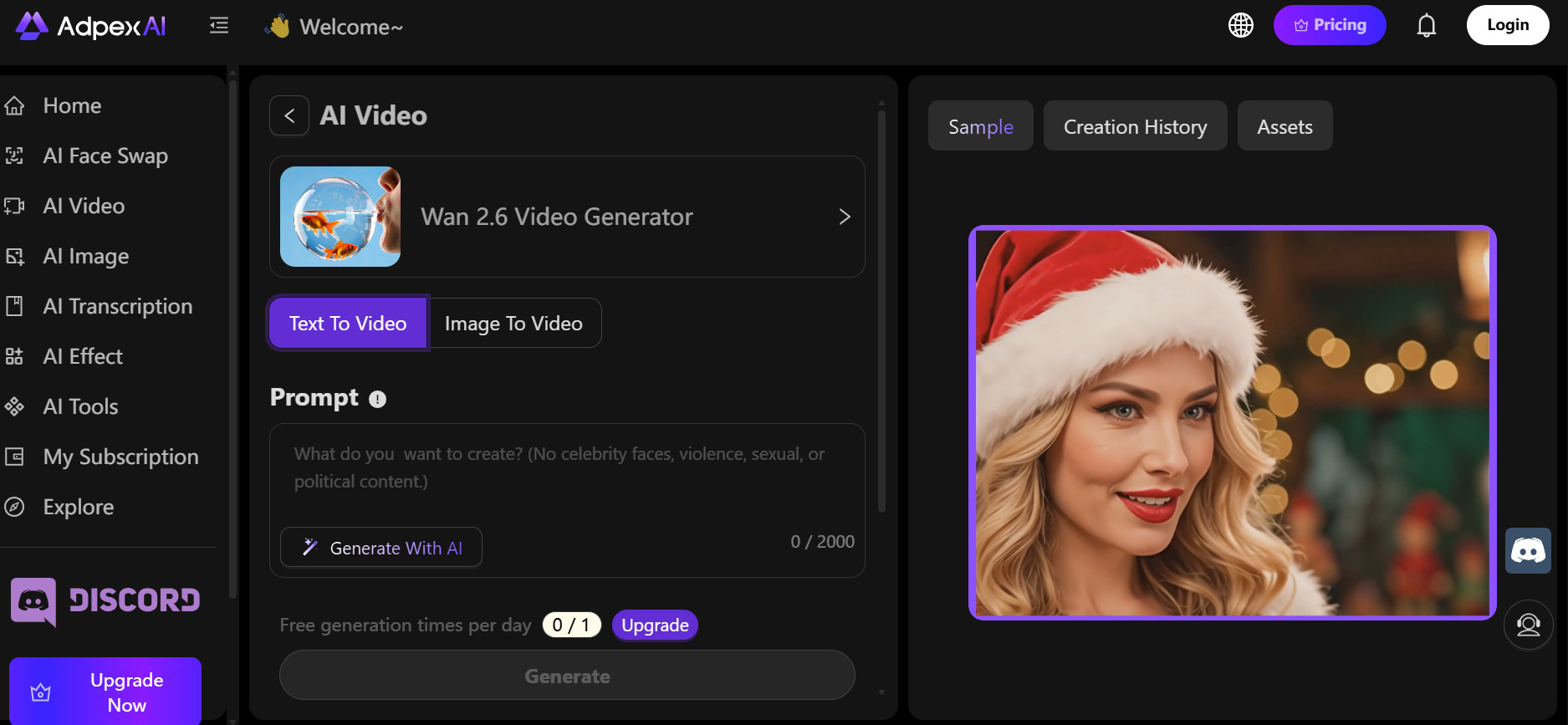
PixaryAI üst seviyedir AI video üreteci özelliğine sahiptir Wan 2.5 ve WAN 2.6. İle Wan 2.5, sınırsız içerik üretimi elde edersiniz, bu da onu sonsuz klipler üretmek için mükemmel hale getirir. Wan 2.6, pürüzsüz hareket ve gerçekçi görsellerle sinematik, çoklu çekim sekansları ekler. Hızlı bir şey isteyip istemediğiniz AI video üreteci ücretsiz Çıktı veya cilalı, çok sahneli bir proje olan PixaryAI, doğal, yüksek kaliteli yapay zeka tarafından oluşturulan sahnelerle hem statik hem de animasyonlu sonuçlar sunar.
Artıları:
- Hem görüntüler hem de video dizileri oluşturur
- Gerçekçi hareket ve aydınlatma ile pürüzsüz animasyonlar
- Projeler genelinde tutarlı çıktı kalitesi
- Ücretsiz AI video üreteci açık kullanım sınırları ile deneme sürümü mevcuttur
Eksileri:
- Gelişmiş manuel ayarlamalar sınırlıdır
- Animasyon klipleri nispeten kısa
Kişisel Çekim: PixaryAI cilalı, profesyonel seviyede gibi hissettiriyor AI video üreteci yüksek kaliteli çıktı arayan hem yeni başlayanlar hem de deneyimli kullanıcılar için uygundur.
Synthesia — Metinden Videoya Yapay Zeka Oluşturucu
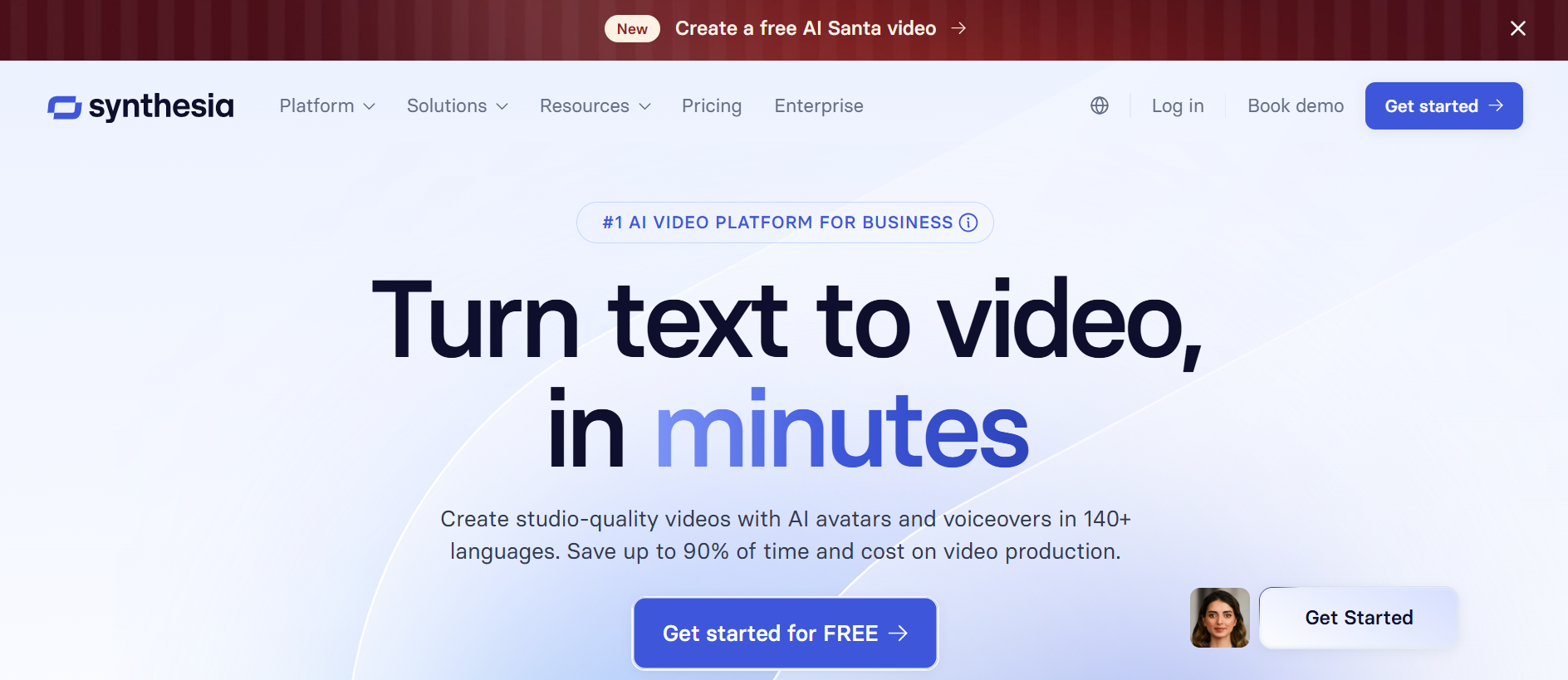
Synthesia, yazılı komut dosyalarını video içeriğine dönüştürmede mükemmeldir. 130'dan fazla dil ve 160 AI avatarı ile bu metinden videoya AI üreteci içerik oluşturucuların hareketleri, ifadeleri ve zamanlamayı ayarlamasına olanak tanır. Ölçeklenebilir, çok dilli çıktıya ihtiyaç duyduğunuz kurumsal eğitim, ürün tanıtımları ve eğitim videoları için idealdir.
Artıları:
- Özel avatarları ve hareket düzenlemeyi destekler
- Doğru dudak senkronizasyonu ile hızlı oluşturma
- Öğretim ve pazarlama içeriği için verimli
Eksileri:
- Gelişmiş sahne özelleştirme sınırlıdır
- Premium özellikler ücretli planlar gerektirir
Kişisel Çekim: Synthesia güvenilirdir AI video üreteci kamera veya aktörlere ihtiyaç duymadan eğitici veya açıklayıcı videolar oluşturmak için.
HeyGen - Ses Klonlamalı Yaratıcı AI Video Oluşturucu
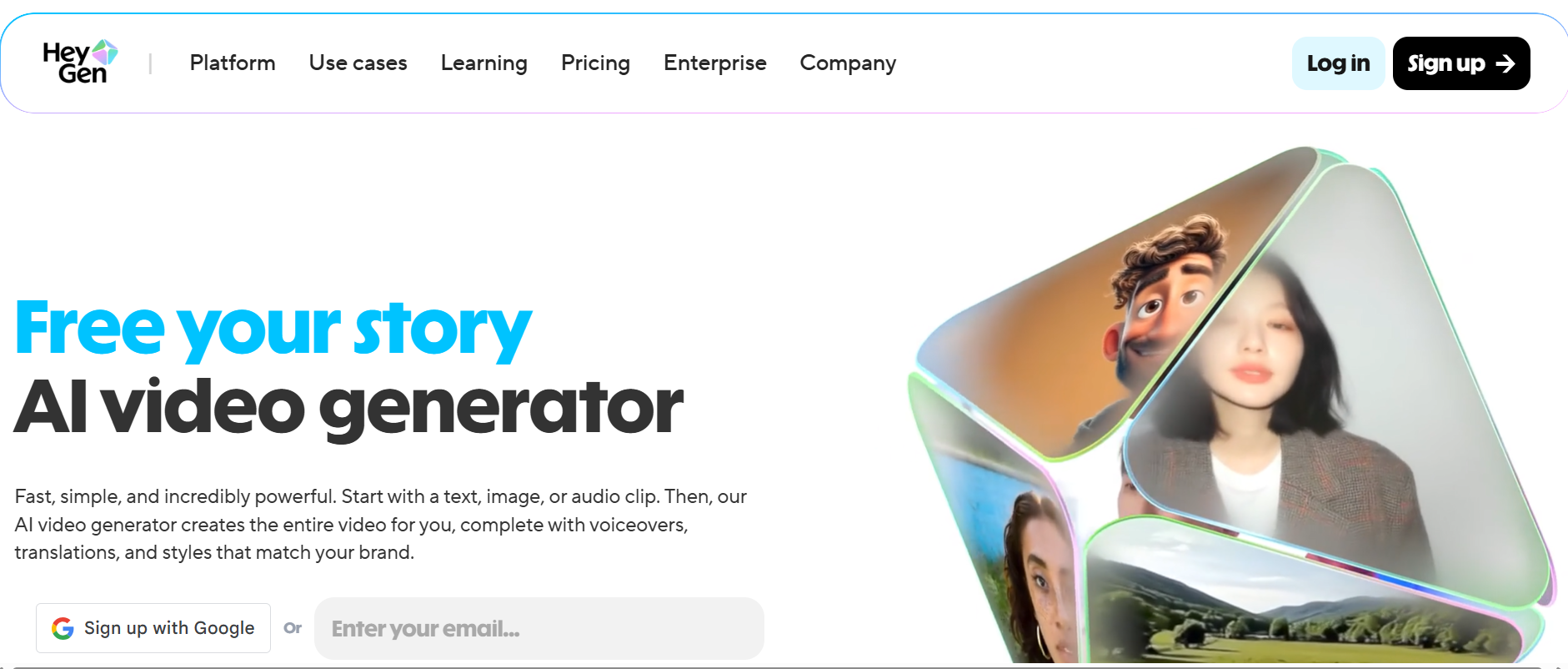
HeyGen, 100'den fazla avatar, 300'den fazla ses stili, AI destekli komut dosyası yazma ve müzik entegrasyonu dahil olmak üzere zengin bir araç paketi sunar. Ses klonlama özelliği üretmek için mükemmeldir AI öpüşme video üreteci ücretsiz klipler veya markalı vokal içeriği. HeyGen sosyal medya, pazarlama ve hikaye anlatımı videoları için iyi çalışır.
Artıları:
- Çeşitli avatarlar ve ses seçenekleri
- Hızlı video prodüksiyonu için şablonlar
- Çevrimiçi ücretsiz AI video üreteci kullanılabilir
Eksileri:
- Ücretsiz plan sınırlı dakikalara ve özelliklere sahiptir
- Bazı gelişmiş araçlar ücretli katmanların arkasındadır
Kişisel Çekim: HeyGen'in arayüzü sezgiseldir ve çıktı kalitesi onu iyi bir seçim haline getirir AI video üreteci ücretsiz çevrimiçi Küçük projeler için.
Fliki — Metinden Videoya ve Blog'dan Videoya Yapay Zeka
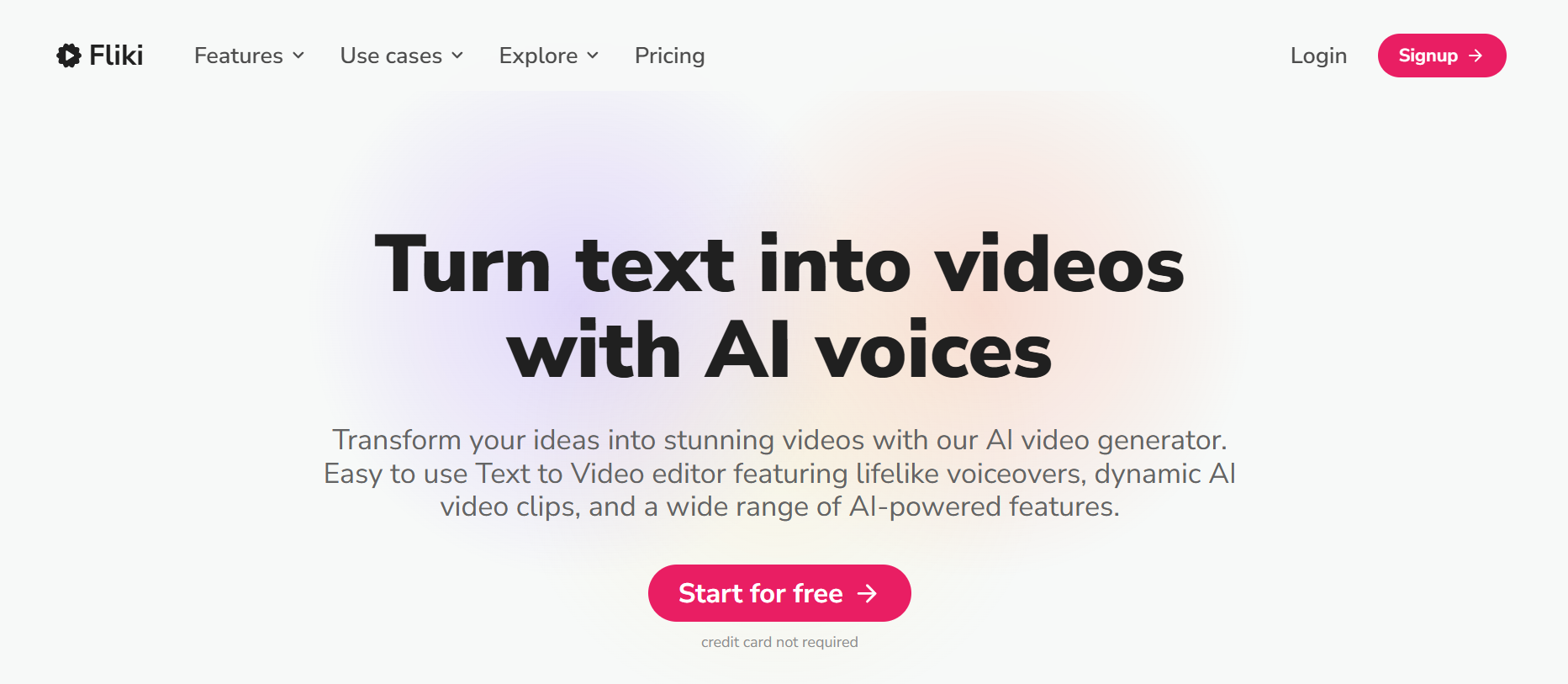
Fliki yazılı içeriği otomatik olarak cilalı videolara dönüştürür. İster blog yazısı ister komut dosyası olsun, bu AI jeneratör, anlatımı kitaplığındaki görseller, simgeler ve arka plan varlıklarıyla eşleştirir. Özellikle hızlı bir şekilde sosyal medya veya eğitim içeriği oluşturmak için kullanışlıdır ve bir özellik olarak hizmet edebilir ücretsiz AI video üreteci deneme kullanıcıları için.
Artıları:
- Hızlı metinden videoya AI üreteci iş akışı
- Doğal AI anlatımı
- Ücretsiz AI video üreteci seçenek mevcut
Eksileri:
- Sınırlı gelişmiş sahne kontrolü
- Aylık ücretsiz dakikalar sınırlıdır
Kişisel Çekim: Fliki, içeriği yeniden amaçlamayı zahmetsiz hale getirir ve görsel olarak ilgi çekici sonuçlar sağlar, içerik oluşturucular için mükemmel AI video üreteci ücretsiz çevrimiçi Seçenekler.
InVideo AI - Otomatik Video Oluşturma
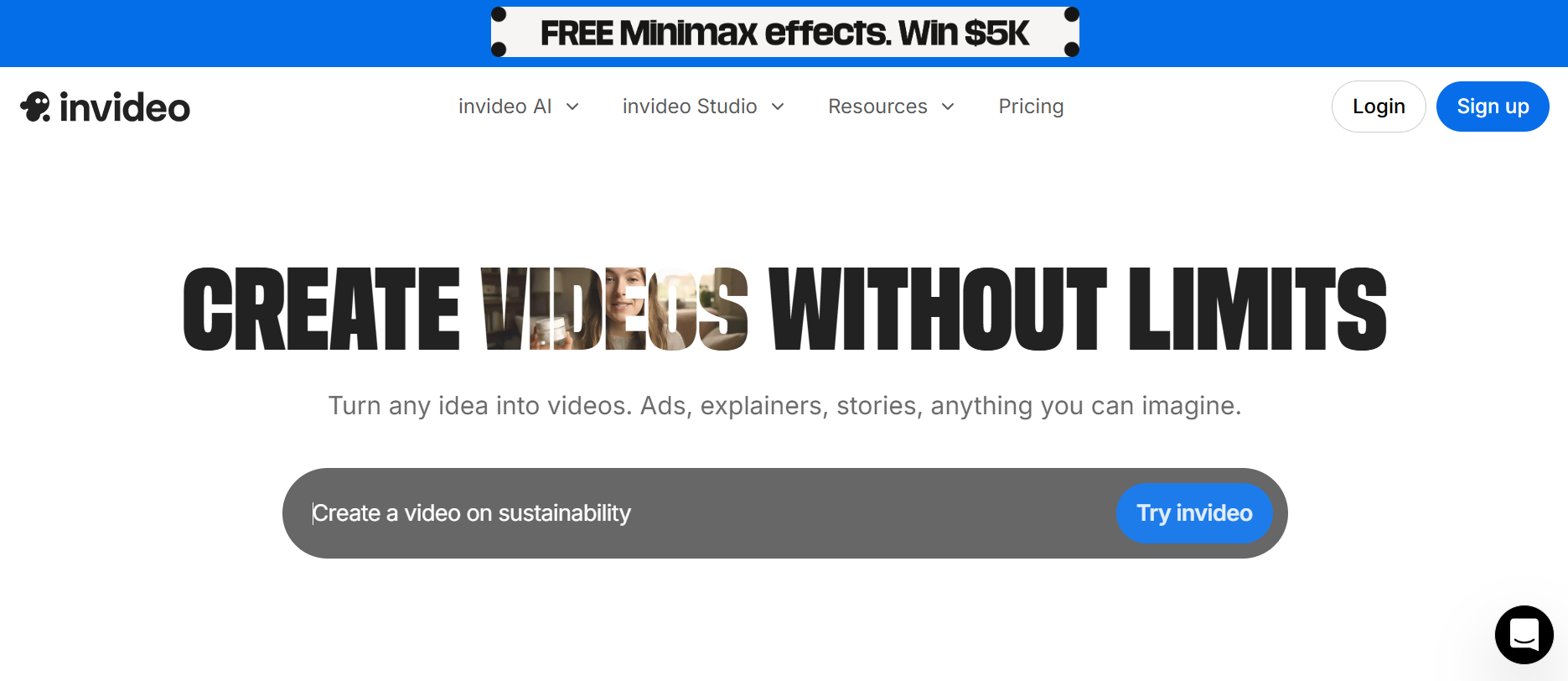
InVideo AI, video oluşturmayı istemlerden basitleştirir, sahneleri, geçişleri ve tempo ayarlamayı otomatik olarak düzenler. Bu AI video üreteci renk düzeltme, kırpma ve slayt gösterisi özelliklerini içerir, bu da onu küçük projeler, sosyal medya klipleri ve pazarlama içeriği için idealdir.
Artıları:
- Metin istemlerini eksiksiz videolara dönüştürür
- Akıllı sahne kırpma ve renk ayarı
- Ücretsiz AI video üreteci yeni başlayanlar için
Eksileri:
- Ücretsiz planın sınırlı dakikaları var
- Tam özellikli erişim abonelik gerektirir
Kişisel Çekim: InVideo AI pratiktir AI video üreteci ücretsiz Teknik karmaşıklık olmadan hızlı, cilalı çıktı için araç.
Doğru AI Video Jeneratörünü Seçme
- PixarYAI sinematik diziler ve çok yönlü video oluşturma için
- Sentezi öğretim veya kurumsal içerik için
- HeyGen sosyal medya hikaye anlatımı için ve AI öpüşme video üreteci ücretsiz klipleri
- Fliki metni ilgi çekici video formatlarına dönüştürmek için
- InVideo Yapay Zeka hızlı sosyal medya veya pazarlama videoları için
💡 İpuçları: Yararlanın ücretsiz AI video üreteci denemeler yapın, anlatı karmaşıklığını test edin ve bir platforma bağlanmadan önce görsel kaliteyi ve kullanım kolaylığını göz önünde bulundurun.
Neden PixaryAI"yi Seviyorum: Nihai AI Video Jeneratör Seçimi
Birkaç platformu denedikten sonra, PixaryAI"ye geri dönmeye devam ediyorum. Wan 2.5 ile sınırsız içerik oluşturabilirken, Wan 2.6 çoklu çekim sinematik videolarda mükemmeldir. Bir ile deney yapıyor olsanız da ücretsiz AI öpüşme video üreteci, PixaryAI cilalı, profesyonel görünümlü içerik üretmeyi kolay ve eğlenceli hale getirir. Keşfetmek isteyen herkes için AI video üreteci ücretsiz çevrimiçi, bu kesinlikle mevcut en iyi AI video jeneratörlerinden biridir!
PixaryAI'de AI Video Jeneratörü Nasıl Kullanılır
PixaryAI, ister tek bir klip ister çoklu çekim sinematik bir dizi isteyin, yapay zeka tarafından oluşturulan videolar oluşturmayı kolaylaştırır. Nasıl başlayacağınız aşağıda açıklanmıştır:
Aracınızı Seçin
Tek bir AI video üreteci klibi (Wan 2.5) veya çoklu çekim sinematik sekansı (Wan 2.6) oluşturmak isteyip istemediğinize karar verin. Wan 2.5 deney yapmak ve üretmek için idealdir sınırsız içerikWan 2.6 ise yüksek kaliteli hikaye anlatımı için mükemmeldir.
İsteminizi veya Resminizi Girin
Senaryonuzu, sahne açıklamanızı veya hikaye konseptinizi yazın. Veya bir resim yükleyin. Hem Wan2.5 hem de Wan2.6 metinden videoya ve görüntüden videoya destekler.
Video Oluştur
Tıklayın Oluşturve AI videonuzu oluşturacaktır. Seçiminize bağlı olarak, saniyeler içinde tek bir video klip alabilirsiniz.
Önizleme ve İndirme
Oluşturduğunuz videoyu izleyin, gerekirse küçük ayarlamalar yapın ve yüksek çözünürlükte indirin. Ayrıca doğrudan sosyal medya platformlarında da paylaşabilirsiniz.
Yazar hakkında




PixaryAI, fotoğraflar, GIF’ler veya videolar için tüm ihtiyaçlarınızı karşılamak üzere sınırsız yapay zeka içerik üretimi sunar.
 Hemen ücretsiz deneyin