

5 Best AI Video Generators for 2026 (Hands-On Tested)
Ever wished creating videos could be as easy as writing a text? With AI video generators, it basically is. From social media clips to tutorials, these tools transform your ideas into moving visuals. And yes, there are options with free trials, so you can experiment before committing. I’ve rolled up my sleeves and tried out several top tools. To see which tools really deliver, I ran hands-on tests using the same prompt across multiple platforms. This way, I could compare how each AI video genera
Ever wished creating videos could be as easy as writing a text? With AI video generators, it basically is. From social media clips to tutorials, these tools transform your ideas into moving visuals. And yes, there are options with free trials, so you can experiment before committing.
I’ve rolled up my sleeves and tried out several top tools. To see which tools really deliver, I ran hands-on tests using the same prompt across multiple platforms. This way, I could compare how each AI video generator free interprets the same content, from style and pacing to visuals and narration, giving you a real-world, side-by-side look at what works best.
Prompt:A hyper-realistic cinematic scene of a dog owner walking a dog across a crosswalk on a green light, urban street in daylight, natural traffic in the background, realistic pedestrian signals, handheld camera perspective from sidewalk level, the dog suddenly stops in the middle of the crosswalk and refuses to move, leash gently pulled but the dog stays stubborn, natural human reaction showing mild confusion and embarrassment, subtle movements like leash tension, dog posture resisting, wind lightly moving clothes and fur, realistic shadows on the road, authentic city sound atmosphere implied through motion, unfiltered natural colors, slight camera shake, imperfect framing, film-like texture, shallow depth of field, ultra-wide cinematic aspect ratio, 8K photorealistic rendering, capturing a spontaneous and funny real-life moment.
PixaryAI — Most Versatile AI Video Generator
PixaryAI is a top-tier AI video generator featuring Wan 2.5 and Wan 2.6. With Wan 2.5, you get unlimited content generation, making it perfect for producing endless clips. Wan 2.6 adds cinematic, multi-shot sequences with smooth motion and realistic visuals. Whether you want a quick AI video generator free output or a polished, multi-scene project, PixaryAI delivers both static and animated results with natural, high-quality AI-generated scenes.
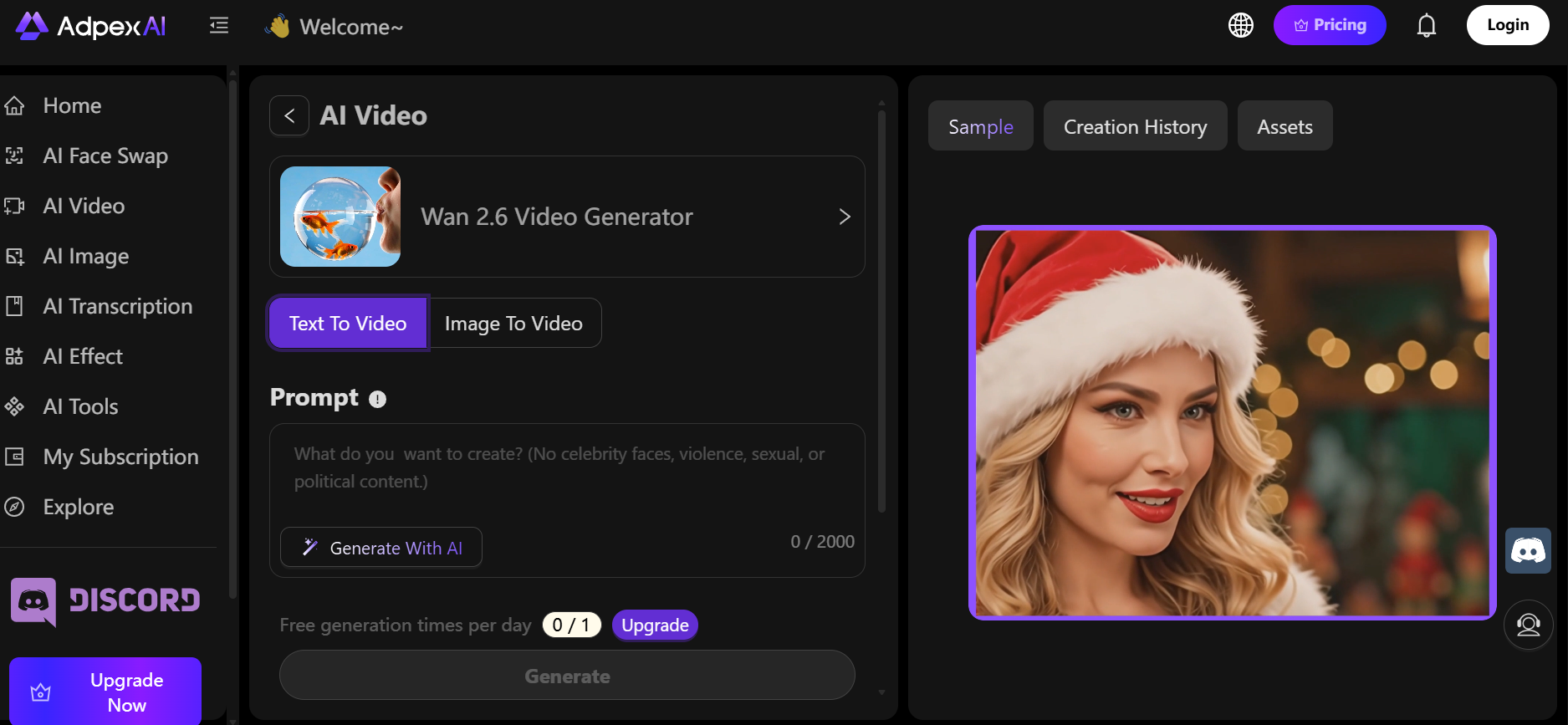
Pros:
- Generates both images and video sequences
- Smooth animations with realistic motion and lighting
- Consistent output quality across projects
- Free AI video generator trial available with clear usage limits
Cons:
- Advanced manual adjustments are limited
- Animation clips are relatively short
Personal Take: PixaryAI feels like a polished, professional-grade AI video generator suitable for both beginners and experienced users seeking high-quality output.
Synthesia — Text-to-Video AI Generator
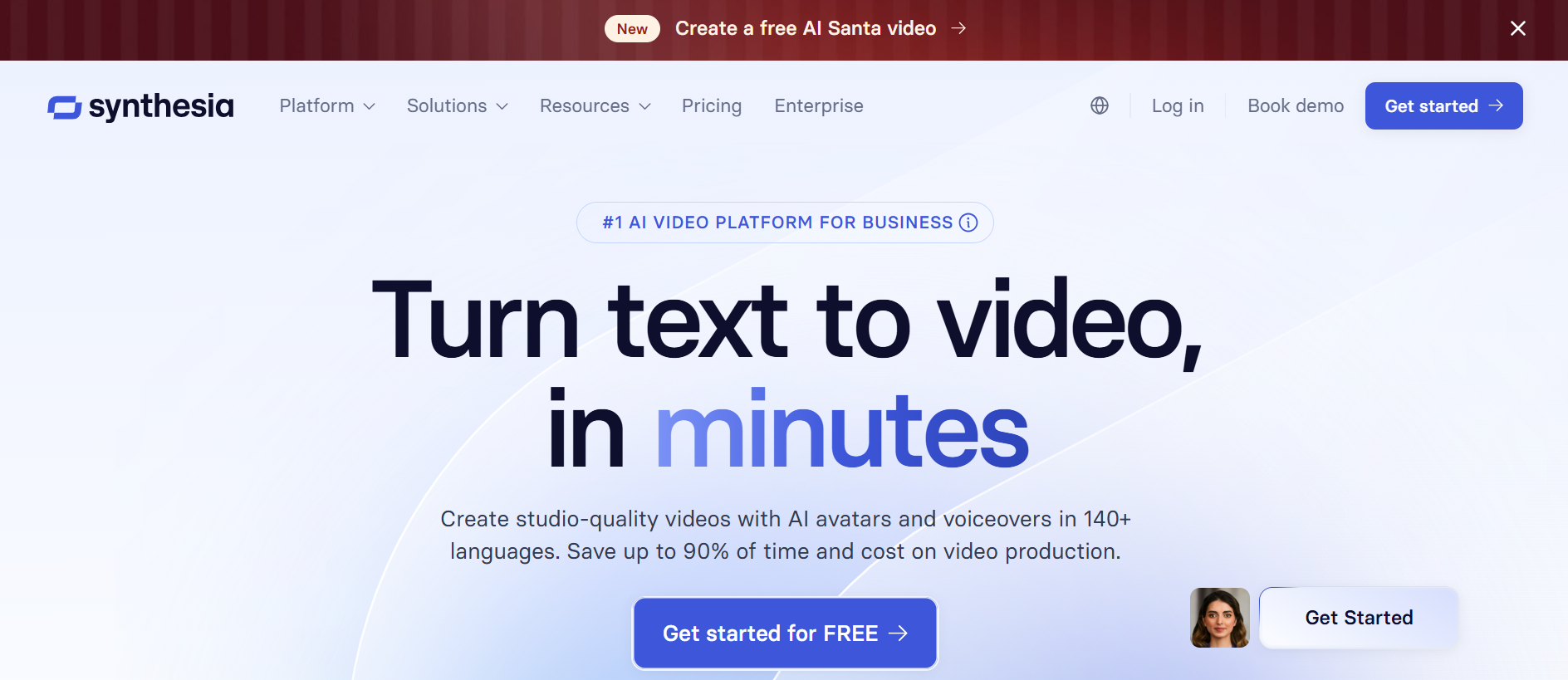
Synthesia excels at turning written scripts into video content. With over 130 languages and 160 AI avatars, this text-to-video AI generator allows creators to adjust gestures, expressions, and timing. It’s ideal for corporate training, product demos, and educational videos where you need scalable, multilingual output.
Pros:
- Supports custom avatars and gesture editing
- Quick rendering with accurate lip-sync
- Efficient for instructional and marketing content
Cons:
- Advanced scene customization is limited
- Premium features require paid plans
Personal Take: Synthesia is a reliable AI video generator for creating tutorial or explainer videos without needing cameras or actors.
HeyGen — Creative AI Video Generator with Voice Cloning
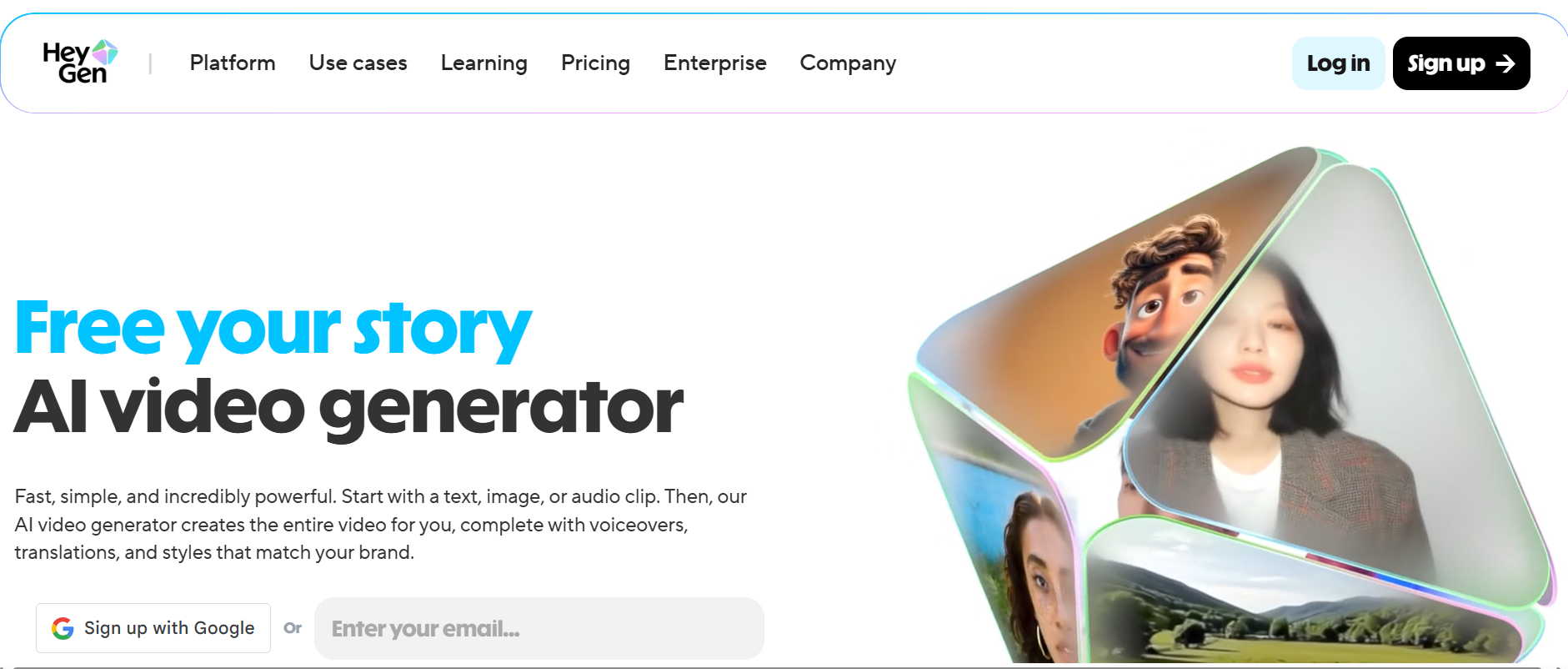
HeyGen offers a rich suite of tools, including 100+ avatars, 300+ voice styles, AI-assisted script writing, and music integration. Its voice cloning feature is perfect for generating AI kissing video generator free clips or branded vocal content. HeyGen works well for social media, marketing, and storytelling videos.
Pros:
- Variety of avatars and voice options
- Templates for quick video production
- Free AI video generator online available
Cons:
- Free plan has limited minutes and features
- Some advanced tools are behind paid tiers
Personal Take: HeyGen’s interface is intuitive, and the output quality makes it a good choice as an AI video generator free online for small projects.
Fliki — Text-to-Video & Blog-to-Video AI
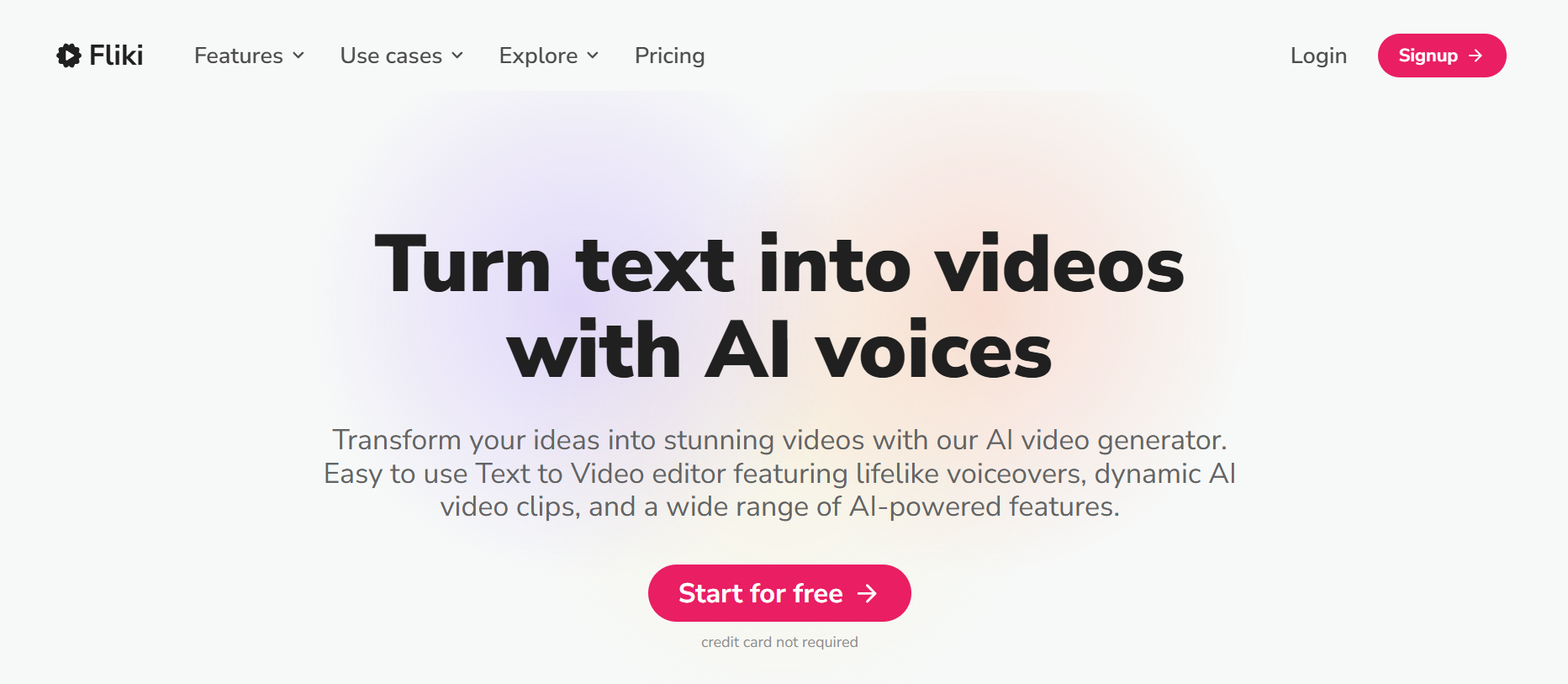
Fliki automatically converts written content into polished videos. Whether it’s a blog post or script, this AI generator pairs narration with visuals, icons, and background assets from its library. It’s especially useful for creating social media or educational content quickly and can serve as a free AI video generator for trial users.
Pros:
- Quick text-to-video AI generator workflow
- Natural AI narration
- Free AI video generator option available
Cons:
- Limited advanced scene control
- Monthly free minutes are capped
Personal Take: Fliki makes repurposing content effortless and provides visually engaging results, perfect for creators exploring AI video generator free online options.
InVideo AI — Automated Video Creation
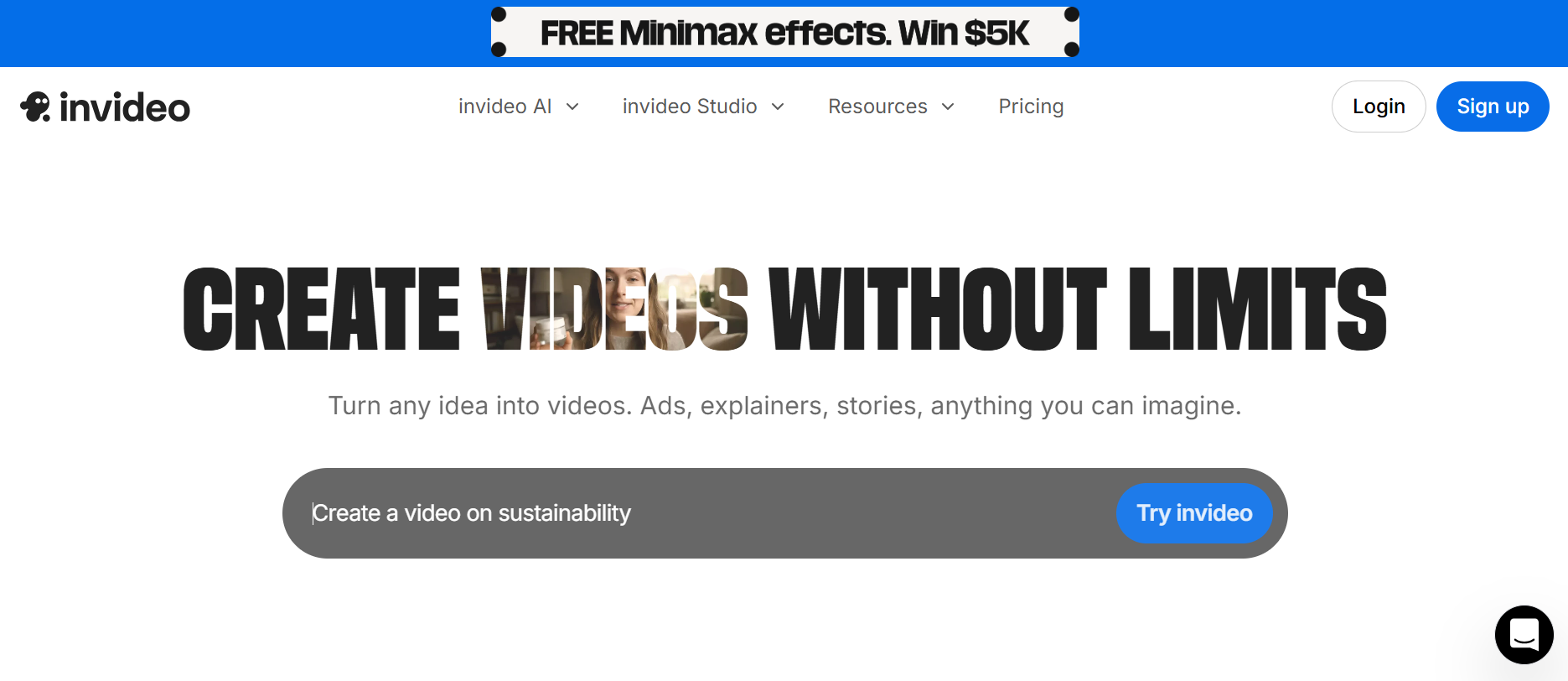
InVideo AI simplifies video creation from prompts, automatically organizing scenes, transitions, and pacing. This AI video generator includes color correction, trimming, and slideshow features, making it ideal for small projects, social media clips, and marketing content.
Pros:
- Turns text prompts into complete videos
- Smart scene trimming and color adjustment
- Free AI video generator for beginners
Cons:
- Free plan has limited minutes
- Full-feature access requires subscription
Personal Take: InVideo AI is a practical AI video generator free tool for fast, polished output without technical complexity.
Choosing the Right AI Video Generator
- PixaryAI for cinematic sequences and versatile video creation
- Synthesia for instructional or corporate content
- HeyGen for social media storytelling and AI kissing video generator free clips
- Fliki for transforming text into engaging video formats
- InVideo AI for fast social media or marketing videos
💡 Tips: Take advantage of free AI video generator trials, test narrative complexity, and consider visual quality versus ease-of-use before committing to a platform.
Why I’m Loving PixaryAI: The Ultimate AI Video Generator Choice
After trying several platforms, I keep coming back to PixaryAI. With Wan 2.5, you can create unlimited content, while Wan 2.6 excels at multi-shot cinematic videos. Whether you’re experimenting with a a free AI kissing video generator, PixaryAI makes producing polished, professional-looking content easy and enjoyable. For anyone looking to explore AI video generator free online, this is definitely one of the best AI video generators available!
How to Use AI Video Generator on PixaryAI
PixaryAI makes creating AI-generated videos simple, whether you want a single clip or a multi-shot cinematic sequence. Here’s how to get started:
Choose Your Tool
Decide whether you want to create a single AI video generator clip (Wan 2.5) or a multi-shot cinematic sequence (Wan 2.6). Wan 2.5 is ideal for experimenting and producing unlimited content, while Wan 2.6 is perfect for high-quality storytelling.
Enter Your Prompt or Image
Type in your script, scene description, or story concept. Or up load an image. Both Wan2.5 and Wan2.6 support text-to-video and image-to-video.
Generate Video
Click Generate, and the AI will create your video. Depending on your selection, you can get a single video clip in seconds.
Preview and Download
Watch your generated video, make minor adjustments if needed, and download it in high resolution. You can also share it directly to social media platforms.

You Might Like
5 Unrestricted AI Video Generators Compared in 2026
Top 3 at a Glance Tool NameBest For…RatingPricingPixaryAIRestriction-free AI video generator + clothing edit + private I2V9.1/10$9.99/mo (320 credits)SoulGenCharacter consistency + SoulChat + short loops8.3/10From ~$7.58/mo (annual)DeepSwapMulti-face swap on real footage (up to 6 faces)8.5/10~$9.99 promo/mo → ~$19.99/mo After testing 30+ platforms for multimodal latency, identity lock, and filter refusal rates, we found PixaryAI is the best no restriction ai video generator for creators wh
2026 AI Undress Bot Benchmark: 9 Tools Ranked for Clean Results in Minutes
If you need one fast answer, PixelCut is the best all-around AI free undresser for most users in 2026 because it balances speed, edge quality, and simple export options. PixaryAI also stands out as a strong contender in 2026, especially for users who want more creative flexibility beyond basic object removal. Its AI outfit editor expands the scope from simple cleanup to full visual transformation, making it particularly appealing for creators exploring personalized or stylized edits. Top 3 AI

PixaryAI: Effortless AI Video Generation for Creators
In today’s fast-paced digital world, creating high-quality videos can be time-consuming and technically demanding. PixaryAI solves this problem with a user-friendly AI video generator that’s both powerful and intuitive. Whether you’re a beginner or a seasoned creator, the platform’s clean interface and simple workflow make it easy to produce stunning videos in minutes. PixaryAI integrates two advanced models: Wan 2.5 and Wan 2.6. Wan 2.5 focuses on stability and consistency, ensuring smooth vis
