

Independent Filmmakers
Previs slips when every beat needs a set and a crew. PixaryAI 2.5 video generator turns a scene note into a cinematic clip you can review the same day.
Write a scene or upload a still, and PixaryAI 2.5 video generator turns it into a cinematic clip in the browser. Use this uncensored AI video generator when the shot needs film-style light, camera motion, and a steady subject. Text to video and image to video share that same model, so a script line and a finished frame can both move.
No celebrity faces, violence, sexual, or political content
Supports PNG/JPG/JPEG/WEBP format, up to 10MB
The generated video will follow the aspect ratio of the uploaded image.
Text to Video in One Pass: PixaryAI 2.5 video model reads a written scene and generates the moving shot, including subject, action, and camera. You can test a film-style beat on PixaryAI without sending the prompt to a separate text-only video tool.
Image to Video from a Still: An uploaded still becomes the opening frame, and PixaryAI 2.5 video model adds motion while holding the subject and light. Photographers can turn a finished frame into a clip without rebuilding it in a 3D tool.
Character and Style Consistency: Uses multi-reference assets or single-image training to preserve characters, objects, and environments across shots without warping.
Dynamic Camera Control: Adjusts camera movements like tracking, orbits, close-ups, and pan speeds to give footage a cinematic feel.
Native Audio and Lip-Sync: Automatically generates matching sound effects, background tracks, or dialogue with built-in character lip-sync.
In-Video Editing: • Permits simple text commands to swap clips, remove subtitles, translate narration, or insert new elements into existing videos.
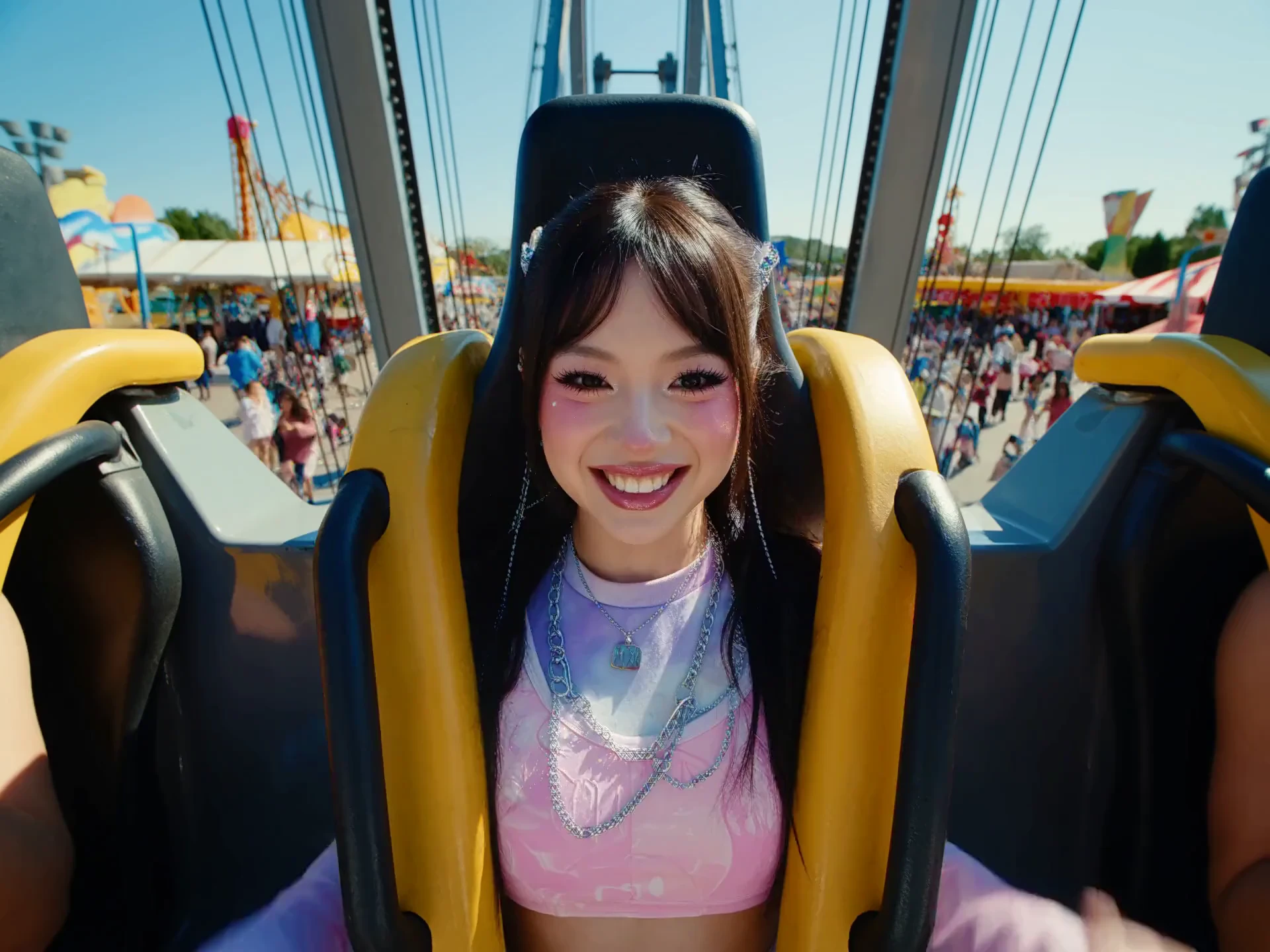
PixaryAI 2.5 AI video generator is the video model PixaryAI built in-house for cinematic work. Unrestricted text to video and unfilter image to video now sit together on this model. An uncensored AI video maker brief can name the subject, the action, and the camera. An unrestricted photo to video pass starts from a still you already finished. The uncensored AI video creator step is preview and download for either starting point.
Write the scene for text to video, or upload a still for image to video. Name the subject, the action, and the camera move.
Run the still or the prompt through PixaryAI 2.5. This unrestricted AI video generator keeps text to video and image to video on the same generate action.
Play the clip in the browser and download it when the motion and light match the brief. Change the prompt or the still and generate again if they do not.
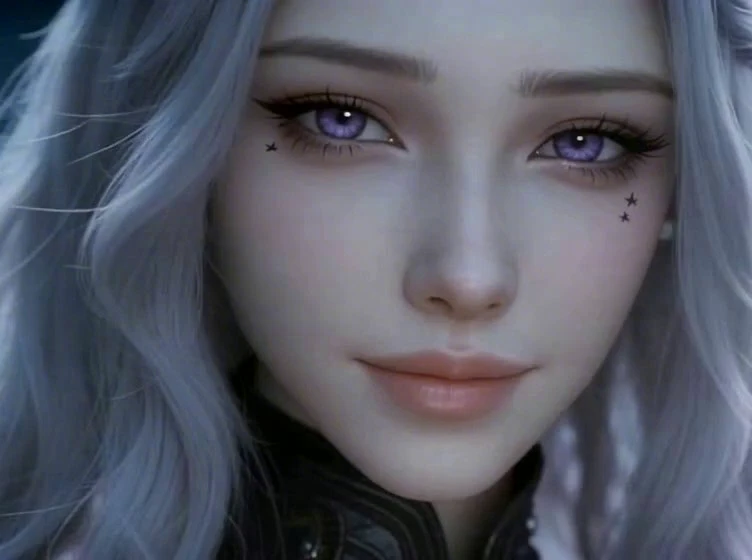
Describe a character, a place, and one camera move, then generate the shot with PixaryAI 2.5 video generator. The clip is a cinematic beat you can watch before a shoot. Directors use it to test pacing, light, and blocking from a paragraph.
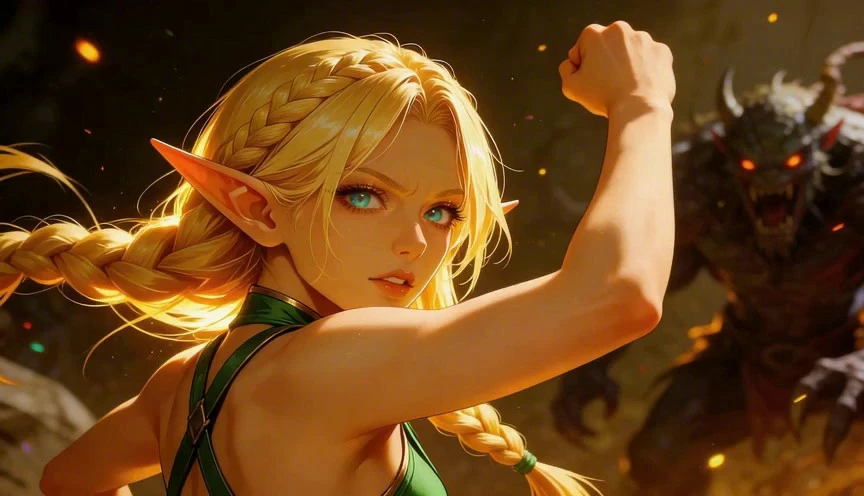
Start from a photograph or a designed frame and let PixaryAI 2.5 video generator carry the subject into motion. This uncensored photo to video path keeps the original light and wardrobe while the camera pushes in or the subject turns. Portfolio stills become clips without a 3D rebuild.
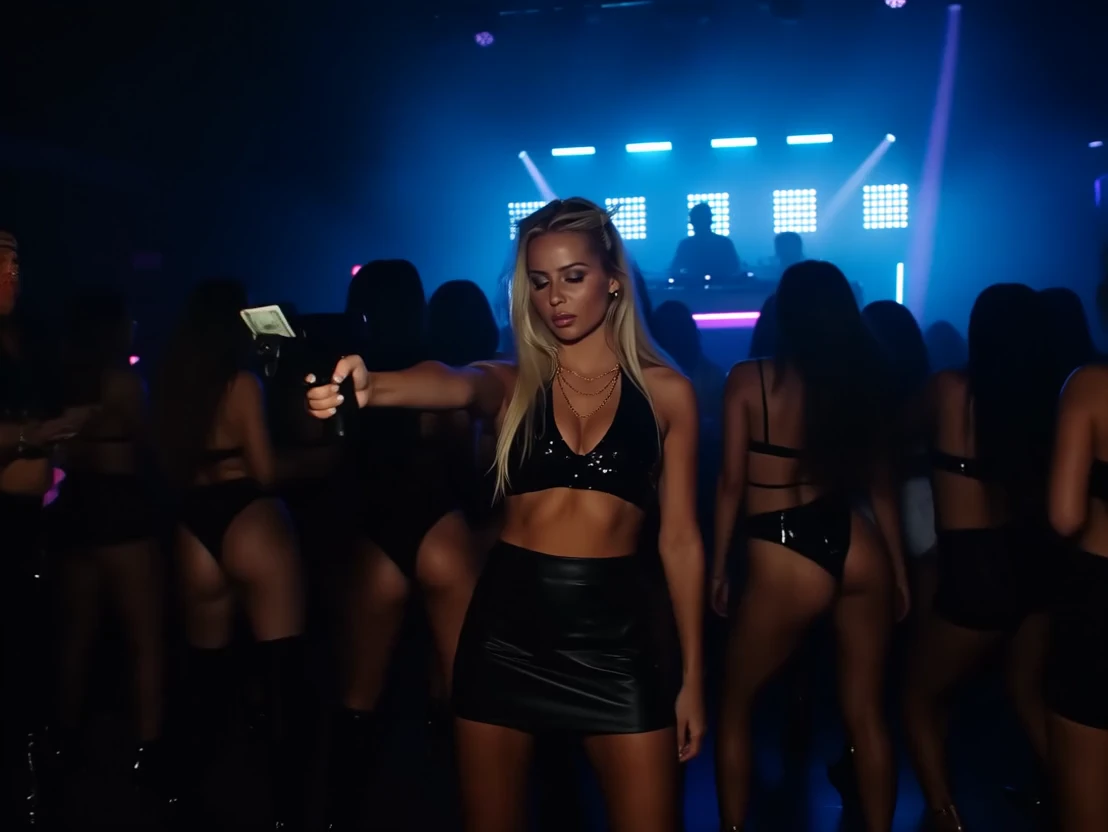
Place a product in a set, name the move, and generate a cinematic hero shot. Light wraps the object and the camera drifts with purpose. Marketing teams can preview a spot before a studio day.
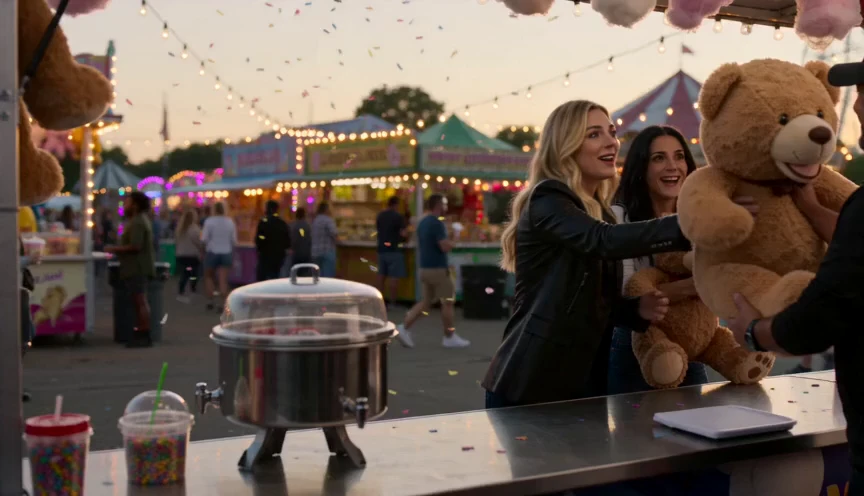
Build an atmosphere piece with weather, time of day, and a slow camera. An unrestricted AI video maker pass on PixaryAI 2.5 video generator turns that note into a film-style clip for client review. Concept artists use it to show a world while production art is still open.
Previs slips when every beat needs a set and a crew. PixaryAI 2.5 video generator turns a scene note into a cinematic clip you can review the same day.

A still campaign stalls once the brand asks for motion. Upload the approved frame, generate image to video, and review a short cinematic version.
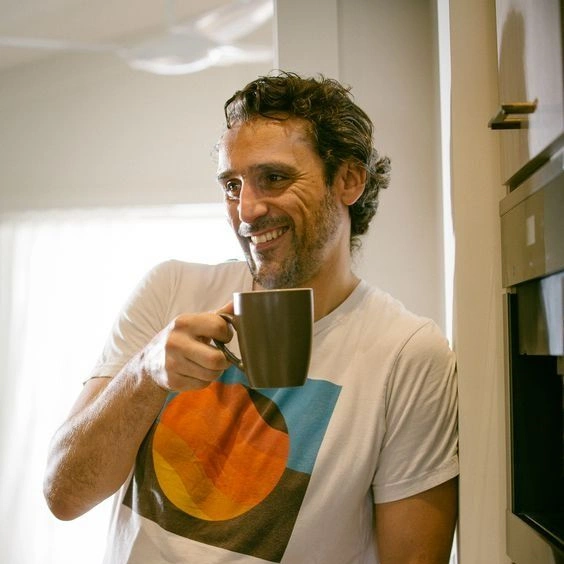
Motion used to mean another tool and another handoff. Start from the still you already trust and download a clip that holds its light.

I wrote a slow dolly through a rainy alley and PixaryAI 2.5 kept the move in the text to video draft. The light stayed motivated instead of flattening out. I used the clip as previs with my producer the same afternoon.
The approved product frame was stuck as a static ad. Image to video on PixaryAI 2.5 pushed the camera in and kept the label readable. We sent the draft to our editor as the storyboard for the cut.
The cinematic grade on my interior still looked right, and the subject held together. I wanted another beat, so I generated again from a revised note. It was still a faster test than booking a motion designer.
I described where the figure stands and how the camera circles. PixaryAI 2.5 gave me a film-style shot I could show before location scouting. I did not need a timeline to get that preview.
I needed a moody street scene for a launch teaser. Text to video gave me a cinematic clip with a clear hook at the open. I sent it to the client as direction for the final edit.
I was searching for uncensored AI video that still looked like a photographed scene. PixaryAI 2.5 took my window-light still and added a slow turn. The grade matched the original frame.

PixaryAI offers unlimited AI content creation to meet all your needs, whether for photos, GIFs or videos.
 Try for Free Now