

6 Top Spicy AI Image to Video Tools for 2026 (Full Review)
Searching for a spicy AI video generator isn’t always about shock value. For me, it started with curiosity, creativity, and the need for a private space where ideas could move, evolve, and feel alive—without pressure or exposure. What truly matters in a spicy AI image to video generator is not how bold the output looks, but whether the experience feels controlled, smooth, and trustworthy. Turning a still image into motion should feel empowering, not risky.After testing multiple platforms—from f
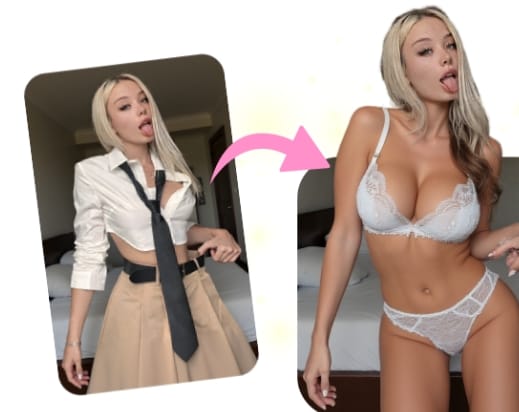
Searching for a spicy AI video generator isn’t always about shock value. For me, it started with curiosity, creativity, and the need for a private space where ideas could move, evolve, and feel alive—without pressure or exposure.
What truly matters in a spicy AI image to video generator is not how bold the output looks, but whether the experience feels controlled, smooth, and trustworthy. Turning a still image into motion should feel empowering, not risky.After testing multiple platforms—from free spicy AI video generator tools to premium options—it became clear that quality varies wildly. Some spicy video generators struggle with unstable motion or awkward lighting, while others promise advanced tech but leave users uncertain about content handling.
This guide focuses on tools that balance visual consistency, ease of use, and creative freedom. If you’re looking for the best spicy AI video generator in 2026, this review is built on hands-on experience.
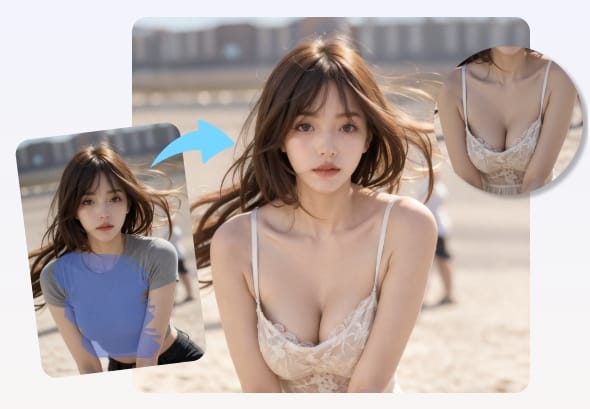
What Is a Spicy AI Video Generator?
A spicy AI video generator is primarily used to create adult-oriented visual content, most commonly undress-style videos, by transforming images into animated clips where clothing is digitally removed or reduced in a realistic, AI-driven way. These tools typically function as a spicy AI image to video generator, focusing on body continuity, lighting consistency, and natural motion rather than explicit action.
6 Best Spicy AI Image to Video Generators for 2026
PixaryAI — Best Overall Spicy AI Video Generator
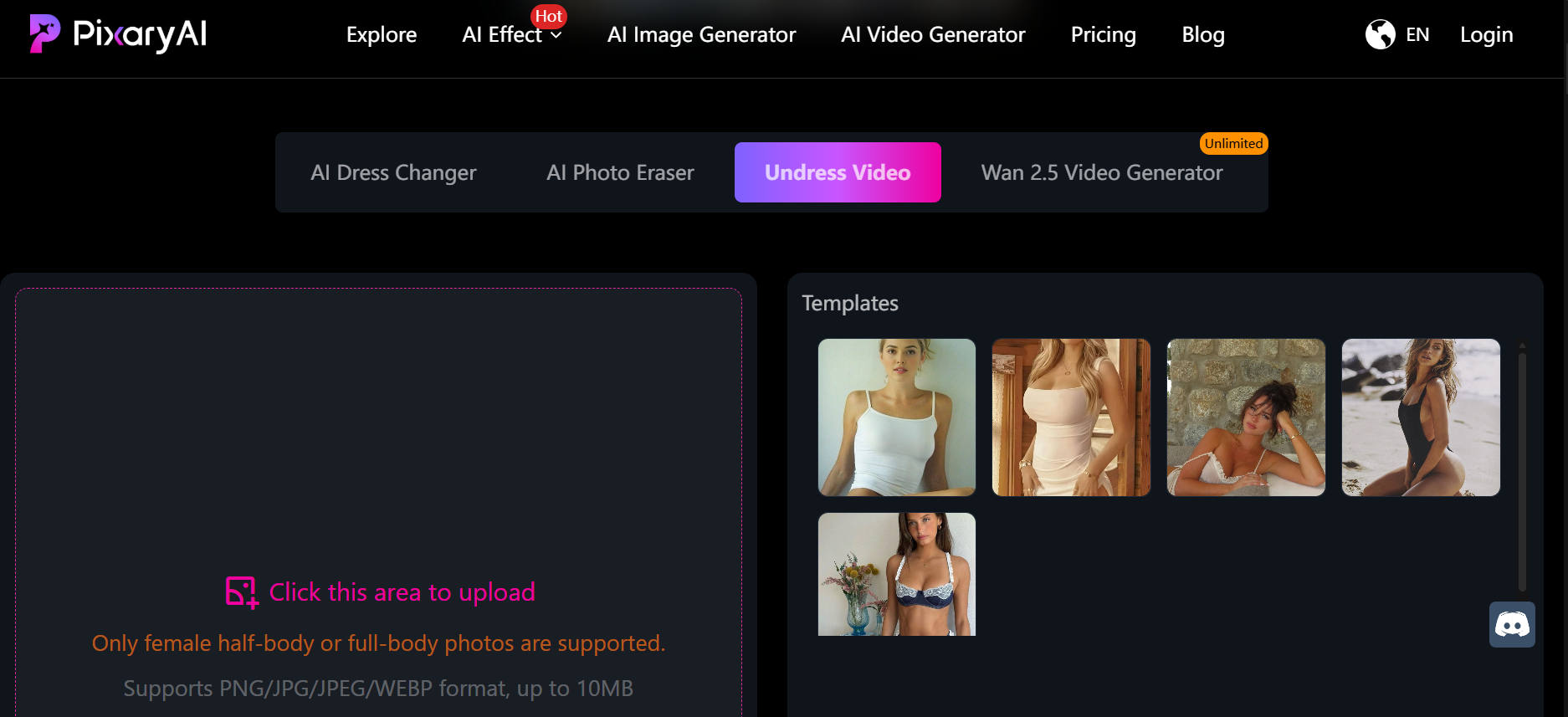
PixaryAI delivered the most consistent results during repeated spicy AI image to video tests. Motion felt smooth, proportions stayed stable, and visual transitions were clean from start to finish.
Unlike many spicy AI video generator free platforms that introduce flicker or distortion, PixaryAI maintains strong frame-to-frame coherence, making it ideal for repeat creation.
Pros
- Advanced spicy AI video maker
- Excellent motion stability
- Fast generation speed
- Built for private, controlled workflows
Privacy & Data Handling
PixaryAI follows a privacy-first design. Uploaded images and generated videos are processed securely and removed automatically within 42 hours. Content is never indexed or reused, which sets it apart from lower-quality spicy image to video tools.
Cons
- Limited manual editing after generation
Best for
Users who want predictable output and a dependable spicy AI video generator they can trust.
AINUDEZ — Best for Realistic Spicy Image to Video Output
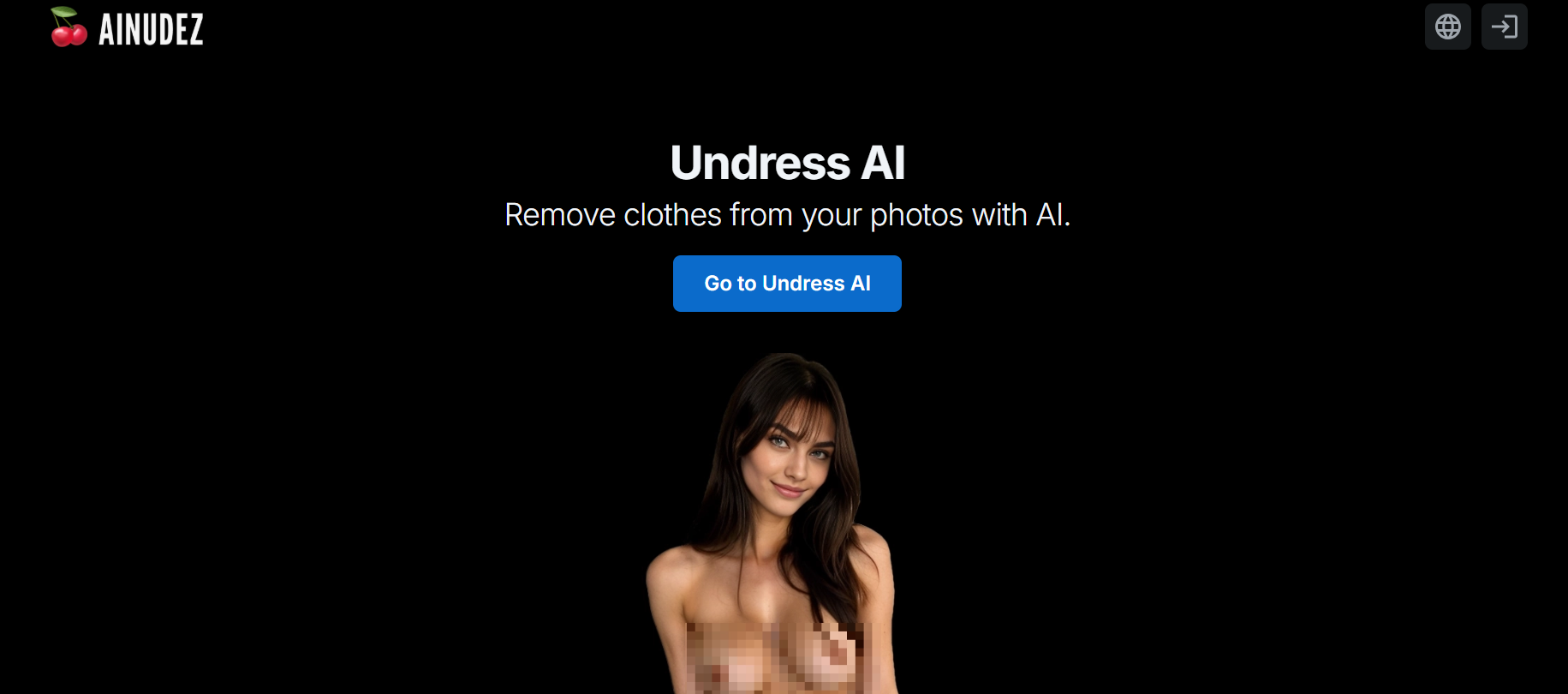
AINUDEZ focuses on realism. Its spicy image to video generator excels at natural lighting and texture accuracy, with optional refinement tools for post-generation adjustments.
Pros
- High realism in spicy image to video AI
- Post-generation enhancement options
- Transparent data policies
Cons
- Slower rendering when edits are applied
- Interface may feel complex at first
Best for
Creators who value realism over speed in a spicy AI image to video generator.
DeepNude AI — Best for Stylized Spicy Video Generation
This platform leans into creative expression. With anime, fantasy, and artistic presets, it functions more like an experimental spicy video generator.
Pros
- Multiple visual styles
- Creative control presets
- Budget-friendly
Cons
- Motion realism can be inconsistent
- Lighting may shift between frames
Best for
Users exploring stylized or fantasy-oriented spicy image to video generator free tools.
Pornworks AI — Best Multi-Feature Spicy AI Video Maker
Pornworks AI combines spicy image to video generation with additional AI features like FaceSwap. Results are solid when source images are high quality.
Pros
- Reliable spicy AI video maker
- Extra AI tools included
- Supports various image types
Cons
- Privacy details are less prominent
- Output depends heavily on input resolution
- Interface feels crowded
Best for
Users who want more than a single-purpose spicy AI video generator.
Clothoff.net — Best Single-Purpose Spicy AI Video Generator
Clothoff.net is a well-known spicy AI video generator built for users who want one clear function without dealing with a complex editor. Instead of offering layered creative tools, it focuses on a direct upload-and-generate workflow that feels fast and uncomplicated.
The platform is accessible via both web and mobile apps, and its large user base has helped it become one of the most recognized names in the spicy image to video AI search ecosystem—even though its core output remains image-focused.

Pros
- Extremely straightforward workflow
- Focused on a single task with no learning curve
- Large and active user community
Cons
- Output quality depends heavily on the original image
- Limited creative control compared to advanced spicy AI video makers
- Has faced scrutiny over business transparency and ethical guidelines
Best for
Users who want a fast, no-frills spicy AI video generator and plan to pair it with a separate spicy image to video generator for animation.
Undress.app — Best Entry-Level Free Spicy AI Image to Video Tool
Undress.app prioritizes simplicity. Its one-click workflow makes it approachable for first-time users exploring free spicy AI image to video options.
Pros
- Extremely simple workflow
- Fast processing
- Beginner-friendly
Cons
- Very limited customization
- No post-generation editing
- Advanced use requires paid plans
Best for
Beginners testing spicy AI image to video generator free platforms.
Spicy AI Image & Video Generator Comparison (2026)
| Tool | Generation Speed | Output Quality | Value for Money | Best For |
| PixaryAI | Fast ⚡ | Very High ⭐⭐⭐⭐⭐ Realistic lighting and textures | High | Users who want reliable results, fast creation, and strong privacy for repeat use |
| AINUDEZ | Medium | High ⭐⭐⭐⭐☆ Smooth motion, stable frames | Medium | Advanced creators who prioritize realism over speed |
| DeepNude AI | Medium | Medium ⭐⭐⭐☆ Stylized, artistic output | High | Users exploring anime, fantasy, or creative styles on a budget |
| Pornworks AI | Medium | Medium–High ⭐⭐⭐⭐ | Medium | Users who want multiple AI features beyond image-to-video |
| Clothoff.net | Fast ⚡ | Medium ⭐⭐⭐ Highly dependent on source image | Medium | Users who want fast, no-frills image generation before moving to video tools |
| Undress.app | Fast ⚡ | Low–Medium ⭐⭐☆ | Low–Medium | Beginners testing free spicy image-to-video generators |
Quick Recommendations
- Best overall balance (speed + quality + privacy) → PixaryAI
- Best realism → AINUDEZ
- Best budget / stylized output → DeepNude AI
- Best all-in-one toolset → Pornworks AI
- Fast image-only workflow → Clothoff.net
- Best entry-level free option → Undress.app
My Recommendation
Choosing a spicy AI video generator isn’t just about visuals—it’s about comfort. I wanted a tool that let creativity flow without worrying about where files go or how they’re stored.
I tested multipleAI spicy video generator free tools. Most worked technically, but unclear data handling made the experience uneasy. PixaryAI stood out because it combines stable spicy image to video AI performance with clear, predictable content management.
Whether you’re experimenting with a free spicy AI video generator or planning regular use, PixaryAI offers the best balance of quality, control, and peace of mind.
How to Use PixaryAI as a Spicy Image to Video Generator
Step 1: Choose Mode
Open PixaryAI and select the image-to-video option to begin your spicy image to video workflow.
Step 2: Upload Image
Upload a clear, high-resolution image. Better inputs lead to better results in any spicy AI video maker.
Step 3: Generate Video
Click “Generate.” PixaryAI automatically animates your image with smooth, natural motion.
Step 4: Download Securely
Preview and download your video. All files are removed automatically within 42 hours.
Optional: Add Prompts
Using Wan 2.5 Unlimited mode, you can add prompts to guide motion or pose, enhancing creative control in your spicy AI image to video generator workflow.
FAQs About PixaryAI – Spicy AI Video Features
Can I try a free spicy AI video generator?
Yes! PixaryAI offers a spicy AI video maker free option, letting you experiment with it without subscribing. It’s perfect for testing the features before committing.
How do I create videos using PixaryAI?
Simply upload your image and the AI does the rest. You can use the image to video AI spicy feature to produce realistic adult content in just a few seconds.
Is PixaryAI safe for spicy content creation?
Yes, PixaryAI prioritizes privacy. All uploads are encrypted, and files are deleted after processing. You can confidently use the AI spicy video generator free features knowing your content stays secure.

You Might Like
Undress.cc Review: My Real-World Comparison of Undress AI
Over the past few weeks, I spent extensive hands-on time testing several free undress AI platforms to see how they perform beyond marketing pages. Across forums, reviews, and user discussions, one name appeared more consistently than any other: undress.cc. PixaryAI was the second most mentioned platform, so I decided to compare it directly against undress.cc using the same adult images, identical default settings, and zero post-processing. This comparison reflects real usage of the two AI undre
Best 5 AI Nude Generators in 2026: Free Online
When Image Editing Meets Imagination: The Rise of AI Nude Tech AI hasn’t just improved image editing—it’s completely reshaped it. The new wave of AI nude and deep nude tools doesn’t just erase clothing; it reconstructs what could be underneath, producing results that resemble nude girls, nude women, or polished digital nude models based on the original pose and lighting. What interests me most isn’t the shock factor but the creative freedom they offer. People now use these generators as digital
AINUDEZ vs PixaryAI (2026): Image to NSFW Video Tool Review
I’ve always been curious about visualizing my imagination—but in real life, doing that openly isn’t always comfortable or safe. What I was really looking for was a private, judgment-free way to turn a single image into motion. That’s what first drew me to image to NSFW video tools. Over the past year, I tested a wide range of platforms that position themselves as an NSFW image to video maker, including both paid and NSFW image to video free options. My focus wasn’t just on visuals—it was on pri
