
5 meilleurs générateurs vidéo AI pour 2026 (testés sur le terrain)
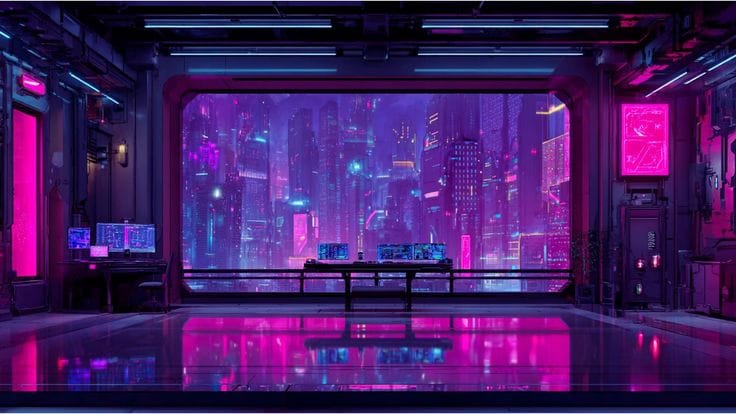
Avez-vous déjà souhaité que la création de vidéos soit aussi simple que la rédaction d'un texte ? Avec Générateurs vidéo AI, en gros, ça l'est. Qu'il s'agisse de clips pour les réseaux sociaux ou de didacticiels, ces outils transforment vos idées en images animées. Et oui, il existe des options avec des essais gratuits, vous pouvez donc expérimenter avant de vous engager.
J'ai retroussé mes manches et essayé plusieurs outils haut de gamme. Pour voir quels outils fonctionnent réellement, j'ai effectué des tests pratiques en utilisant la même invite sur plusieurs plateformes. De cette façon, je pourrais comparer la façon dont chacun Générateur vidéo AI gratuit interprète le même contenu, du style et du rythme aux visuels et à la narration, pour vous donner un aperçu du monde réel, côte à côte, de ce qui fonctionne le mieux.
Rapide :Scène cinématographique hyperréaliste d'un propriétaire de chien promenant son chien sur un passage pour piétons au feu vert, rue urbaine en plein jour, circulation naturelle en arrière-plan, signalisation réaliste pour piétons, perspective d'une caméra portative depuis le niveau du trottoir, le chien s'arrête soudainement au milieu du passage pour piétons et refuse de bouger, laisse légèrement tirée mais le chien reste têtu, réaction humaine naturelle montrant une légère confusion et un léger embarras, mouvements subtils comme la tension de la laisse, la posture du chien résistant au vent vêtements et fourrure légèrement mouvants, ombres réalistes sur la route, ville authentique atmosphère sonore induite par le mouvement, couleurs naturelles non filtrées, léger tremblement de l'appareil photo, cadrage imparfait, texture semblable à celle d'un film, faible profondeur de champ, format cinématographique ultra-large, rendu photoréaliste 8K, capturant un moment réel spontané et amusant.
PixaryAI — Le générateur vidéo IA le plus polyvalent
PixaryAI est un produit de premier plan Générateur vidéo AI mettant en vedette Réseau Wan 2,5 et Réseau Wan 2.6. Avec Réseau Wan 2,5, vous bénéficiez d'une génération de contenu illimitée, ce qui le rend idéal pour produire une infinité de clips. Wan 2.6 ajoute des séquences cinématiques à plans multiples avec des mouvements fluides et des visuels réalistes. Que vous souhaitiez un rapide Générateur vidéo AI gratuit Qu'il s'agisse d'une sortie ou d'un projet multi-scènes raffiné, PixaryAI fournit des résultats à la fois statiques et animés avec des scènes naturelles de haute qualité générées par l'IA.
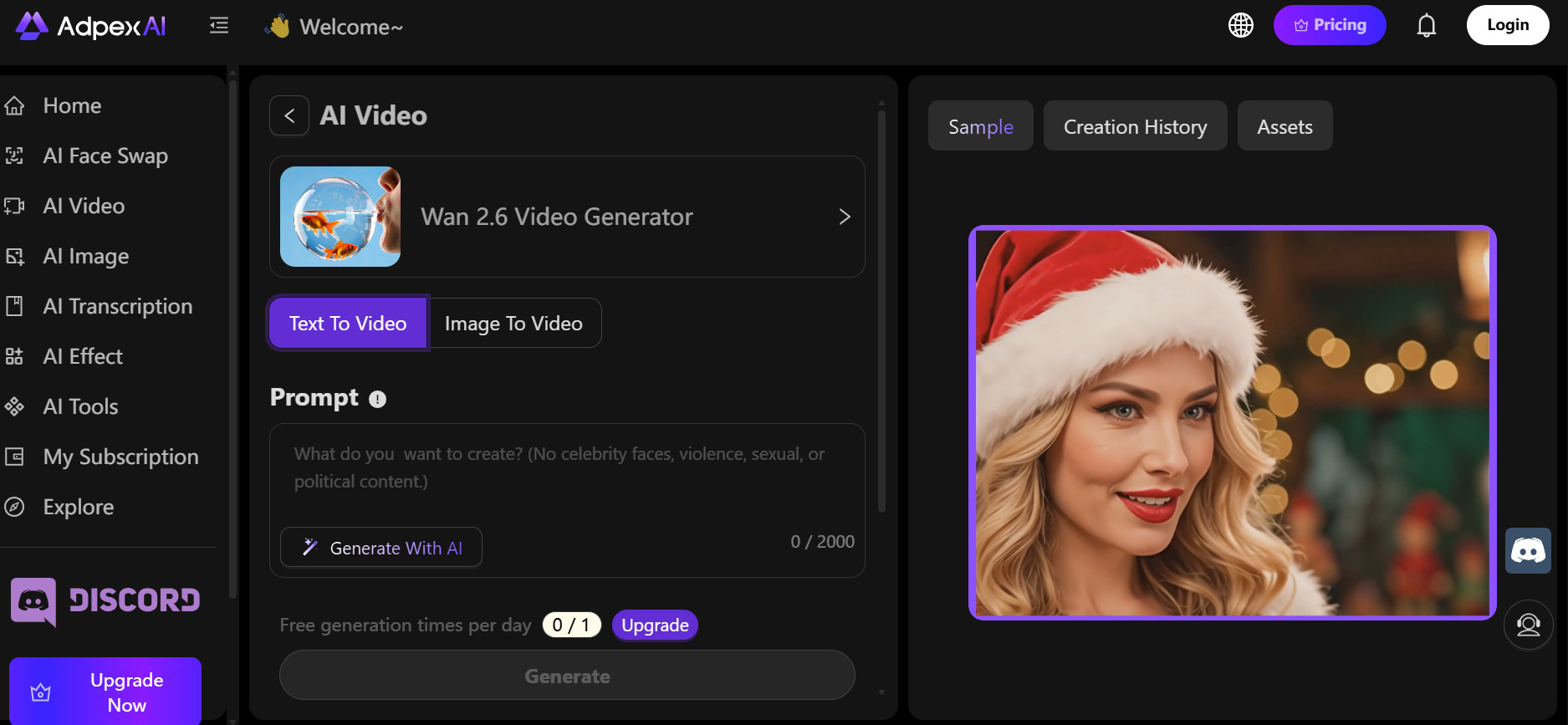
Avantages :
- Génère à la fois des images et des séquences vidéo
- Des animations fluides avec des mouvements et un éclairage réalistes
- Qualité de sortie constante d'un projet à l'autre
- Générateur vidéo AI gratuit essai disponible avec des limites d'utilisation claires
Inconvénients :
- Les réglages manuels avancés sont limités
- Les clips d'animation sont relativement courts
Point de vue personnel : PixaryAI donne l'impression d'être un produit de qualité professionnelle Générateur vidéo AI convient aussi bien aux débutants qu'aux utilisateurs expérimentés à la recherche d'une sortie de haute qualité.
Synthesia — Générateur d'IA texte-vidéo
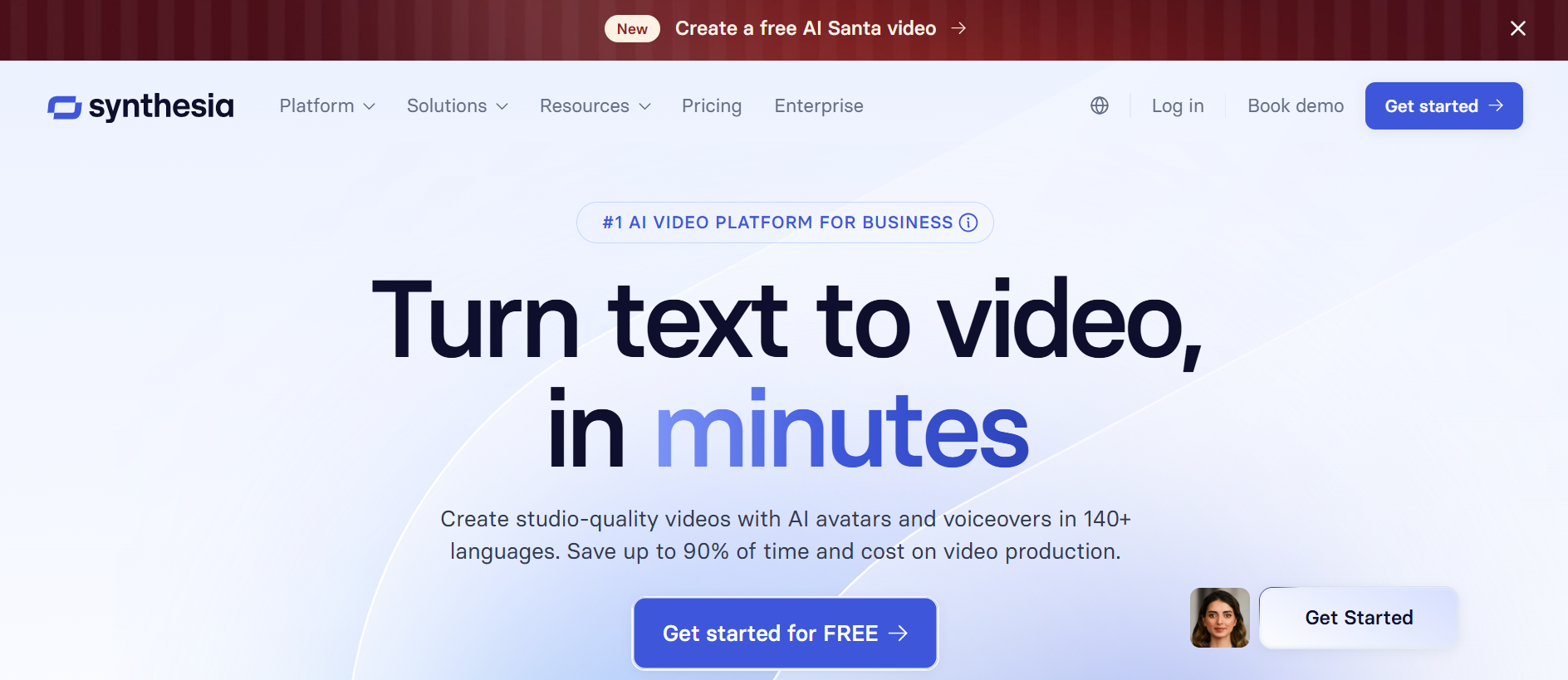
Synthesia excelle dans la transformation de scripts écrits en contenu vidéo. Avec plus de 130 langues et 160 avatars d'IA, ce générateur d'IA texte-vidéo permet aux créateurs d'ajuster les gestes, les expressions et le timing. Il est idéal pour les formations en entreprise, les démonstrations de produits et les vidéos éducatives nécessitant une sortie multilingue évolutive.
Avantages :
- Supporte les avatars personnalisés et l'édition des gestes
- Rendu rapide avec synchronisation labiale précise
- Efficace pour le contenu pédagogique et marketing
Inconvénients :
- La personnalisation avancée des scènes est limitée
- Les fonctionnalités premium nécessitent des forfaits payants
Point de vue personnel : Synthesia est une solution fiable Générateur vidéo AI pour créer des didacticiels ou des vidéos explicatives sans avoir besoin de caméras ou d'acteurs.
HeyGen — Générateur vidéo créatif basé sur l'IA avec clonage vocal
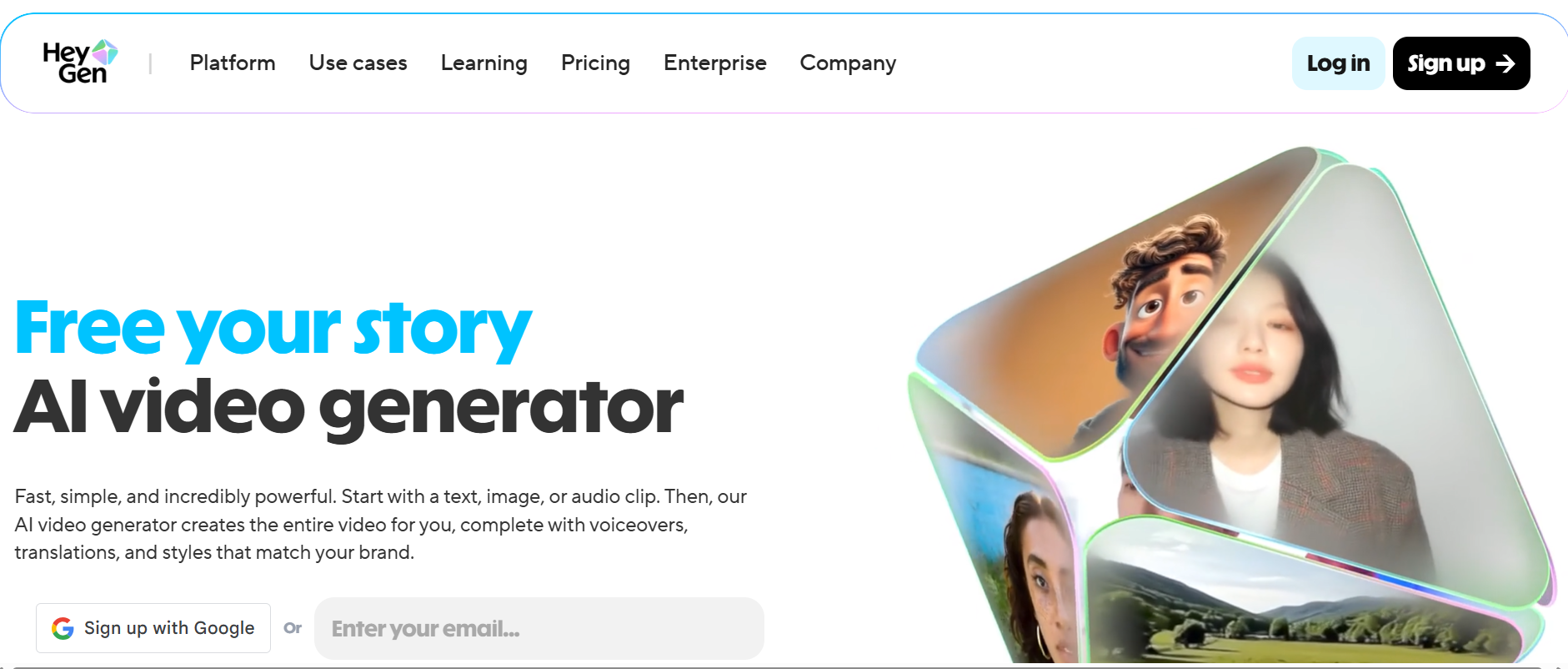
HeyGen propose une riche suite d'outils, notamment plus de 100 avatars, plus de 300 styles de voix, l'écriture de scripts assistée par l'IA et l'intégration musicale. Sa fonction de clonage vocal est parfaite pour générer Générateur vidéo AI Kissing gratuit des clips ou du contenu vocal de marque. HeyGen fonctionne bien pour les réseaux sociaux, le marketing et les vidéos de narration.
Avantages :
- Variété d'avatars et d'options vocales
- Modèles pour une production vidéo rapide
- Générateur vidéo AI gratuit en ligne disponible
Inconvénients :
- Le plan gratuit a des minutes et des fonctionnalités limitées
- Certains outils avancés sont à l'origine des niveaux payants
Point de vue personnel : L'interface de HeyGen est intuitive et la qualité de sortie en fait un bon choix en tant que Générateur vidéo AI gratuit en ligne pour les petits projets.
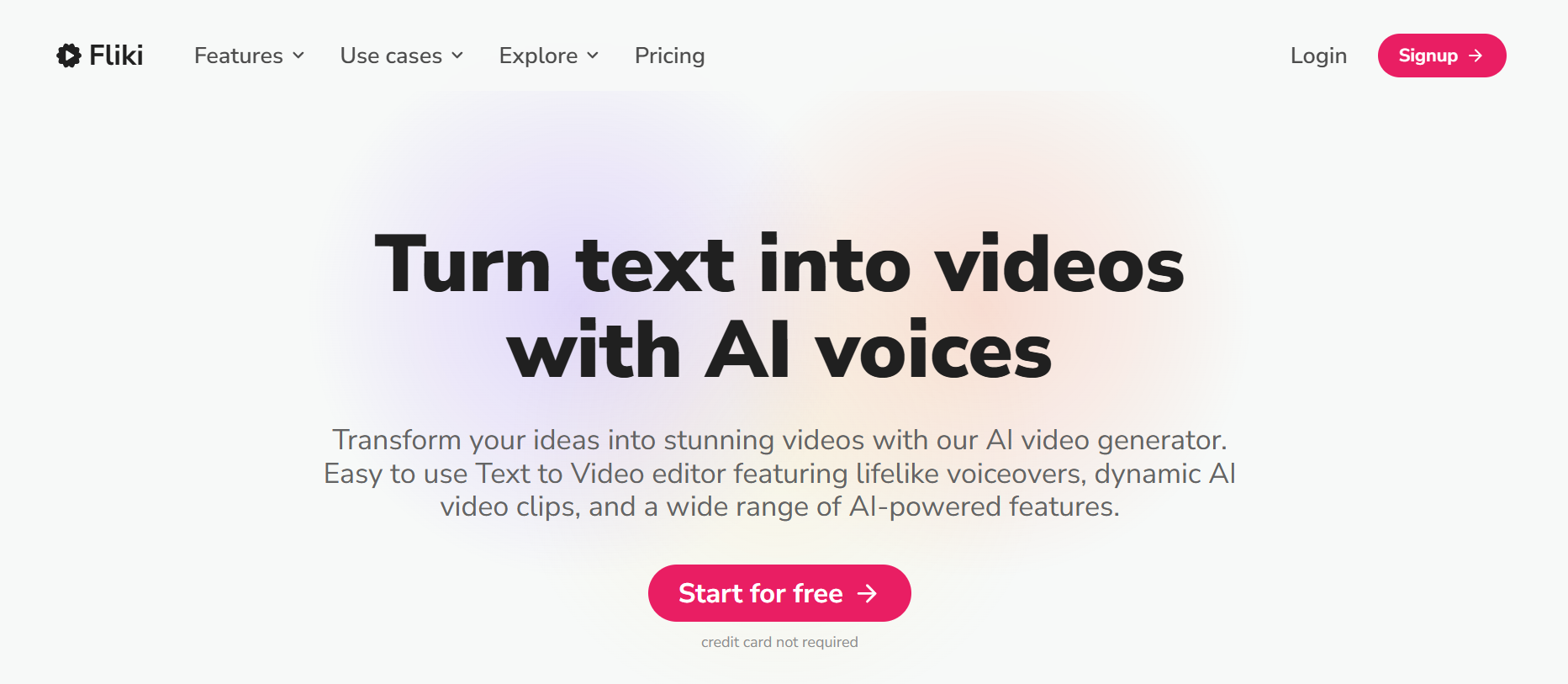
Fliki — IA de synthèse de texte en vidéo et de blog en vidéo
Fliki convertit automatiquement le contenu écrit en vidéos soignées. Qu'il s'agisse d'un article de blog ou d'un script, cette IA generator associe la narration à des éléments visuels, à des icônes et à des éléments d'arrière-plan de sa bibliothèque. Il est particulièrement utile pour créer rapidement du contenu éducatif ou pour les réseaux sociaux et peut servir de générateur vidéo AI gratuit pour les utilisateurs en version d'essai.
Avantages :
- Rapide générateur d'IA texte-vidéo flux de travail
- Narration naturelle par IA
- Générateur vidéo AI gratuit option disponible
Inconvénients :
- Contrôle de scène avancé limité
- Les minutes gratuites mensuelles sont plafonnées
Point de vue personnel : Fliki facilite la réutilisation du contenu et fournit des résultats visuellement attrayants, parfaits pour les créateurs qui explorent Générateur vidéo AI gratuit en ligne options.
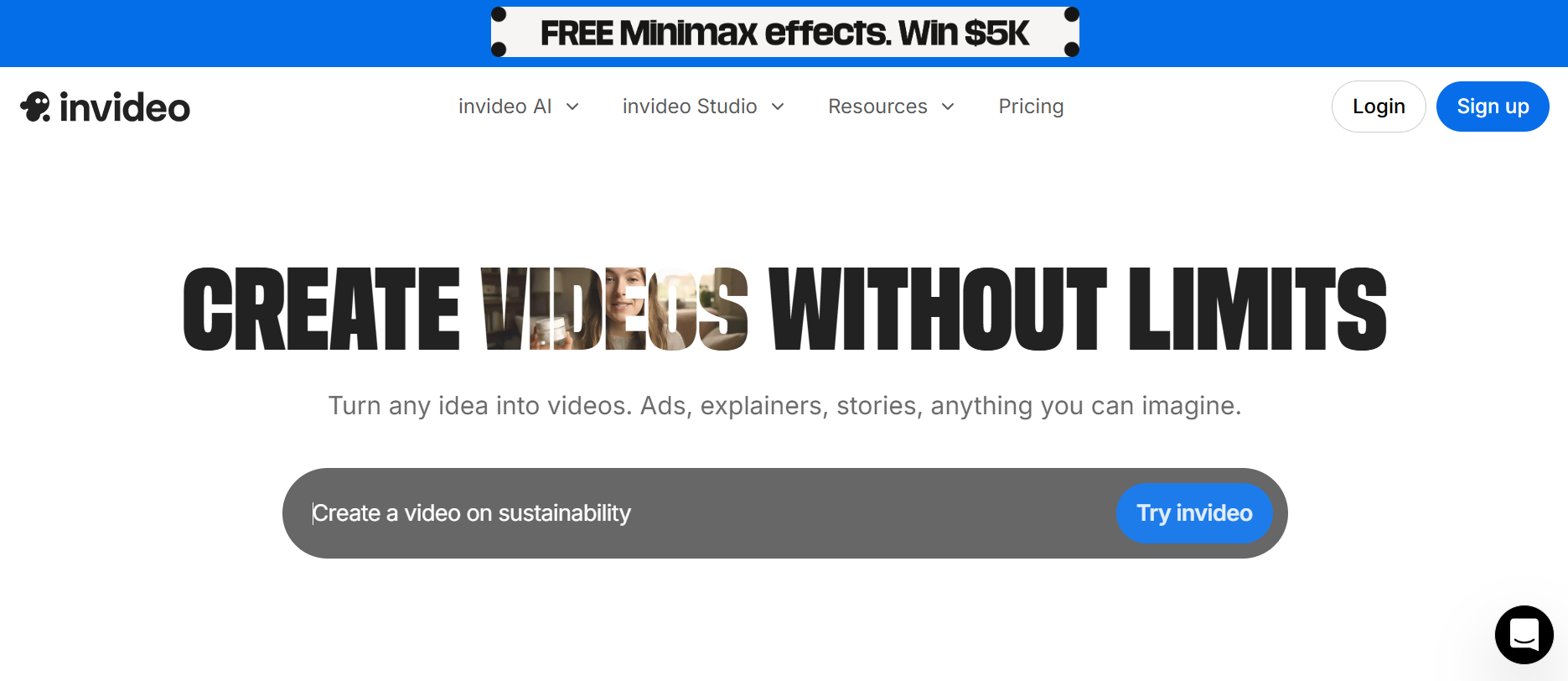
InVideo AI — Création automatique de vidéos
InVideo AI simplifie la création vidéo à partir d'instructions, en organisant automatiquement les scènes, les transitions et le rythme. Ce Générateur vidéo AI inclut des fonctionnalités de correction des couleurs, de découpage et de diaporama, ce qui le rend idéal pour les petits projets, les clips pour les réseaux sociaux et le contenu marketing.
Avantages :
- Transforme les invites textuelles en vidéos complètes
- Découpage intelligent des scènes et réglage des couleurs
- Générateur vidéo AI gratuit pour débutants
Inconvénients :
- Le plan gratuit a un nombre de minutes limité
- L'accès à toutes les fonctionnalités nécessite un abonnement
Point de vue personnel : InVideo AI est une solution pratique Générateur vidéo AI gratuit outil pour une sortie rapide et précise sans complexité technique.
Choisir le bon générateur vidéo AI
- IA Pixary pour des séquences cinématographiques et une création vidéo polyvalente
- Synthèse pour du contenu pédagogique ou d'entreprise
- Hey Gen pour la narration sur les réseaux sociaux et Générateur vidéo AI Kissing gratuit clips
- Fliki pour transformer du texte en formats vidéo attrayants
- InVideo AI pour des vidéos de marketing ou de diffusion rapides sur les réseaux sociaux
💡 Astuces : Profitez de générateur vidéo AI gratuit essais, testez la complexité narrative et considérez la qualité visuelle par rapport à la facilité d'utilisation avant de vous engager sur une plateforme.
Pourquoi j'aime PixaryAI : le choix ultime en matière de générateur vidéo basé sur l'IA
Après avoir essayé plusieurs plateformes, je reviens sans cesse à PixaryAI. Avec Wan 2.5, vous pouvez créer un contenu illimité, tandis que Wan 2.6 excelle dans les vidéos cinématiques multi-plans. Que vous expérimentiez un générateur de vidéos AI Kissing gratuit, PixaryAI rend la production de contenus soignés et d'aspect professionnel facile et agréable. Pour tous ceux qui souhaitent explorer Générateur vidéo AI gratuit en ligne, c'est certainement l'un des meilleurs générateurs vidéo IA disponibles !
Comment utiliser le générateur vidéo AI sur PixaryAI
PixaryAI simplifie la création de vidéos générées par l'IA, que vous souhaitiez un seul clip ou une séquence cinématographique à plusieurs plans. Voici comment commencer :
Choisissez votre outil
Décidez si vous souhaitez créer un clip de générateur vidéo IA unique (Wan 2.5) ou une séquence cinématique à plans multiples (Wan 2.6). Wan 2.5 est idéal pour expérimenter et produire contenu illimité, tandis que Wan 2.6 est parfait pour une narration de haute qualité.
Entrez votre invite ou votre image
Tapez votre script, la description de la scène ou le concept de l'histoire. Ou téléchargez une image. Wan2.5 et Wan2.6 prennent tous deux en charge la conversion texte-vidéo et la conversion image-vidéo.
Générer une vidéo
Cliquez Générez, et l'IA créera votre vidéo. Selon votre sélection, vous pouvez obtenir un seul clip vidéo en quelques secondes.
Aperçu et téléchargement
Regardez la vidéo que vous avez générée, apportez des modifications mineures si nécessaire et téléchargez-la en haute résolution. Vous pouvez également le partager directement sur les réseaux sociaux.
À propos de l'auteur

Vous pourriez aimer
PixaryAI contre LeonardoAI : comparaison entre une image et une vidéo IA illimitées (2026)
Test de Wan 2.6 : test du nouveau générateur vidéo AI sur PixaryAI

Comparaison du générateur vidéo AI Smut : PixaryAI contre Leonardo, Zencreator, Miricanvas et BasedLabs (testé en 2026)

PixaryAI propose une création de contenu IA illimitée pour répondre à tous vos besoins, que ce soit pour des photos, des GIFs ou des vidéos.
 Essayez gratuitement maintenant