fbImg

Wan 3.0 AI Video Generator - Uncensored 30s Cinematic Video Maker

Turn one prompt, one photo or a stack of reference material into a finished 30-second cinematic clip. Uncensored Wan 3.0 AI video generator on PixaryAI runs text to video AI, image to video AI and reference to video in the browser, with speech, ambience and sound effects rendered in the same pass. Choose 480P, 720P or 1080P, set any duration from 2 to 30 seconds, and pick 16:9, 9:16, or 1:1 for film, ads, and short-form. No install, no watermark on export, and unlimited Wan 3.0 AI video generation drafts while you dial in the shot.

Wan 3.0 AI Video Generator
点击此区域上传文件

禁止名人脸、暴力、色情或政治内容

支持 PNG/JPG/JPEG/WEBP 格式,最大 10MB

生成的视频将与所上传图片的宽高比一致。

描述您的视频
0 / 2000
每日免费生成次数
0 / 1
预计费用: **积分

Key Features of Wan 3.0 AI Video Generator

  • Native 30-Second Single-Pass Video: One continuous generation reaches 30 seconds, double Wan 2.7's 15-second limit. Smart duration sizes the clip to the prompt, so a full dialogue beat and camera move fit in a single take.

  • Omni-Reference Across Four Modalities: Up to 20 reference items spanning text, image, audio, and video, against 5 on Wan 2.7. Faces, wardrobe, props, and logos stay consistent across cuts, making unrestricted Wan 3.0 image to video viable for series work.

  • Document and Webpage to Video: First production model to take office files as direct input: doc, xls, ppt, pdf, md, txt, key, pages, and numbers, plus webpage links. One file or link per request, within 100MB and 50 pages.

  • Audio Generated With the Picture: Dialogue, ambience, and sound effects render in the same pass as the image, with voice timbre held stable across all 30 seconds. Lip movement tracks the generated speech, so drafts arrive scored rather than silent.

  • Instruction and Reference Video Editing: Revise a finished clip by plain-language instruction or reference frame. The unfiltered Wan 3.0 AI video editor changes appearance, plot beats, or dialogue without a full regeneration.

  • Real-World Fidelity and Shot Consistency: Instruction following, cross-shot consistency, and physical plausibility were tuned through the public beta, and human faces render more varied than earlier Wan versions. Output spans 480P, 720P, and 1080P.

What is PixaryAI's Wan 3.0 AI Video Generator?

Image placeholder
poster

Wan 3.0 is the third-generation video model from Alibaba's eam, opened to public beta on August 6, 2026 and generally available since August 24, 2026 through Alibaba Cloud Model Studio and Qwen Cloud. It is an all-in-one multimodal system covering text to video AI, image to video AI from a first frame or a first-and-last frame pair, reference to video, and multimodal fusion, with audio produced alongside the picture. The jump from Wan 2.7 is measurable rather than cosmetic: single-pass length moves from 15 seconds to 30, reference capacity moves from 5 items to 20, office documents and webpages become valid inputs for the first time, and the editing stack gains instruction-and-reference revision. PixaryAI wraps that model in a browser workspace so the uncensored Wan 3.0 AI video generator runs without an Alibaba Cloud account, SDK setup, or local GPU. Weights for Wan 3.0 are closed and API-only, so any site advertising a Wan 3.0 download is not distributing the real model.

How Does PixaryAI's Wan 3.0 AI Video Generator Work?

1

Step 1. Choose Your Input

Write a prompt for text to video, upload a still for image to video with Wan 3.0, attach character and product stills for reference to video, or drop in a PPT, PDF, DOC, XLS, or webpage link. Audio references can ride along to lock voice and pacing.

2

Step 2. Set Duration, Resolution and Ratio

Pick any length from 2 to 30 seconds or let smart duration size the shot to your prompt. Select 480P for fast passes, 720P for review, or 1080P for delivery, then choose 16:9, 9:16, or 1:1 for cinema, Shorts, or feed placements.

3

Step 3. Review, Edit and Export

Watch the scored draft, then use the Wan 3.0 AI video editor to revise a look, a plot beat, or a line of dialogue instead of regenerating from scratch. Extend an approved clip when the story needs more room, then export a clean MP4 straight from the browser.

What You Can Do with PixaryAI's Wan 3.0 AI Video Generator?

Image placeholder
poster

One-Take Cinematic Storytelling

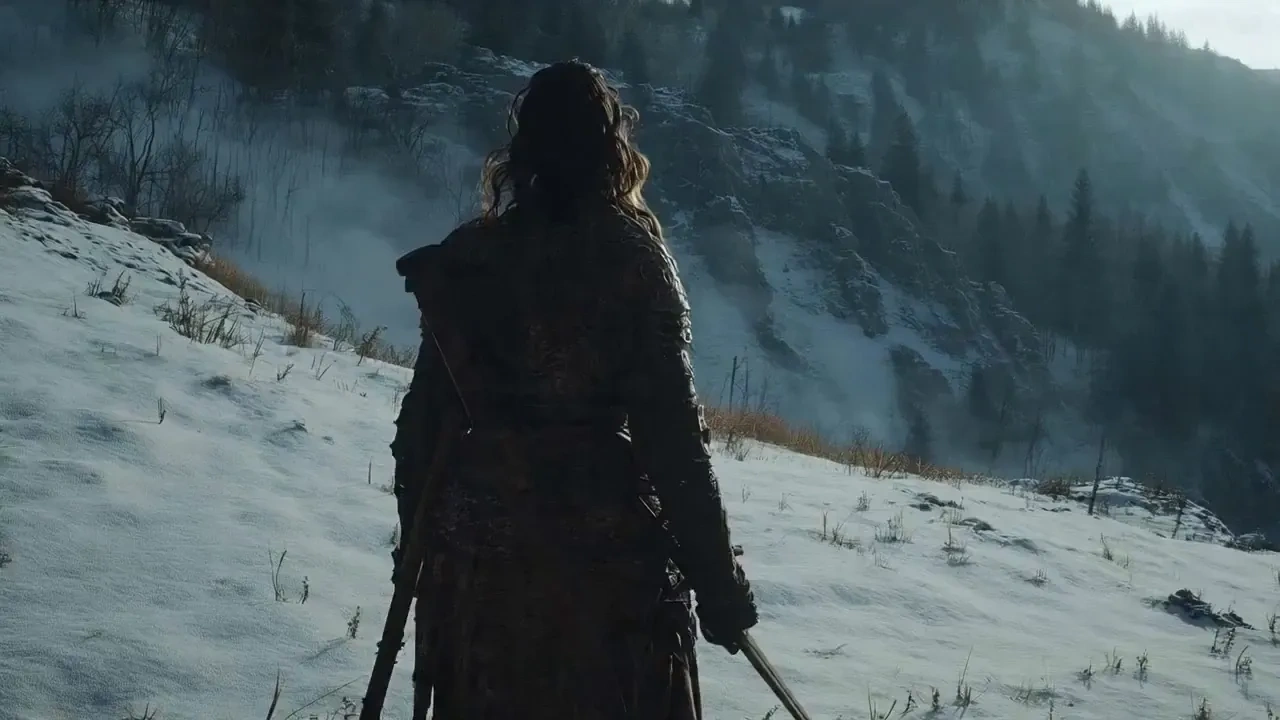
Write a scene and let the cinematic AI video generator carry a full 30-second beat: a character enters, speaks, and the camera resolves on a wide, all inside one continuous render with matching score and room tone. Short-drama teams that used to cut every eight seconds now block a whole shot, which is the practical difference between Wan 2.7's 15-second ceiling and up to 30 seconds AI video in a single pass.

Image placeholder
poster

Image to Video and First-to-Last Frame Control

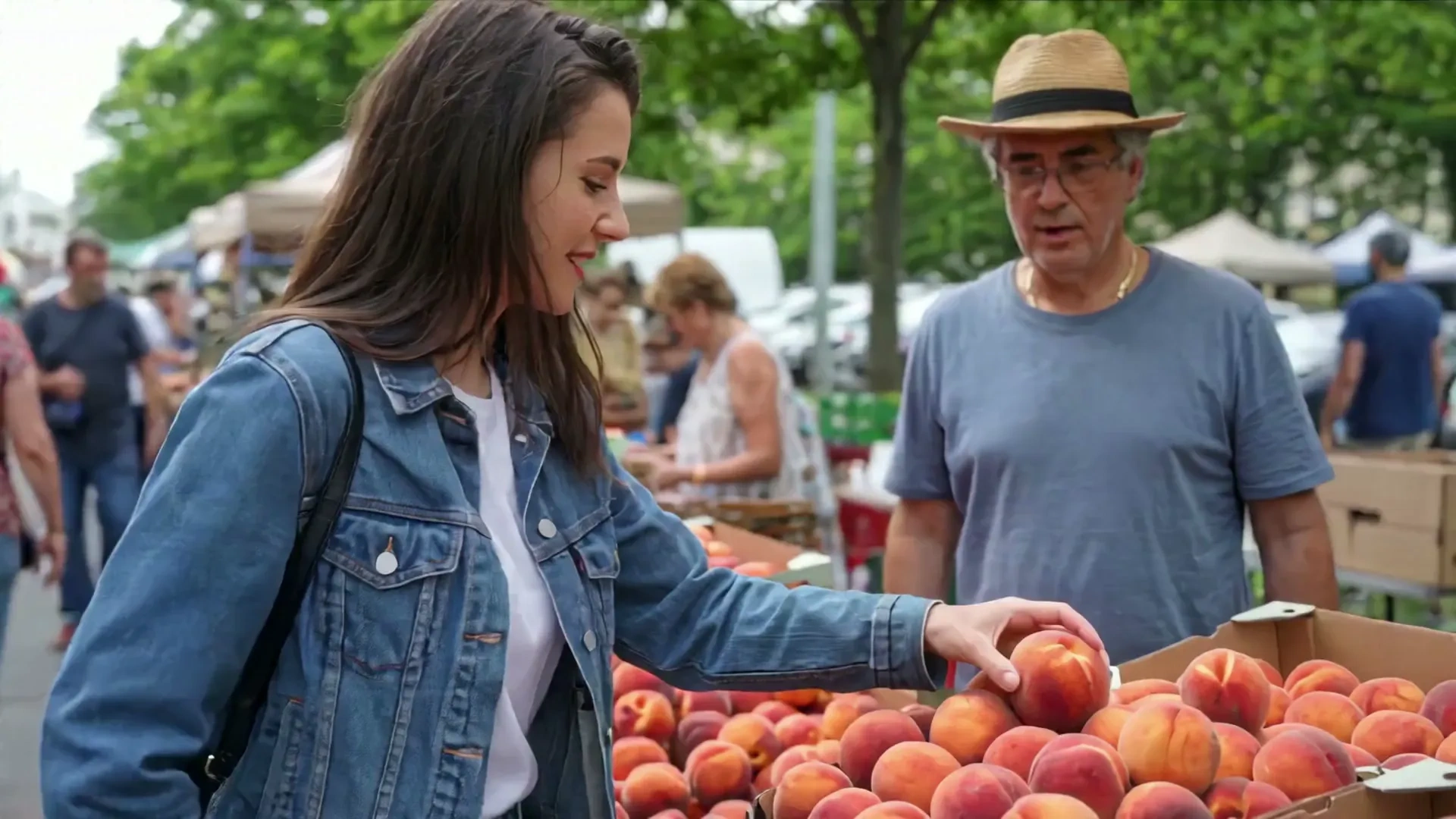
Animate a single still, or set a first frame and a last frame and let Wan 3.0 solve the motion between them. Unrestricted Wan 3.0 image to video keeps the subject's face, wardrobe, and lighting intact while adding a dolly-in, a turn, or a wardrobe reveal, which is how photographers and character artists move a portfolio still into motion without rebuilding it in a 3D pipeline.

Image placeholder
poster

Reference to Video with Audio References

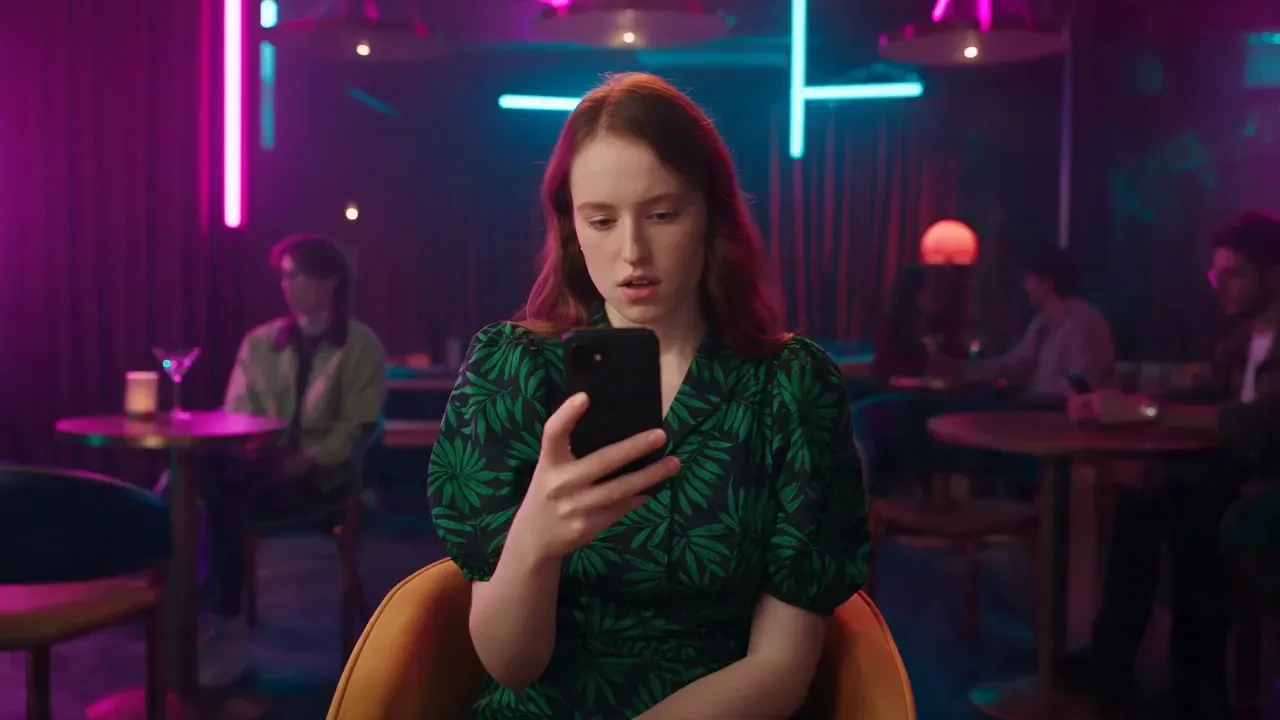
Load up to 20 references spanning character stills, product shots, style boards, motion clips, and audio references, then generate a scene that respects all of them at once. Audio references anchor voice timbre and rhythm while image references hold logos, props, and spatial relationships, so an episodic series or a branded campaign stays recognizable from cut to cut.

Image placeholder
poster

Decks, PDFs and Webpages Into Finished Video

Hand Wan 3.0 a product planning deck, a spec sheet, a research PDF, or a landing page URL and get a narrated promo, an onboarding explainer, or a launch teaser built from the actual content. Marketing, ecommerce, and enablement teams skip the storyboard-from-scratch step entirely, and the unlimited Wan 3.0 AI video generation workflow on PixaryAI lets you iterate variants per channel before anything reaches a media buy.

Who is PixaryAI's Wan 3.0 AI Video Generator for?

Image placeholder
Short-Drama and Film Creators

Short-Drama and Film Creators

Directors and short-drama teams use the 30-second take to block dialogue, blocking, and camera movement in one render, then revise a beat with the Wan 3.0 AI video editor instead of reshooting. Cross-shot consistency across 20 references keeps a recurring cast on model through an entire episode.

Image placeholder
Brand, Ecommerce and Ad Teams

Brand, Ecommerce and Ad Teams

Performance marketers turn a deck, catalog sheet, or product page into a scored promo, then re-cut it for 16:9, 9:16, and 1:1 placements. Document-to-video plus reference locking on logos and packaging makes the uncensored Wan 3.0 AI video generator online a realistic replacement for a first-round agency animatic.

Image placeholder
Independent Creators and Studios

Independent Creators and Studios

Solo creators, music-video makers, and small studios get an unfiltered Wan 3.0 AI video maker in the browser with no Alibaba Cloud account, no SDK, and no local GPU. Free drafting at 480P keeps experimentation cheap before committing a finished idea to a 1080p render.

Real User Reviews for PixaryAI's Wan 3.0 AI Video Generator

4.9/5
From 3,800+ Reviews
Thirty seconds in one take changed our edit

On Wan 2.7 we cut every fifteen seconds and paid for it in continuity fixes. Wan 3.0 holds the actor, wardrobe, and lighting through a full beat, so our short-drama episodes need far less patching.

Daniel OrtizShort Drama Director
Document to video is the feature I did not expect

I dropped a product planning deck in and got a narrated promo that actually followed the slides. No other AI video generation tool in our stack reads a PPT and builds the storyboard from it.

Hannah ReidProduct Marketing Lead
Reference to video keeps our cast on model

Twenty references instead of five is the real upgrade. Character faces, props, and our logo survive across cuts, which is why we moved our series work onto the Wan 3.0 AI video creator.

Kenji MoritaAnimation Studio Lead
Audio arrives with the picture, not after

Dialogue, room tone, and effects come back in the same pass and the voice stays consistent across the whole clip. Cuts our post-audio step down to a cleanup rather than a build.

Alina PetrovaPost-Production Supervisor
Editing by instruction saves the reshoot

Changing one line of dialogue or one wardrobe detail used to mean a full regeneration. The Wan 3.0 AI video editor takes a plain-language note and revises just that part.

Marcus WhitfieldCreative Director
Browser access without the cloud console

I did not want to provision Model Studio just to test a model. PixaryAI gives me a free AI video generator entry point, 480P drafts for iteration, and 1080p when the idea is locked.

Sofia LindqvistIndependent Filmmaker

FAQs for PixaryAI's Wan 3.0 AI Video Generator

What changed between Wan 2.7 and Wan 3.0?
Four upgrades are confirmed by Alibaba: single-pass length rises from 15 seconds to 30, reference capacity rises from 5 items to 20 across four modalities, office documents and webpages become valid inputs, and the Wan 2.7 editing stack gains instruction-and-reference revision. Instruction following, cross-shot consistency, and audio quality were tuned throughout the August public beta.
Can Wan 3.0 really generate a 30-second video in one pass?
Which input formats does document to video accept?
What resolutions and aspect ratios are supported?
Does Wan 3.0 generate audio and lip sync automatically?
How many reference materials can I use at once?
Can I edit a generated clip instead of regenerating it?
Is there a free way to try Wan 3.0 AI video generation online?
Can I download Wan 3.0 model weights?
What content rules apply on PixaryAI?
AI 视频
AI 图片
脱衣
New
探索
我的