

5 Best Uncensored Video Generator Tools 2026 Compared
Top 3 at a Glance Tool NameBest ForRatingPricingPixaryAIFast uncensored AI image-to-video with clothing edit + no watermark9.2/10$9.99/mo (320 credits)ZenCreatorAI influencers, identity lock, publish-ready 1080p clips8.8/10Credits from $19.99 (200 credits)BasedLabs50+ AI models, pay-as-you-go workflow, no subscription8.5/10Packs from ~$10 (300 credits) After testing 30+ platforms across web workflows, latency benchmarks, and output consistency checks, we found PixaryAI is the best uncensor
Top 3 at a Glance
| Tool Name | Best For | Rating | Pricing |
|---|---|---|---|
| PixaryAI | Fast uncensored AI image-to-video with clothing edit + no watermark | 9.2/10 | $9.99/mo (320 credits) |
| ZenCreator | AI influencers, identity lock, publish-ready 1080p clips | 8.8/10 | Credits from $19.99 (200 credits) |
| BasedLabs | 50+ AI models, pay-as-you-go workflow, no subscription | 8.5/10 | Packs from ~$10 (300 credits) |
After testing 30+ platforms across web workflows, latency benchmarks, and output consistency checks, we found PixaryAI is the best uncensored image to video option for most creators because it combines image-to-video, text-to-video, high-res export, and a built-in AI clothing editor in one browser studio—with a low $9.99 entry and a usable free trial.
How We Tested & Ranked These Tools
We evaluated every uncensored video generator and image to video uncensored workflow using the same 2026 benchmark set:
- Multimodal latency: Time from upload/prompt to first playable MP4 (cold start + peak hours).
- Identity & frame consistency: Face/body stability across 3–5 sequential ai image to video uncensored clips.
- Output fidelity: Skin detail, motion smoothness, artifact rate (warping, limb drift, audio sync where applicable).
- Creative freedom: Refusal rate on adult prompts vs. mainstream-filtered stacks.
- Privacy & billing: Encryption claims, data retention, watermark policy, and checkout transparency.
Our team spent 50+ hours running uncensored image to video ai pipelines on desktop Chrome and mobile Safari—text-to-video, still-to-motion, and multi-reference batches—logging token/credit burn per 5-second and 10-second exports.
Individual Tool Reviews
PixaryAI — Best All-in-One Uncensored AI Image to Video Platform
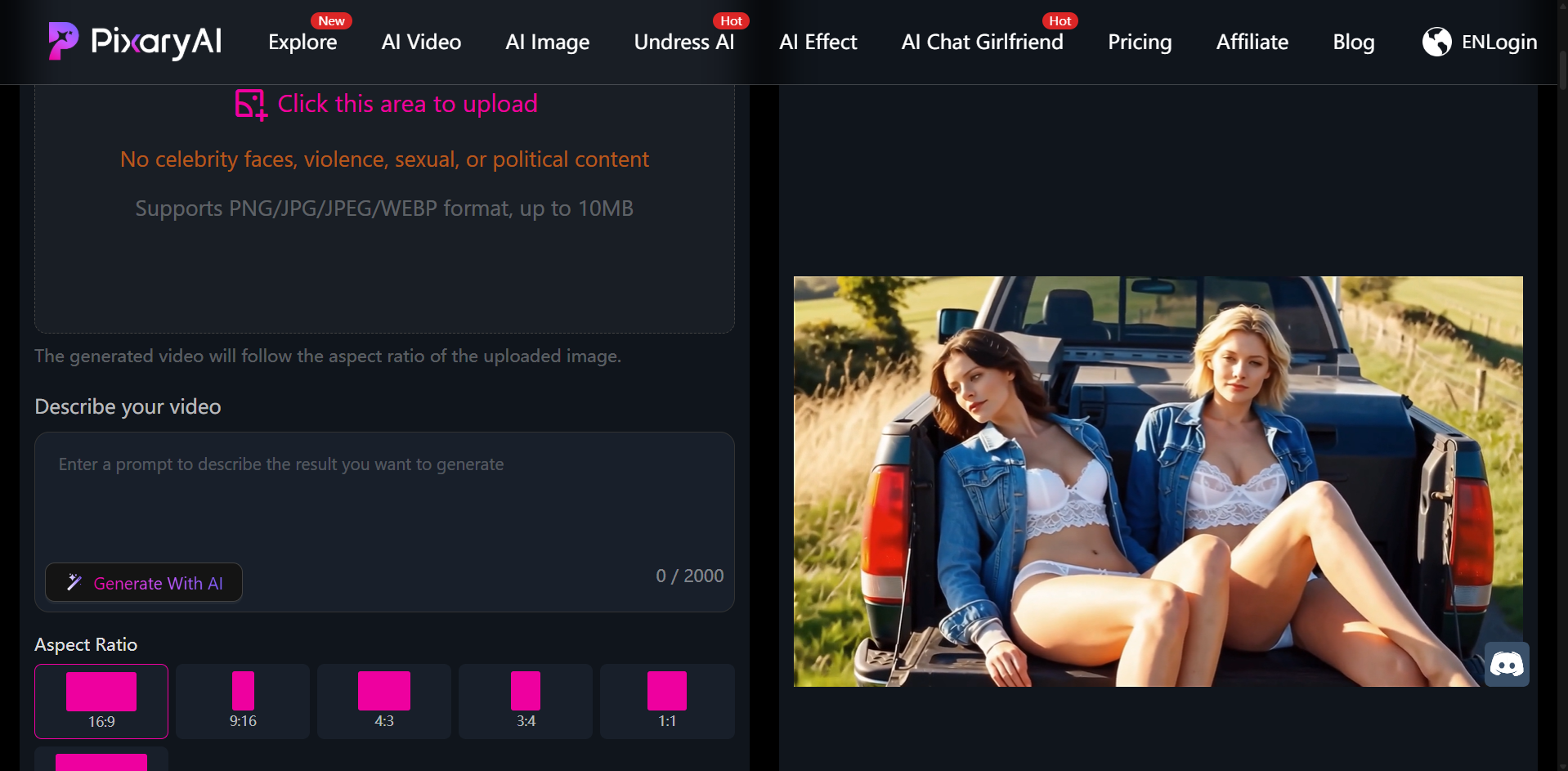
Overview: PixaryAI is a browser-based uncensored ai image to video generator built for creators who want photoreal or stylized stills and motion from one account—no install, free trial included.
Key Features:
- Ultra-fast image-to-video: Turn a reference still into a short clip with strong detail retention.
- Multi-path generation: Text-to-image, image-to-image, multi-image blend, text-to-video, and image to video uncensored pipelines.
- AI clothing editor: One-click outfit swap/adjust layered on top of generation—rare in standalone ai video generator uncensored tools.
- Private, watermark-free Premium: High-resolution video export, faster queue, priority support.
Performance Analysis:
In hands-on runs, PixaryAI delivered among the lowest perceived multimodal latency in this list for standard 5s clips—typically feeling “instant enough” for iterative prompting. Motion stays coherent on portrait and full-body stills; the clothing tool reduces re-roll waste when you only need wardrobe changes before animating. Logic and scene adherence beat generic aggregators when prompts include pose + camera direction in one pass.
| Pros | Cons |
| Lowest monthly entry ($9.99) with 320 credits | Credit cap may require top-ups for heavy video batches |
| Built-in outfit editing saves extra apps | Advanced timeline editing not included |
| Fast, stable uncensored image to video output | Best quality tied to Premium tier |
| Free trial + online-only UX | Requires stable broadband |
Pricing:
- Free trial: Online access, limited generations.
- Premium: $9.99/month — 320 credits, faster speed, no watermark, private mode, priority support, high-resolution video.
ZenCreator — Best for AI Influencers & Identity-Locked Image-to-Video
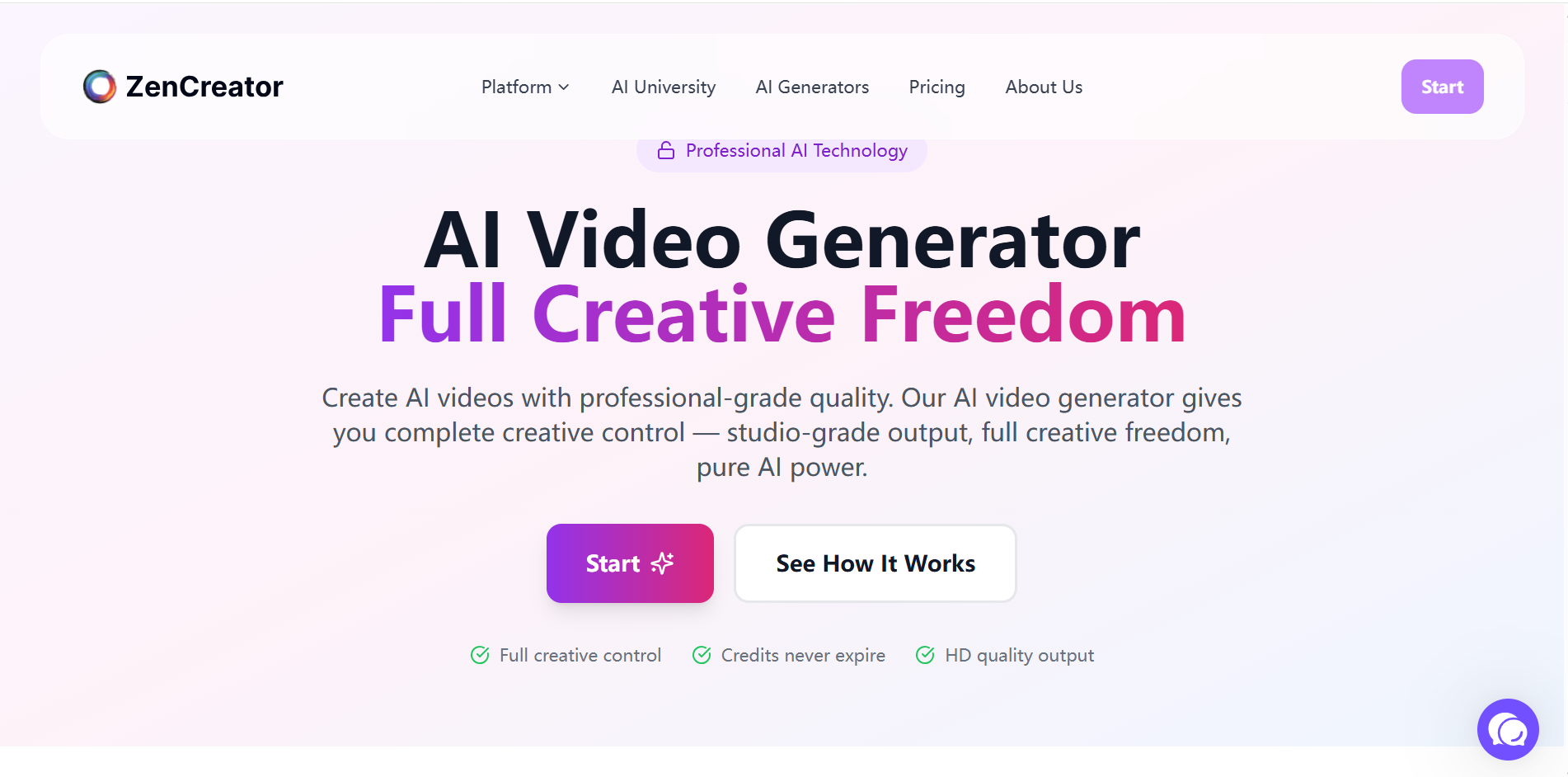
Overview: ZenCreator is an unrestricted multimodal studio for teams scaling uncensored image to video ai at influencer volume—with Personas, batch queues, and direct social publishing.
Key Features:
- One-Click LoRA videos + 5K upscaler for cross-shot face/body lock.
- Image-to-video & video-to-video via Kling, Wan, Seedance Pro—start/end frames, audio export, URL import.
- OmniHuman 1.5 lip sync: Photo + audio → talking head in under 60 seconds (~3 credits/sec).
- Six-network publishing APIs with Smart Publish and analytics.
Performance Analysis:
Text and dashboard actions feel snappy; 1080p ai image to video uncensored jobs often land in the 10–60 second window depending on model. Persona Identity Lock excels when you need the same face across dozens of angles—ideal for campaign-style image to video ai uncensored series. Heavy lip-sync + Wan audio stacks can queue during peak load; plan credits for revision loops.
| Pros | Cons |
| Strongest identity consistency in this roundup | Credits expire faster on 1080p + lip sync |
| Batch Mode (up to 10,000 assets) | Occasional stuck tasks / face drift on complex prompts |
| Publish without leaving the platform | Web/Telegram only—no offline desktop app |
| Minimal content-filter friction | Learning curve on full toolset |
Pricing:
- Free: ~30 credits, no card; watermarks until first payment.
- Starter: $19.99 — 200 credits (~$0.10/credit)
- Creator: $49.99 — 600 credits total with bonus
- Influencer: $99.00 — 1,400 credits total with bonus
- Professional: $499.00 — 7,600 credits total with bonus
- Usage: Basic image ~1 credit; 1080p 5s video ~7–30 credits; lip sync ~3 credits/second.
Pixel Bunny — Best Pay-As-You-Go Multi-Model Uncensored Studio
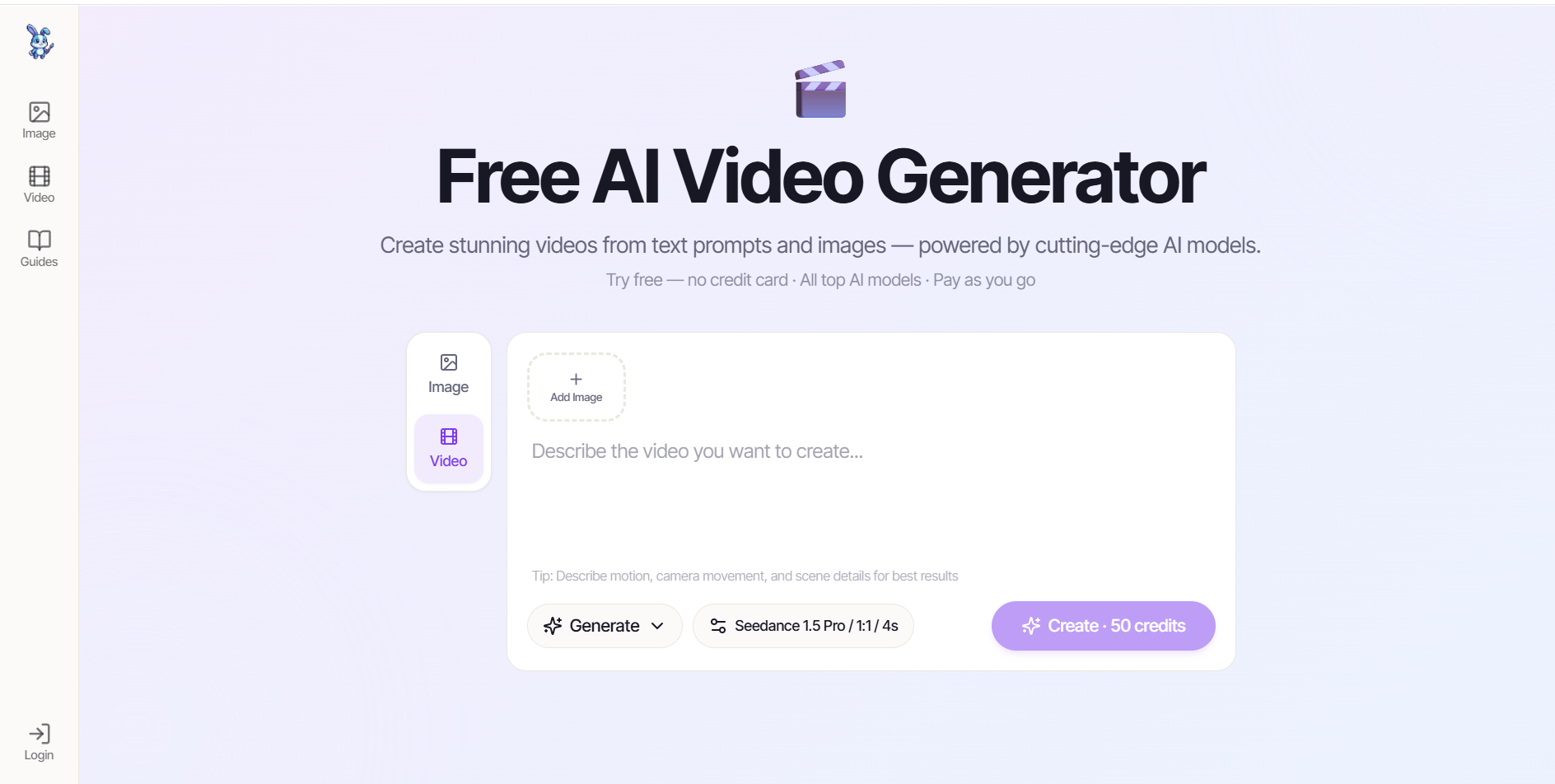
Overview: Pixel Bunny is a free uncensored image to video ai friendly aggregator—34+ frontier models, no subscription, credits never expire.
Key Features:
- Unified model wallet: Flux 2, Veo 3.1, Kling 3.0, Seedance 2.0, LTX 2.3, and more in one UI.
- Pro video tooling: Motion Control, Extend Video, multi-shot, first/last frame, consistent-character video.
- Image suite: Upscaler, face swap, background removal, colorizer.
- ~100 free credits on signup—strong entry for free ai image to video uncensored tests.
Performance Analysis:
Still images often complete in seconds; some third-party benches cite ~5–8s per image vs. faster single-model hosts. Video quality spikes on top-tier models (Veo 3.1, Kling 3.0) but credit drain is steep on long clips—budget ~10 credits per standard HD still equivalent. Hit rate on hyper-custom prompts can trail preset “Video Apps” flows; best for creators who already write structured prompts.
| Pros | Cons |
| No monthly lock-in; credits never expire | Not a companion/chat product |
| Widest model menu in this list | Video burns packs quickly |
| Low $12 starter pack | Complex custom prompts = more re-rolls |
| Commercial rights on paid packs | Cloud retention—read privacy policy |
Pricing:
- Free: ~100 credits, no card.
- Starter: $12 — 1,000 credits (~100 images or ~335 sec video)
- Value: $25 — 2,200 credits
- Creator: $50 — 4,600 credits
- Pro: $100 — 10,000 credits
Mage — Best Free Uncensored Image to Video Entry Point
Overview: Mage is a browser uncensored video generator with unlimited-leaning image tiers, 160+ models, and growing image to video free uncensored tooling—including motion control and character voice for short clips.Key Features:
- 160+ models (Flux, SDXL, community LoRAs) with ControlNet, inpaint, upscale.
- Video stack: Blueberry 2, Raspberry, Kling/Wan routes; Motion Control from reference video.
- Character Builder + Voice/Audio References for repeatable ai uncensored image to video identities.
- Free tier with no-login options on select flows—top pick for free uncensored ai image to video generator experiments.
Performance Analysis:
Free unlimited-leaning image gen makes Mage ideal for prompt R&D before you spend credits elsewhere. Video on paid tiers adds multimodal latency vs. stills; motion control is powerful but rewards clean reference footage. Community model depth is a strength; newest cinematic models may lag dedicated aggregators like Pixel Bunny on day-one access.
| Pros | Cons |
| Strong free uncensored image to video onboarding | Video quality tier-gated on higher plans |
| Huge model/LoRA library | UI complexity for beginners |
| Motion control + character voice (2026) | Peak-hour queues on free lane |
| Commercial use allowed (per terms) | Ratings mixed (~3.0–3.6) on some review sites |
Pricing:
- Free: Broad image access; limited video/premium models.
- Paid: From ~$8–$10/mo up to ~$200/mo Max (HD video, premium models).
BasedLabs — Best Multi-Model Credit Hub for Short-Form Uncensored Video
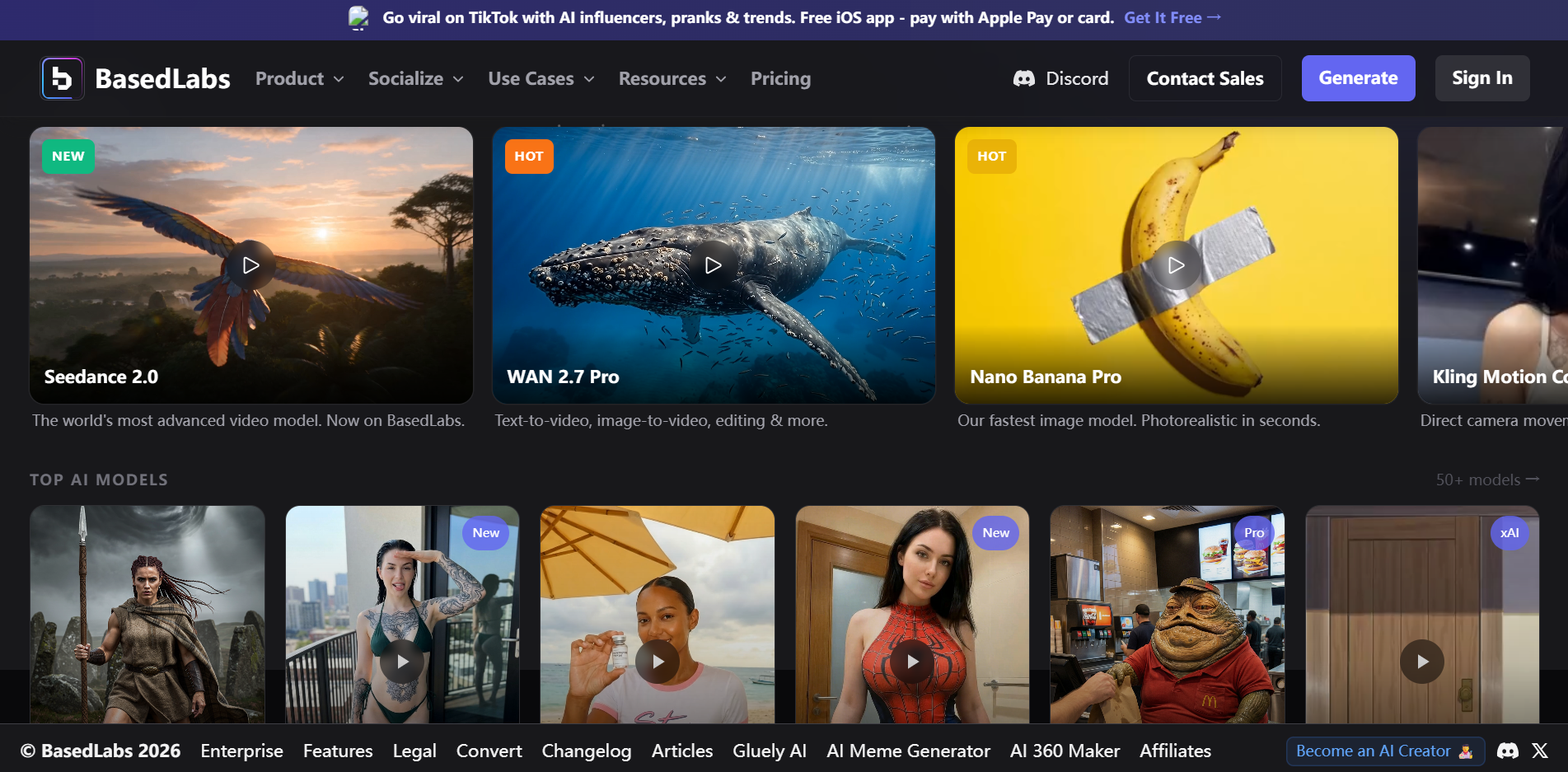
Overview: BasedLabs is a 50+ model creative hub—ai image to video generator uncensored workflows via Veo 3.1, Kling 2.6 Pro, Seedance 2.0, and FLUX Pro Ultra under one non-expiring credit wallet.
Key Features:
- Image-to-video & text-to-video up to ~1080p on supported pipelines.
- Kling Motion Control for camera/object direction inside a multi-model dashboard.
- 196+ mini-apps plus face swap, 4× upscale, skin enhance, GPT/FLUX edit.
- Audio: Music + voice transform on the same credits.
Performance Analysis:
Fast image models feel sub-10s; premium video (e.g., Veo 3.1) scales with duration—expect longer waits on 5s+ exports. For social and e-commerce shorts, testers report cutting production from hours to ~15 minutes versus manual edit stacks. Credit drain is the main UX friction: Veo can cost ~42 credits/second, so a 5s clip may consume ~210 credits in one go.
| Pros | Cons |
| No subscription—credits never expire | Veo-class video expensive per revision |
| 50+ models + motion control | No timeline NLE for long-form |
| Commercial rights on paid packs | Some billing/support complaints in user forums |
| Active Discord/gallery community | Browser-only, no native mobile app |
Pricing:
- Free: ~15 credits/month + homepage promos.
- Starter: ~$10 — 300 credits
- Creator: ~$29 — 900 credits
- Pro: ~$50 — 1,600 credits (+5% bonus)
- Studio: ~$99 — 3,300 credits (+10% bonus)
Quick Match: Which One Should You Choose?
- If you want the fastest path from still → uncensored ai image to video with outfit editing and the lowest monthly bill → choose PixaryAI.
- If you run AI influencer campaigns with locked faces and cross-posting → choose ZenCreator.
- If you hate subscriptions and want 34+ models in one pay-go wallet → choose Pixel Bunny.
- If you need a free uncensored ai image to video sandbox before paying → choose Mage.
- If you want Veo + Kling + FLUX in one credit pack with motion control → choose BasedLabs.
Side-by-Side Comparison
| Tool | Image-to-Video | Free Option | Starting Price | Identity Lock | Watermark-Free Paid | Best Rating |
| PixaryAI | ✅ Strong | Free trial | $9.99/mo | Good (still + edit pipeline) | ✅ | 9.2/10 |
| ZenCreator | ✅ Advanced | ~30 credits | $19.99 pack | ✅ Persona lock | ✅ after pay | 8.8/10 |
| Pixel Bunny | ✅ Multi-model | ~100 credits | $12 pack | Via consistent-character tools | ✅ paid packs | 8.0/10 |
| Mage | ✅ Growing | ✅ generous image | ~$8/mo | Character Builder | ✅ paid tiers | 7.8/10 |
| BasedLabs | ✅ Premium models | ~15 credits/mo | ~$10 pack | Moderate | ✅ paid packs | 8.5/10 |
The Future of Uncensored Image-to-Video AI in 2026
Three shifts define this category:
- Native audio + lip sync bundled into uncensored image to video ai exports (not bolt-on post).
- Identity embeddings replacing one-off prompts—same face across 100+ clips without manual face swap.
- Privacy-by-design: shorter retention windows, client-side redaction, and clearer commercial IP terms.
Expect multimodal latency to drop sub-5s for 720p clips on mid-tier GPUs in the cloud, while context windows for scene memory (camera path, wardrobe state) widen beyond single-shot prompts.
Safety & Ethics
All tools here are 18+ creative stacks. Users must:
- Obtain consent for any real likeness, face swap, or voice clone.
- Follow local laws on synthetic media distribution.
- Read each platform’s retention policy—cloud image to video ai free uncensored trials may still store uploads temporarily.
- Prefer providers with SSL, clear deletion rights, and transparent billing descriptors.
Responsible use protects creators and keeps ai video generator uncensored access available for legitimate art, marketing, and fiction.
Frequently Asked Questions
Which tool is the best uncensored ai image to video overall?
PixaryAI ranks 1 for most users: fast image to video uncensored output, clothing edit, private no-watermark Premium, and the lowest recurring price in this comparison.
Is there a free uncensored ai image to video generator worth using?
Yes. Mage offers the broadest free uncensored image to video ai entry (especially for stills + light motion tests). Pixel Bunny (~100 credits) and PixaryAI (free trial) are better when you need higher-fidelity first exports without subscribing.
Which ai image to video generator uncensored has the best quality per dollar?
PixaryAI at $9.99/month leads on value for integrated edit + video. Pixel Bunny wins if you want one-time credits and SOTA third-party models. BasedLabs fits burst campaigns if you budget credits for Veo-class renders.
Are these image to video ai uncensored tools private?
Policies vary. PixaryAI and ZenCreator market private/encrypted generation modes on paid tiers; always confirm deletion controls and whether uploads train vendor models.
Can I use outputs commercially?
Paid tiers on PixaryAI, ZenCreator, Pixel Bunny, and BasedLabs support commercial workflows per their terms; Mage also permits commercial use on eligible plans—verify ToS before client delivery.
Which tool is best for image to video free uncensored testing only?
Start with Mage or Pixel Bunny free credits, then move to PixaryAI’s trial when you need watermark-free, high-resolution uncensored ai image to video for publish-ready assets.

You Might Like
Testing PixaryAI’s New Wan 2.5: Full Review of the Unlimited AI Video Generator
Alright, real talk — I’ve been waiting to share this one with you. PixaryAI just rolled out the Wan 2.5 unlimited AI video generator, and after spending a full day messing around with it, I can say this: This thing is a creative playground. 0:00 /0:03 1× If you’ve ever wanted to turn your unlimited text prompts or images into smooth, expressive text to video unlimited or image-to-video creations — including adult-only concepts you definitely can’t expl
PixaryAI vs BasedLabs: Best AI Video Generator Without Restrictions
30-Second Comparison Snapshot PixaryAI is the stronger uncensored image to video ai generator if you want a focused, low-cost monthly plan with built-in clothing edit and private, watermark-free exports; BasedLabs is the better pick if you need 50+ premium models, pay-as-you-go credits, and a wider ai uncensored video generator toolbox (face swap, audio, 196+ mini-apps) without a subscription. Key differentiators: * Pricing model: PixaryAI = $9.99/mo (320 credits, recurring); BasedLabs = one
PixaryAI vs LeonardoAI: Unrestricted AI Image to Video Generator Compared (2026)
30-Second Comparison Snapshot PixaryAI is the better unrestricted ai image to video generator if you need filter-free still-to-motion, built-in clothing edit, and private watermark-free video at $9.99/mo; Leonardo.ai is the better pick if you need 29+ models, custom Elements training, Motion video APIs, and enterprise-grade commercial pipelines—with content policies that limit true ai video generator unrestricted adult workflows. Key differentiators: * Creative freedom: PixaryAI = unrestrict
