

PixaryAI vs. Undress.app: Which Is the Superior AI Tool for Adult Content Creation?
I’ll be honest — I kept seeing PixaryAI and Undress.app everywhere recently. People were sharing results, arguing about which one looks more realistic, and dropping comparisons between deepnude AI tools nonstop. So I finally gave in and spent some time actually testing both platforms side-by-side. I didn’t start this with a favorite in mind. My goal was super simple: use the same types of inputs, try similar features, compare the output quality, and see which AI nude generator is on top. And
I’ll be honest — I kept seeing PixaryAI and Undress.app everywhere recently. People were sharing results, arguing about which one looks more realistic, and dropping comparisons between deepnude AI tools nonstop. So I finally gave in and spent some time actually testing both platforms side-by-side.
I didn’t start this with a favorite in mind. My goal was super simple:
use the same types of inputs, try similar features, compare the output quality, and see which AI nude generator is on top.
And honestly? The testing session turned out way more interesting than I expected. As I bounced between the two platforms — especially since many people treat PixaryAI like a modern deepnude AI generator or deepnude free AI alternative — I noticed some clear differences. Not just in output quality, but also in ease of use, customization, and the “feel” of the tools. By the end, PixaryAI quietly took the lead in more areas than I thought it would.
Here’s everything that happened during the tests.
What is PixaryAI?
PixaryAI is built as an all-in-one adult content generator that focuses heavily on turning still images into NSFW videos or clothoff images — basically the type of transformation many people once looked for in old deepnude AI tools or deepnude undress AI apps. To keep things fair, I used the same test images across both tools — selfies, fan art, stylized illustrations, and even some borderline-low-quality images just to see how each system handled them.
Every time I uploaded something, PixaryAI generated surprisingly smooth animations. The motion looked clean, and even the small details held up when I paused the video. I also liked how fast everything loaded — it made the whole testing process feel effortless because I could jump from one experiment to another without waiting around.
What is Undress.app?
Undress.app works with a similar idea: turn images into NSFW videos using deepfake-style AI. A lot of people compare it to modern deepnude maker alternatives, so I was curious. Most outputs of this deepnude AI generator were fine, and a few turned out nice, but the results didn’t always feel consistent.When I lined the videos up side-by-side with the PixaryAI versions, Undress.app felt more limited in how far I could push the creativity or realism. It wasn’t bad — it just didn’t have the same range or reliability.
My Testing Experience on Real Use of AI Nude Generator
Quality and Resolution
This was the first big difference I noticed.
When I zoomed into PixaryAI’s outputs, the details stayed sharp — especially in close-ups. The motion looked more realistic, and the overall video quality felt more polished. It’s exactly the type of output you’d expect people to chase when they search for AI deepnude porn, deepnude AI free, or blonde AI deepnude generator effects.
Undress.app, meanwhile, had more variation. Some results were solid, but others were softer or slightly pixelated, especially when the original image wasn’t super clear.
Processing Speeds
PixaryAI processed most videos really quickly — sometimes in seconds.
Undress.app took noticeably longer, sometimes minutes. Not awful, but when you’re testing multiple images back-to-back, the slower pace definitely stands out.
User-Friendly Interface
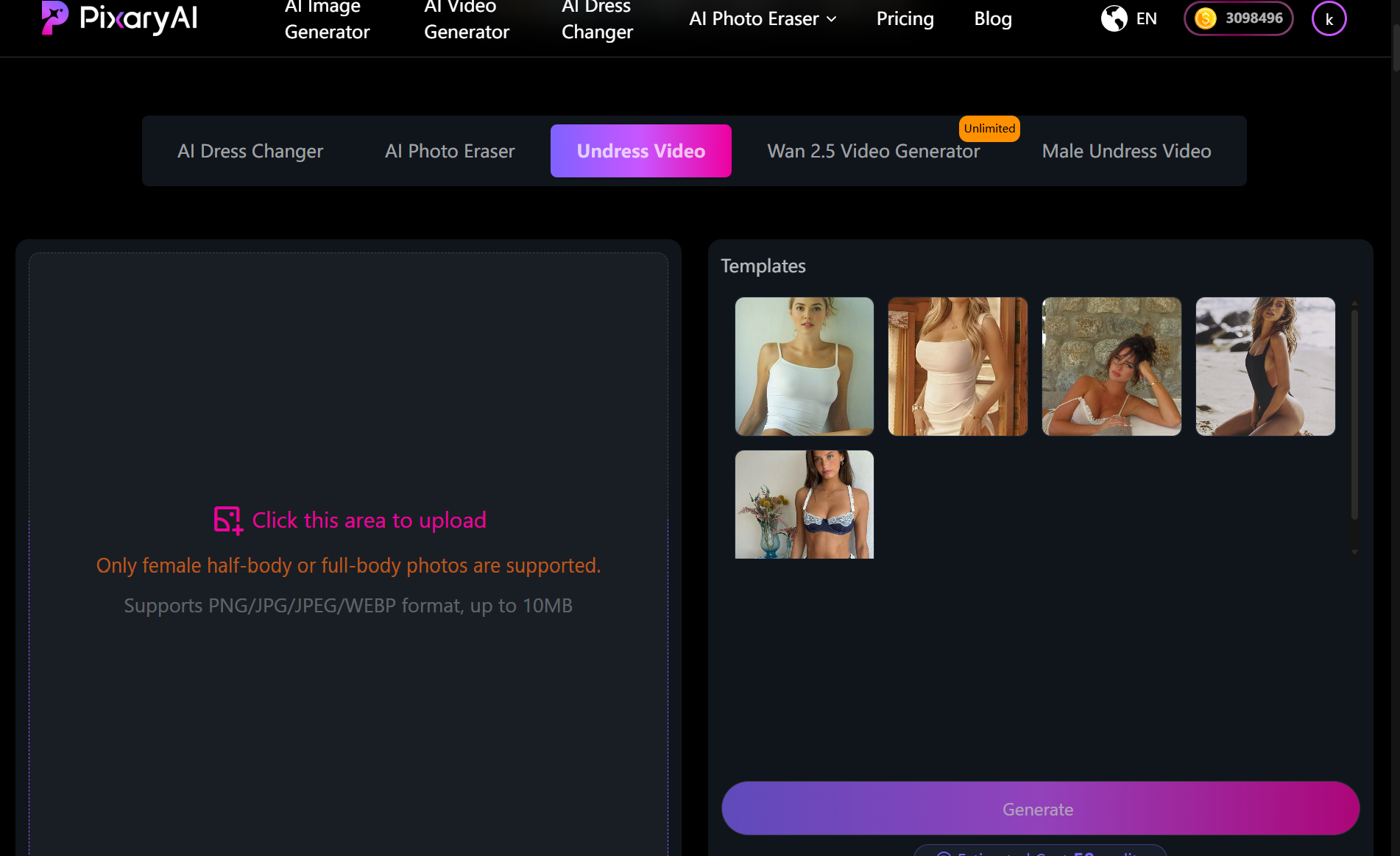
PixaryAI’s interface clicked with me immediately — clean, simple, and easy to navigate.
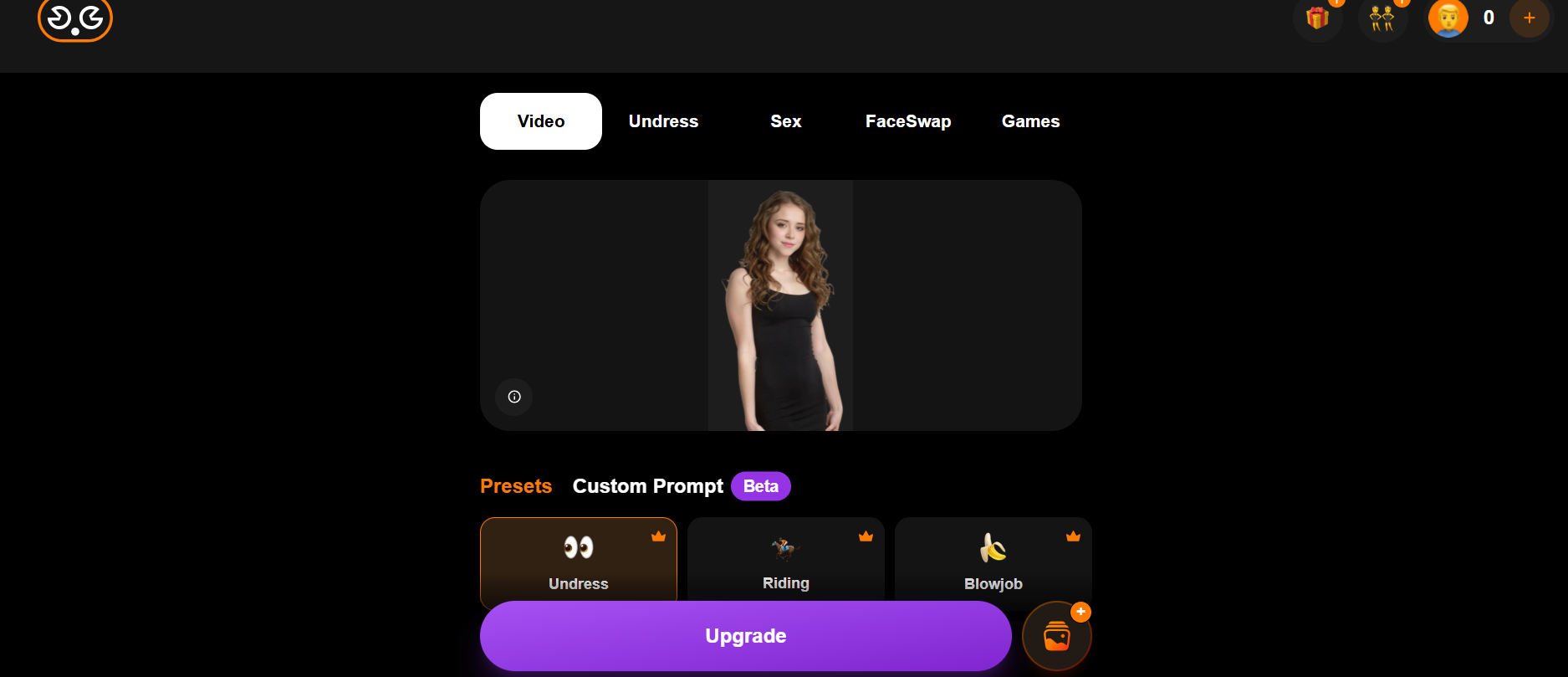
Undress.app wasn’t confusing, but it felt more rigid and less fluid overall.
Privacy and Security
I also checked how both tools handle sensitive content.PixaryAI clearly states that it deletes uploaded images after processing — which is reassuring, especially when you’re dealing with NSFW content that resembles AI deepnude or undress AI deepnude videos users typically worry about.
Undress.app mentions valuing privacy too, but I couldn’t find specifics about image deletion. Not a dealbreaker, but something I noted.
Creative Freedom
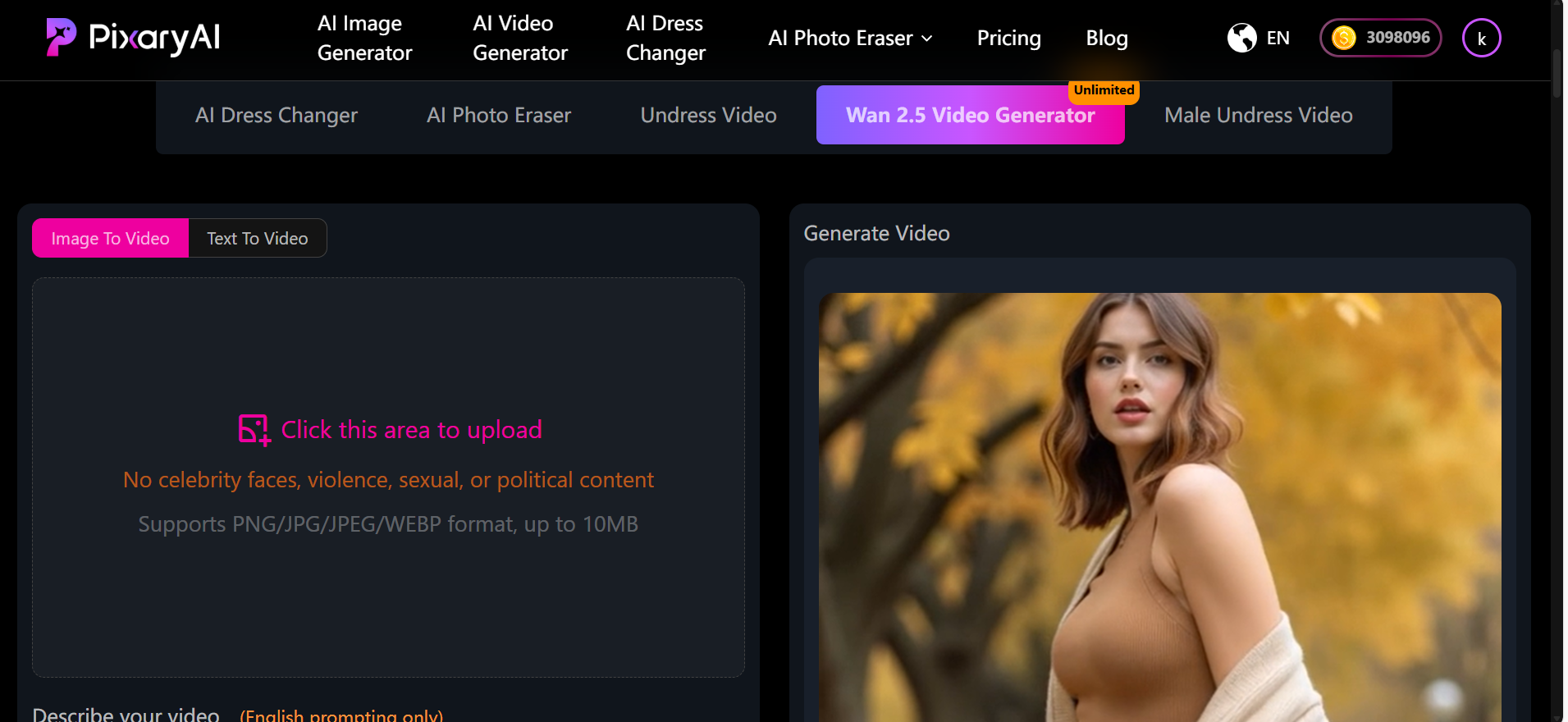
Both tools allow drawings, stylized art, and real photos, but PixaryAI gave me much more freedom to experiment. With its Wan 2.5 model, I could try different prompts, ideas, and NSFW scenarios — something most simple deepnude AI tools or older AI nude generator apps don’t support well.
Undress.app still works for adult content, but it didn’t offer the same flexibility. It can't provide more freedom to customize the deepnude video that you really want.
Pricing
While testing both tools, the price difference stood out.
PixaryAI felt noticeably more budget-friendly, especially compared to tools in the deepnude AI space that often charge premium prices.
Undress.app works fine — it’s just the more expensive option for what it delivers.
Why PixaryAI Deepnude AI Came Out on Top for Me
After running all my tests back and forth, I honestly didn’t expect one tool to come out on top — but the pattern became pretty obvious. PixaryAI kept giving me faster processing, sharper-looking videos, smoother animations, and an interface that felt way easier to work with. Its approach to privacy also felt more transparent, and I had more room to experiment with creative ideas compared to typical deepnude AI generator or deepnude free AI apps people are familiar with.Undress.app wasn’t bad at all — it just didn’t match the momentum or versatility that PixaryAI offered during my experiments.
If you’re trying to figure out which tool might work better for your own projects, hopefully my test run helps. I went in with zero expectations… and came out with a clear preference based on what happened on screen.
How to Use PixaryAI (Step-by-Step)
Since a lot of people ask how I actually tested PixaryAI — and whether it works as easily as newer “deepnude AI tool” alternatives — here’s the exact flow I used:
Step 1 — Open PixaryAI
Just hop onto the site. No installation, no setup.
Step 2 — Upload the Photo You Want to Transform
Pick a clear image where the face and body are recognizable.PixaryAI works well even with casual selfies.
Step 3 — Click Generate
The AI processes everything in a few seconds.
Step 4 — Preview and Download
If you like it, save it — simple as that.This simplicity is what made testing PixaryAI genuinely fun for me.
PixaryAI FAQs
1. Is PixaryAI beginner-friendly?
Yes — even if you’ve never used an AI tool before.
2. Does PixaryAI keep the face accurate?
Very. It kept expressions and features better than most “nudifier” or AI deepnude-style tools.
3. What kind of images work best?
Clear photos perform best, but casual images still work well.
4. Is PixaryAI fast?
Yes — most results take only a few seconds.
5. Does PixaryAI work on heavily clothed photos?
Yes. It reconstructs the hidden body naturally instead of guessing wildly, outperforming many deepnude undress AI clones.
6. Is PixaryAI more than an undressing tool?
Absolutely.PixaryAI is not just a nudifier — it can:
- stylize videos
- generate unique NSFW looks
- handle creative prompts
- produce varied scenarios that typical deepnude AI tools can’t match
It’s more like a full NSFW creative studio.

You Might Like
Seedance 2.0: The Best Sora Alternative That Lets You Direct, Not Just Generate
In early 2026, ByteDance once again ignited the AI world with the launch of its flagship model—Seedance 2.0 by ByteDance. More than a simple upgrade, Seedance 2.0 AI has evolved from a basic generator into a comprehensive creative system, redefining what an AI video tool can be in the new generation of content creation. At its core, Seedance 2.0 is a fully multimodal solution. This Seedance AI video generator supports four types of input—image, video, audio, and text—allowing creators to orches
10 Best Free AI Video Generators Online (2026 Updated)
Imagine this: a single image or a quick prompt turns into a full-fledged video—camera moves, music, and all—without you touching a timeline. That’s the magic of today’s AI video generators. From image to video AI to multi shot AI video, these tools let you create cinematic, shareable content in minutes, even if you’ve never opened Premiere or Final Cut. Check out our top 10 free AI video generators for 2026, carefully tested and compared for speed, quality, and creative freedom. Try Free AI Vi
PixaryAI vs. SeaArt AI: Which Undress Tool Gives the Best Deepnude Results?
If you’ve ever gone down the rabbit hole of AI undressing tools, you already know the struggle: some look promising, others claim “deepnude-level realism,” but most fail the moment you upload a real photo. So I decided to run a head-to-head test between two of today’s most talked-about undress AI tools—PixaryAI and SeaArt AI—to see which one can actually deliver believable nude results. Using the built-in templates, and the same workflow, I pushed both platforms through a full evaluation: ease
