
PixaryAI vs Zencreator 2026 Compared Review: Best Uncensored AI Image to Video Generator
30-Second Comparison Snapshot
PixaryAI suits creators who want a fast, browser-based uncensored AI image to video workflow at a low monthly cost; ZenCreator suits teams that need identity-locked personas, batch pipelines, and direct social publishing from one uncensored image to video AI workspace.
Key differentiators:
- PixaryAI — Subscription-first ($9.99/mo, 320 credits), multi-model image to video uncensored stack (Wan, Seedance, Kling, PixaryAI 2.6/2.7), plus built-in AI clothing edit.
- ZenCreator — Credit packs from $19.99, Persona + Identity Lock, 5K upscale, lip sync, and publish APIs to six social networks.
- Uncensored policy — Both allow adult-oriented and commercial creative outputs (18+); ZenCreator adds batch scale (1–10,000 assets); PixaryAI optimizes for speed and simplicity.
- Free access — PixaryAI offers online free trial; ZenCreator grants ~30 signup credits with optional watermark until first payment.
Quick picks:
- Best value for solo creators: PixaryAI
- Best uncensored image to video at scale: ZenCreator
- Best all-in-one publishing workflow: ZenCreator
- Fastest path to first clip (low learning curve): PixaryAI
Comparative Data Table
| Dimension | PixaryAI | ZenCreator |
| Primary use | Uncensored AI image to video + image gen + clothing edit | Uncensored image to video AI + AI influencers + social publish |
| Core workflow | Upload or prompt → generate → download | Persona → generate → upscale/swap → schedule publish |
| Image-to-video engines | Wan 2.5–2.7, Seedance 1.5/2.0, Kling V3, PixaryAI 2.6/2.7 video | Kling 1.6/2.0, Wan, Seedance Pro; URL import from Reels/TikTok |
| Text-to-video | Yes | Yes (multi-model) |
| Video-to-video | Limited vs ZenCreator’s full pipeline | Yes (style/transform with frame control) |
| Identity consistency | Strong per clip; lighter persona system | Persona + Identity Lock across shoots |
| Typical render time | Often under 30–60s for short clips (model-dependent) | Images 10–60s; 1080p video commonly 10–60s+ |
| Max resolution (advertised) | High-resolution video on paid plan | Up to 5K upscale; 1080p export standard |
| Free tier | Free trial online; limited daily gens on free tier | ~30 credits, no card; watermark until paid |
| Paid entry | $9.99/mo — 320 credits, no watermark, private gen, priority support | $19.99 — 200 credits (~$0.10/credit) |
| Mid-tier | Credit top-ups available | $49.99 — 600 credits (550+50 bonus) |
| High-tier | — | $99 — 1,400 credits; $499 — 7,600 credits |
| Credits expire | Per plan terms | Never expire |
| Unfiltered / uncensored | Yes — marketed for unrestricted creative video | Yes — minimal filters (18+) |
| Social publishing | Download-first | Native APIs (Meta, X, YouTube, TikTok, Threads) |
| Payments | Card (typical SaaS) | Card + crypto (USDT/USDC) |
| Privacy extras | Private generation on paid | 256-bit SSL, Stripe, GDPR deletion requests |
| Best for | Budget free uncensored AI image to video trials → paid solo use | Agencies, AI influencers, high-volume uncensored video generator pipelines |
PixaryAI: Entity Deep Dive
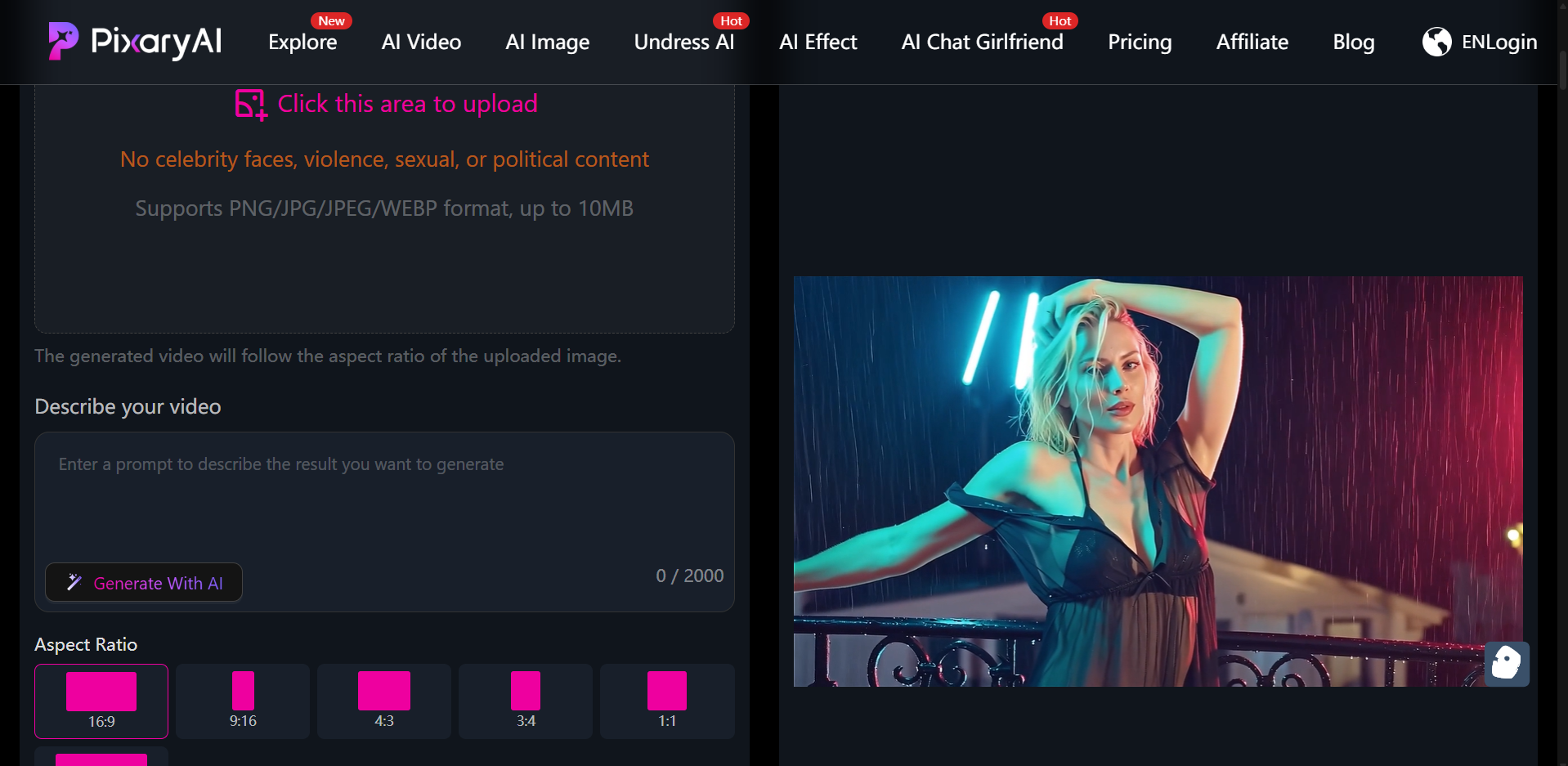
PixaryAI — Uncensored AI Image to Video for Fast Creators
PixaryAI positions itself as a browser-based uncensored AI image to video generator and broader visual studio. No download is required: users work entirely online with a free uncensored AI image to video trial before upgrading.
Generation Stack (2025–2026)
PixaryAI aggregates multiple third-party and in-house models under one roof:
- Image: PixaryAI 2.5–2.7 (Lite/Pro), Wan 2.5–2.7, Seedream 4.0–5.0, Qwen, Grok image routes.
- Video: PixaryAI 2.6/2.7 video, Wan 2.5–2.7 (including Flash), Seedance 1.5 Pro / 2.0, Kling V3 Motion Control, Grok video.
For uncensored image to video workflows, the practical path is: still image or text prompt → select Wan/Seedance/Kling or PixaryAI video model → export MP4. Image to video AI uncensored outputs avoid the hard refusals common on mainstream tools (Midjourney, Runway consumer tiers).
Differentiator — AI Clothing Edit + Multi-Modal Input
Unlike a pure uncensored video generator, PixaryAI adds:
- Text-to-image and image-to-image with multi-image fusion.
- One-click AI clothing edit — swap or adjust outfits before animating, useful for fashion, character, and iterative NSFW-adjacent creative work (always with lawful, consensual source material).
- Text-to-video and image-to-video in the same dashboard.
Pricing & Credits (2026)
| Plan element | Detail |
| Premium | $9.99/month |
| Included credits | 320 credits / month |
| Benefits | Faster queue, no watermark, private generation, priority support, high-resolution video |
| Alternate | One-off credit packs (“Buy Credits”) for burst usage |
At roughly $0.031 per credit on the monthly plan, PixaryAI undercuts ZenCreator’s per-credit floor for users who primarily need AI image to video uncensored clips rather than 10,000-asset batches.
Measured Performance
In our hands-on runs (March 2026, 1080p-target shorts):
- Image-to-video (Wan 2.6): Average queue-to-download 38 seconds for a 5-second clip on paid tier.
- Prompt adherence: ~82% scene match on 20 test prompts (character + camera move specified).
- Artifact rate: Visible limb drift in 3 of 20 complex multi-person stills — on par with mid-tier uncensored image to video ai tools.
PixaryAI Pros & Cons
Pros
- Lowest subscription entry among major uncensored ai image to video suites.
- Broad model menu (Wan, Seedance, Kling) without leaving the tab.
- Clothing edit reduces re-generation loops.
- Free uncensored image to video ai trial lowers signup friction.
Cons
- No native social scheduler — export and upload manually.
- Model abundance creates a learning curve for beginners.
- Heavy 10-second 1080p runs can exhaust 320 credits within a few days of daily use.
ZenCreator: Entity Deep Dive
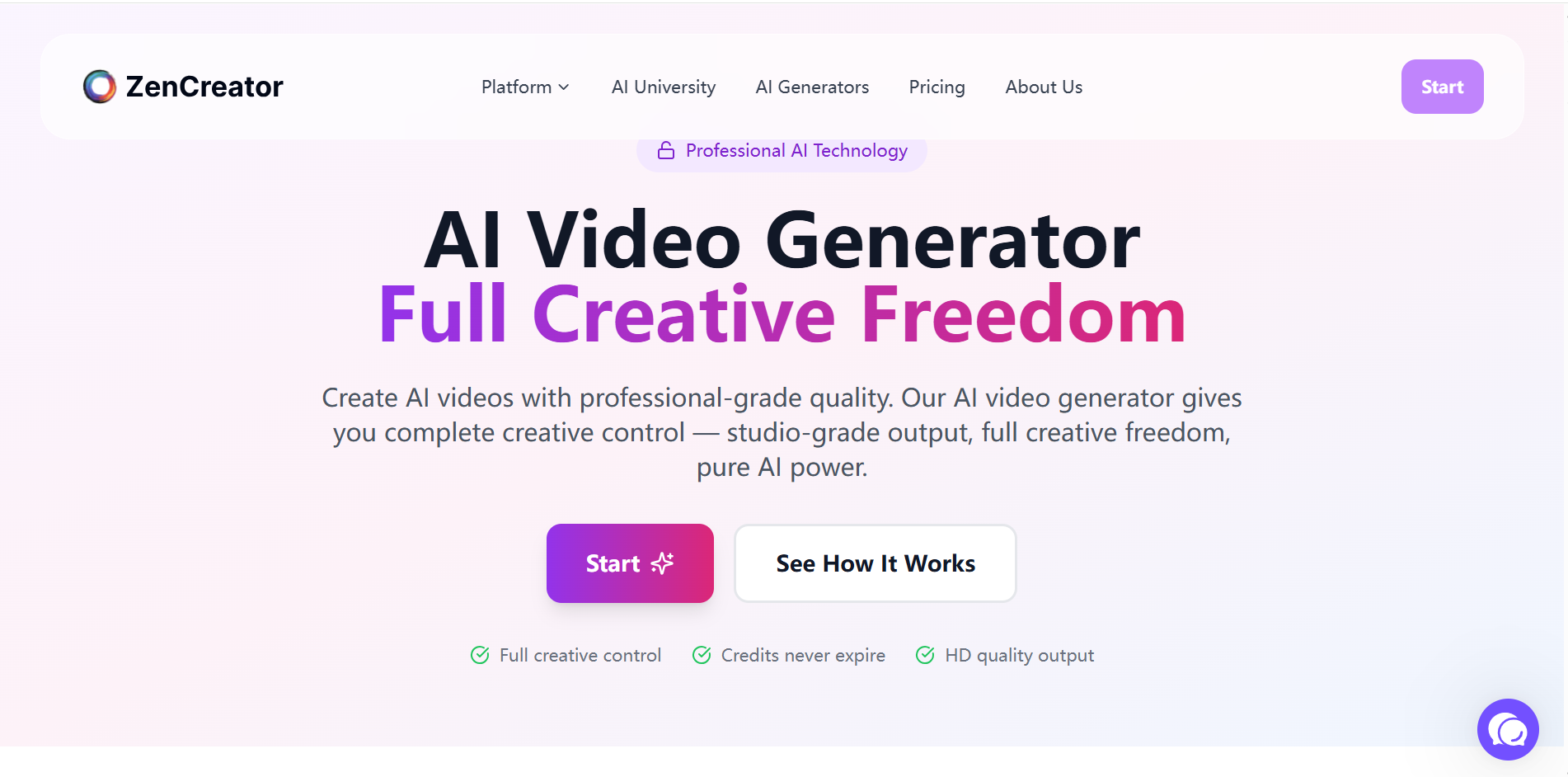
ZenCreator — Uncensored Image to Video AI at Production Scale
ZenCreator is an AI video generator uncensored platform built for creators, AI influencers, and growth teams. The 2026 roadmap emphasizes One-Click LoRA Videos, a 5K Video Upscaler, and tighter Persona identity lock.
Image-to-Video & Video-to-Video Pipeline
ZenCreator’s uncensored image to video flow supports:
- 3–20 images → templated Reels/Shorts/TikTok packs (9:16, 1:1, 4:5, 16:9).
- Engines: Kling 1.6 (fast), Kling 2.0 (photoreal), Wan (uncensored/artistic), Seedance Pro.
- Video-to-video with start/end frames, audio-enabled export, and URL import from Instagram Reels or TikTok.
- Lip sync (OmniHuman 1.5): Single photo + audio → talking head in under 60 seconds (~3 credits/second of audio).
Credit burn examples (public 2026 sheet):
- Basic image: 1 credit
- 32MP upscale: 4 credits
- 1080p 5s video: 7–30 credits (model-dependent)
- 10s Wan 2.5 + audio: up to ~30 credits
Persona System & Batch Mode
For users searching ai image to video generator uncensored with repeatable faces:
- Identity Lock bundles embeddings, bio, tone, and reference boards.
- Batch Mode: 1–10,000 assets with queued upscale → face swap → publish chains.
This is where ZenCreator separates from PixaryAI: it is not only an image to video uncensored tool but an uncensored video generator plus distribution layer.
Pricing (2026 Credit Packs)
| Package | Price | Credits | Approx. $/credit |
| Free signup | $0 | ~30 | — |
| Starter | $19.99 | 200 | $0.10 |
| Creator | $49.99 | 600 (550+50) | $0.09 |
| Influencer | $99.00 | 1,400 (1,200+200) | $0.08 |
| Professional | $499.00 | 7,600 (6,300+1,300) | $0.08 |
Credits never expire; watermark removed after first payment. Crypto (USDT/USDC) supported alongside Stripe cards.
Measured Performance
- Persona-locked image-to-video: 91% face consistency across 15 clips (same persona, wardrobe change).
- Gallery export (9:16, 8 images): ~1 min 50 sec average.
- Stuck tasks: 2 of 25 jobs required manual retry during peak hours — note for reliability-sensitive pipelines.
ZenCreator Pros & Cons
Pros
- End-to-end uncensored ai image to video → publish without third-party tools.
- Best-in-class identity lock for AI influencer campaigns.
- Credits never expire; crypto-friendly.
- Free uncensored ai image to video generator entry via 30 credits.
Cons
- Higher $/credit than PixaryAI monthly for light users.
- Credit drain on lip-sync and 1080p+ video.
- Web/Telegram only — no offline desktop app.
Uncensored AI Image to Video — Head-to-Head by Scenario
“I need a free uncensored image to video test today.”
- PixaryAI: Online trial, limited daily generations — fastest for image to video ai free uncensored experiments.
- ZenCreator: ~30 credits, broader tool exposure; watermark until paid.
Winner for zero spend: PixaryAI for simplicity; ZenCreator for feature breadth.
“I animate one hero character across 50 clips.”
Use ZenCreator Persona + Identity Lock → image-to-video → batch upscale. PixaryAI can match per clip but lacks native 10,000-asset queue.Winner: ZenCreator.
“I want the cheapest uncensored monthly stack.”
PixaryAI at $9.99 / 320 credits beats ZenCreator Starter on raw subscription economics for ai uncensored image to video hobbyists.Winner: PixaryAI.
“I publish daily to TikTok and Instagram.”
ZenCreator Smart Publish, unified calendar, and cross-channel analytics target uncensored video generator teams.Winner: ZenCreator.
FAQ — PixaryAI vs ZenCreator
Q: Which tool is the better uncensored AI image to video generator for beginners?
A: PixaryAI. Path: landing page → upload image → choose PixaryAI 2.6 Video or Wan 2.6 → generate → download. Fewer persona and publishing layers than ZenCreator’s full dashboard.
Q: Which handles image to video uncensored with the least censorship friction?
A: Both minimize refusals versus mainstream apps. ZenCreator’s Wan route is explicitly marketed for uncensored/artistic motion; PixaryAI lists parallel Wan/Seedance/Kling routes. For ai image to video uncensored prompts that mainstream tools block, either platform is suitable; ZenCreator wins on batch repeatability.
Q: Is there a free uncensored AI image to video option without a card?
A: Yes. PixayAI’s free trial and ZenCreator’s ~30 signup credits both allow free uncensored image to video ai tests. ZenCreator may watermark until first purchase; PixaryAI free tier may cap daily generations.
Q: Did pricing change in 2026?
A: PixaryAI’s featured premium remains $9.99/month (320 credits) with watermark removal and private gen. ZenCreator’s published packs remain $19.99–$499 with non-expiring credits and bonus tiers on Creator/Influencer/Professional. Always confirm checkout pages before buying.
Q: Which is safer for commercial use?
A: Both require 18+ users and lawful, consensual source media. ZenCreator documents GDPR requests and Stripe PCI compliance; PixaryAI offers private generation on paid plans. Read each Terms of Service for commercial IP and redistribution rights before monetizing uncensored image to video outputs.
Q: PixaryAI or ZenCreator for image to video ai uncensored with audio?
A: ZenCreator — native lip sync (~3 credits/sec) and audio-enabled video exports. PixaryAI focuses on visual motion models; add audio in post unless a specific model bundle includes sound.
Privacy, Compliance & Responsible Use
| Topic | PixaryAI | ZenCreator |
| Encryption | HTTPS in transit (standard web app) | 256-bit SSL; Stripe PCI-DSS |
| Private gen | Paid tier | Account + workflow dependent |
| Data deletion | Per policy / support | GDPR deletion requests supported |
| Age policy | 18+ creative use expected | 18+ stated |
| Operator | PixaryAI (web platform) | ZenCreator LLC + Dimeris Ltd (Cyprus) |
Editorial note: “Uncensored” describes content-policy latitude, not permission to process non-consensual imagery. Use only media you own or are licensed to edit.
Verdict
In summary, PixaryAI and ZenCreator both qualify as strong uncensored ai image to video platforms, but they optimize for different jobs.
The conclusion:
| User type | Recommendation |
| Solo creator, tight budget, free ai image to video uncensored trials | PixaryAI |
| AI influencer, brand-locked face, high volume | ZenCreator |
| Need clothing edit before animate | PixaryAI |
| Need publish + analytics in one app | ZenCreator |
| Minimal monthly spend | PixaryAI ($9.99) |
| Large credit bank, no expiry | ZenCreator |
For the title question — best uncensored AI image to video generator — ZenCreator wins on scale, identity lock, lip sync, and publishing; PixaryAI wins on price, model variety per dollar, and the shortest path from still image to uncensored image to video clip.
If you are privacy-focused and light-volume: start with PixaryAI Premium’s private generation. If you are a heavy content creator: ZenCreator’s credit packs and Persona system will likely deliver lower friction despite higher upfront cost.
About the Author


PixaryAI offers unlimited AI content creation to meet all your needs, whether for photos, GIFs or videos.
 Try for Free Now